Chobble Tickets in pictures
These screenshots show Chobble Tickets pages on a phone, from public booking pages to the tools organisers use behind them. To try the software rather than look at it, open one of the demo sites on the examples page.
Where the pictures come from
Many of these screenshots are taken automatically while Chobble Tickets runs its own published test cases, such as a customer booking from a group page or an organiser downloading an attendee list. Each one is dressed in a made-up organiser's branding, so names like Oakfield or the Retreat are examples rather than customers. Where a screenshot comes from a test case, its feature page links to that test case.
The test cases are written as plain English scenarios and run against the real application. Chobble Coding Standards explains how they are written and run.
What to do next
The examples page has live demo sites for arts workshops, skip hire and a play centre, and two real businesses selling from their own domains. The pricing page sets out the £50 a year or £5 a month for managed hosting.
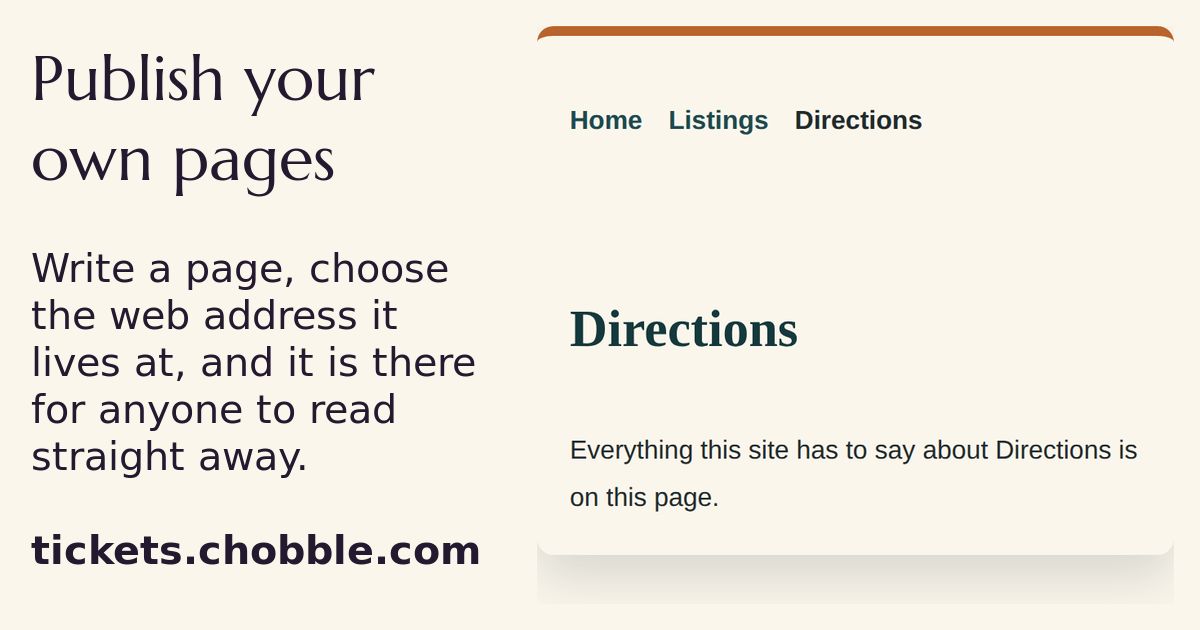
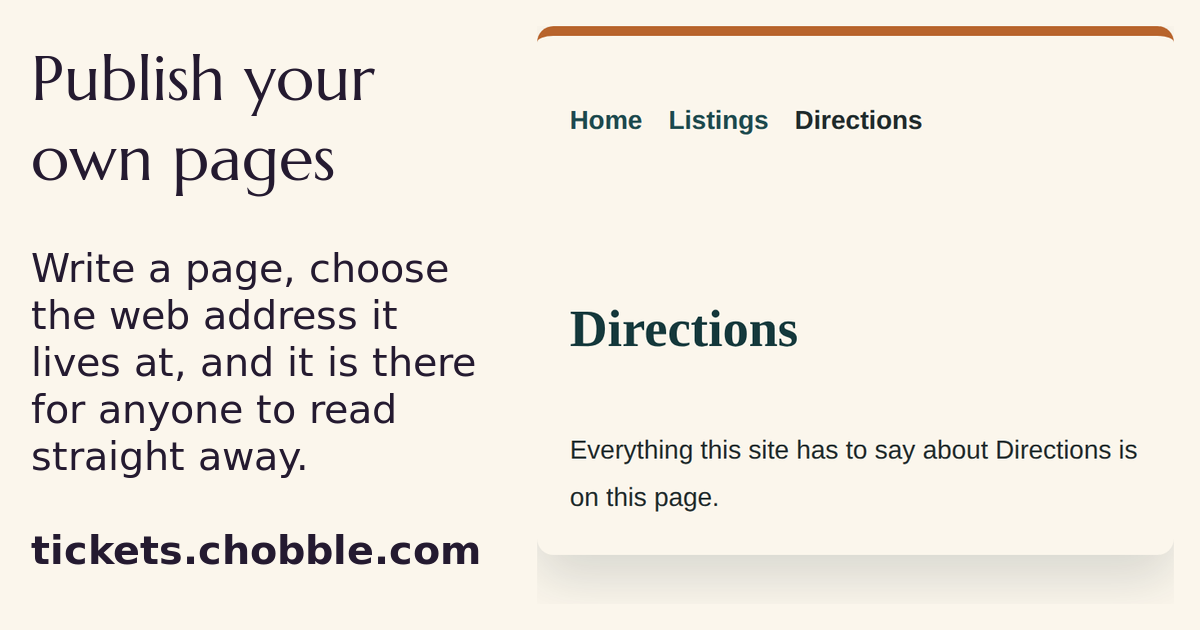
A page the organiser wrote, live at the address they chose.
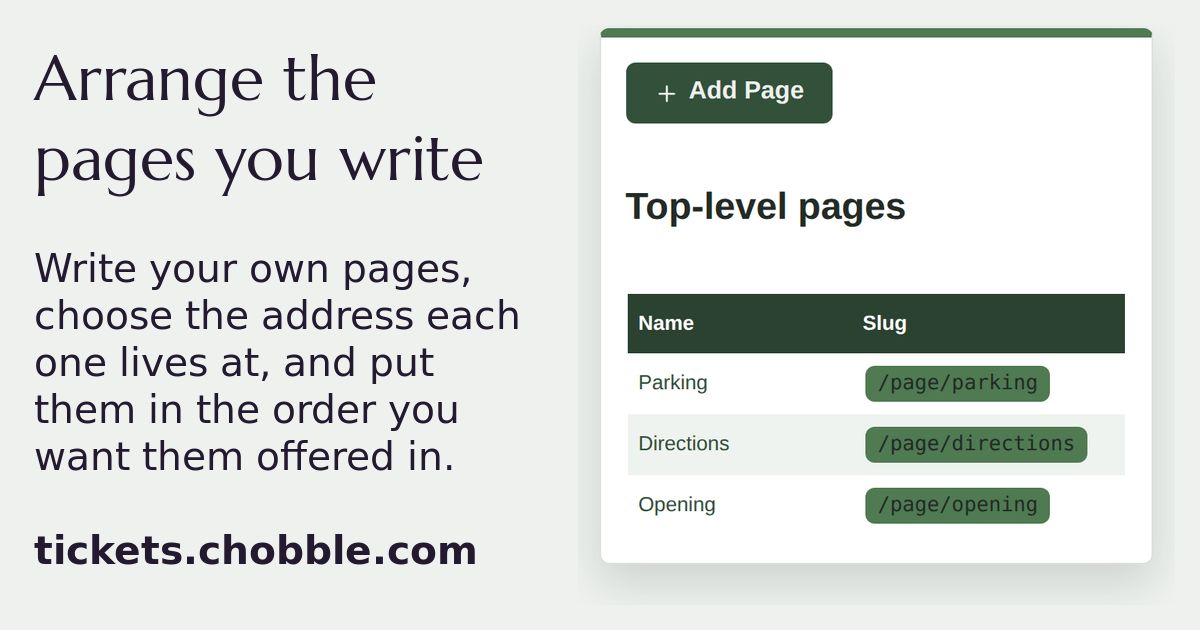
An organiser's own pages, in the order they chose.
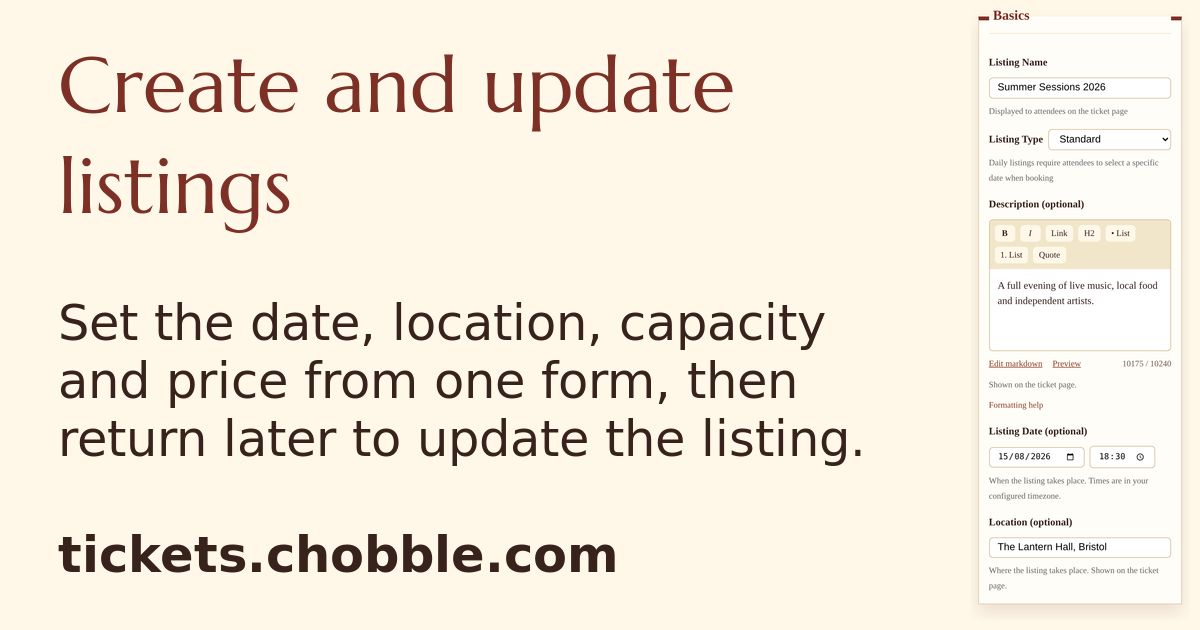
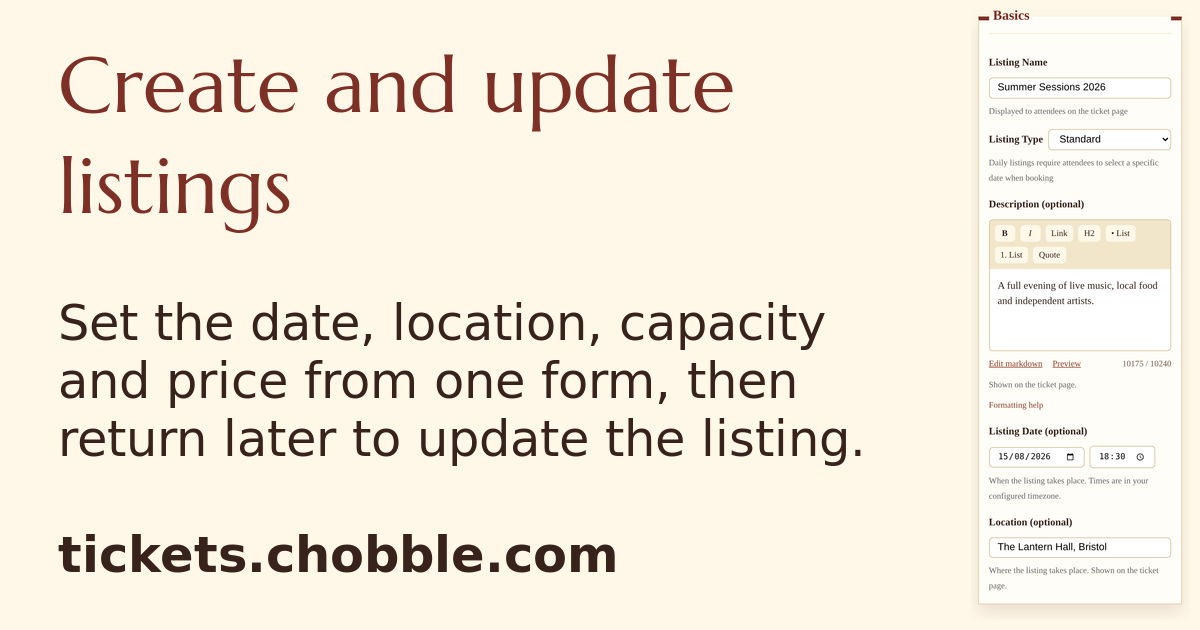
A listing form with the name, date, venue and price of a new event.
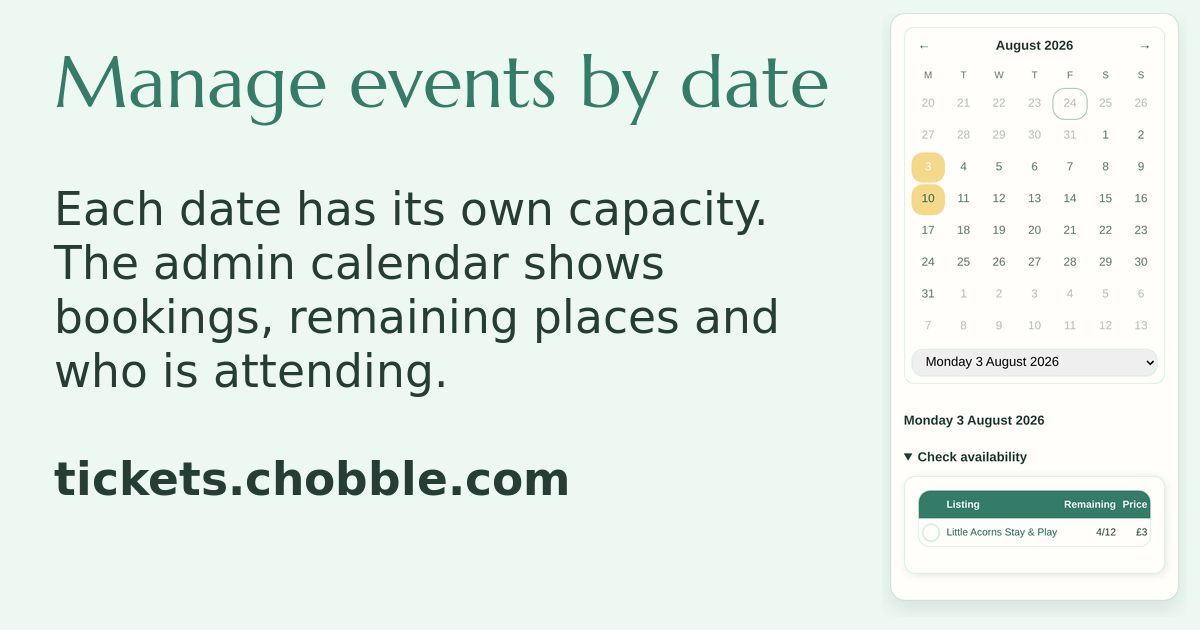
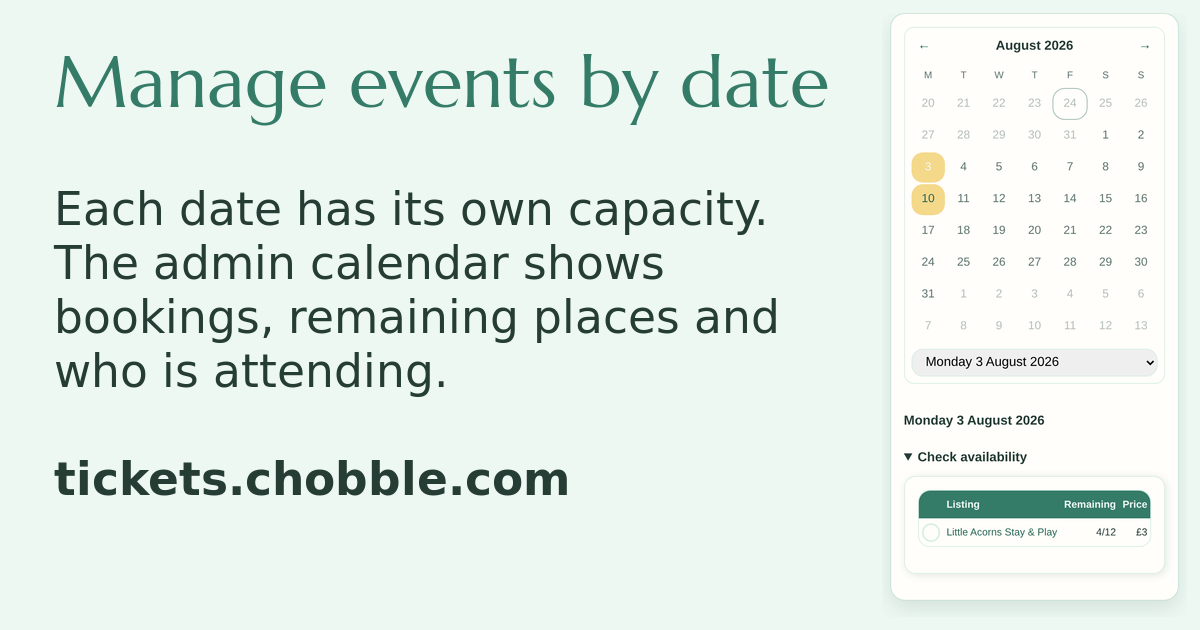
A daily events calendar showing how many places are left on each date.
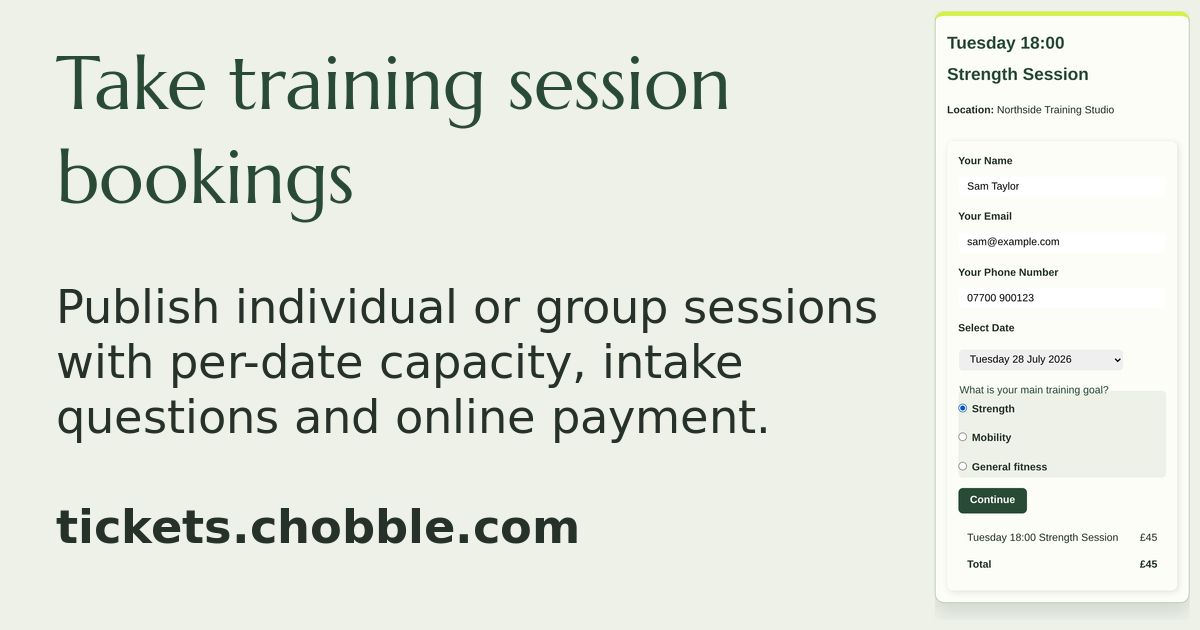
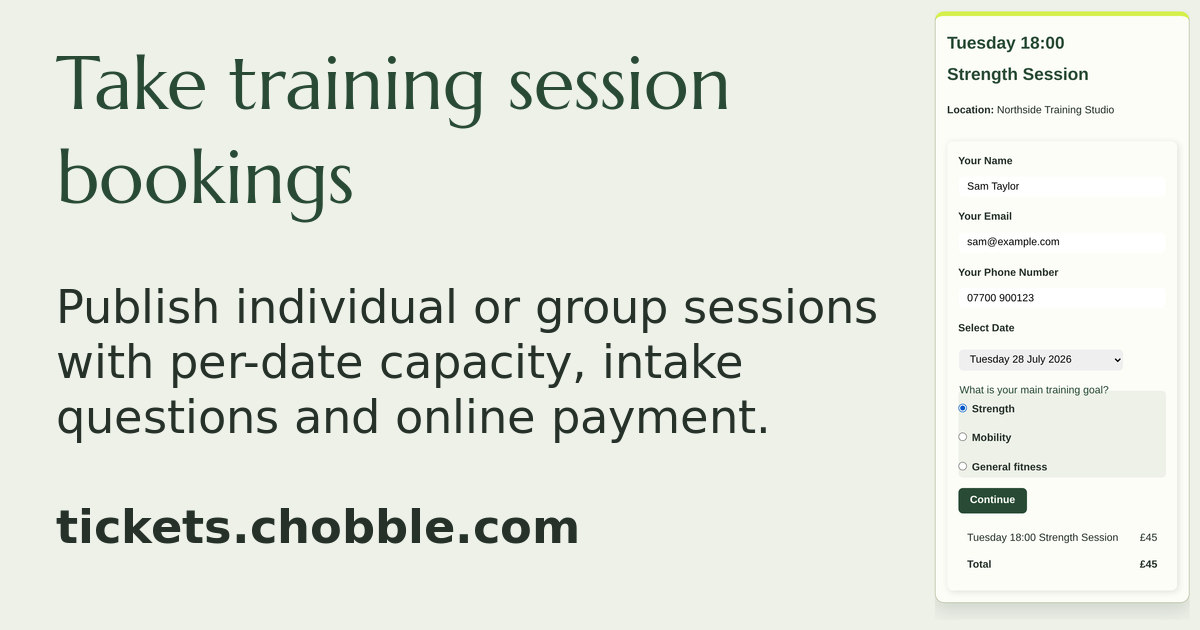
A personal training checkout with an offered date and an intake question.
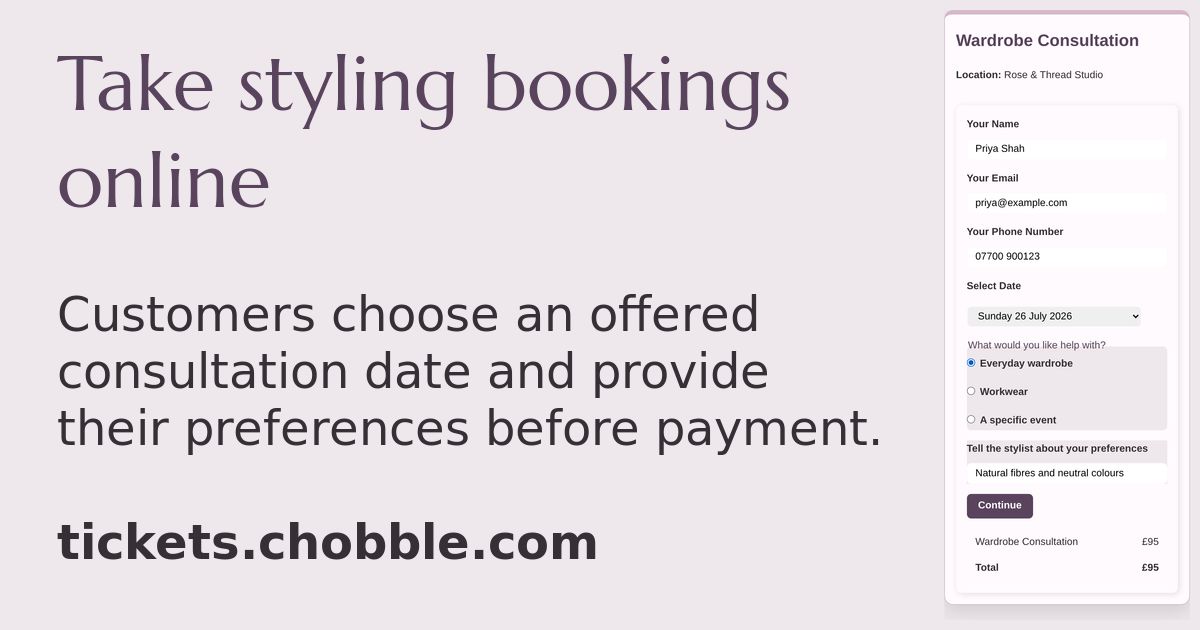
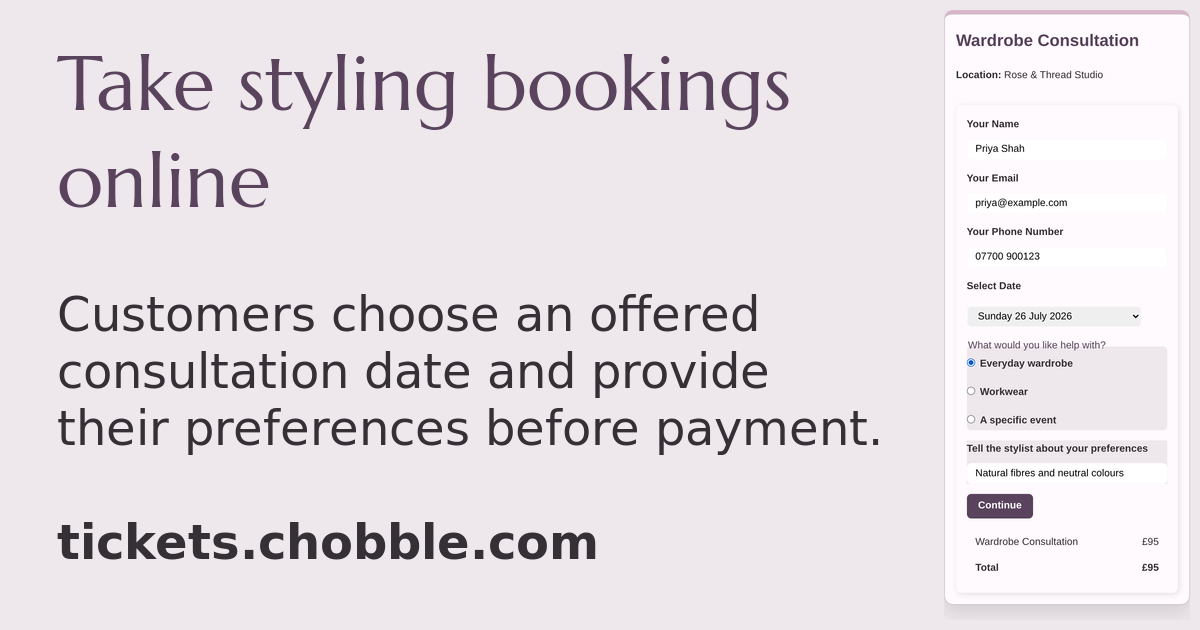
A styling consultation checkout collecting the customer's preferences.
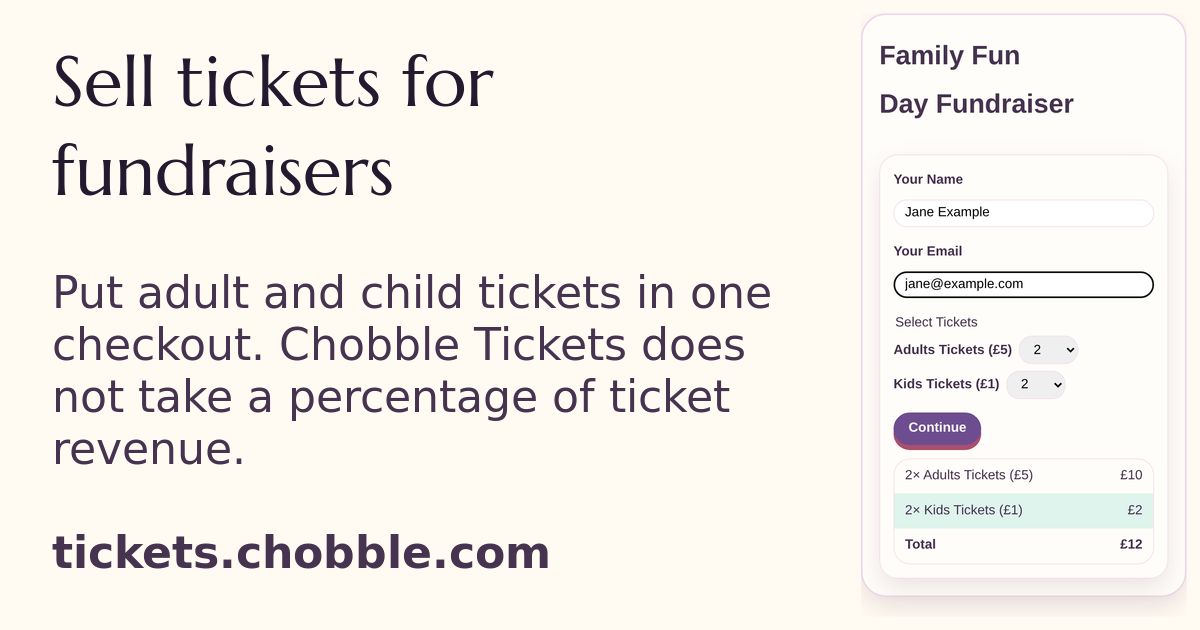
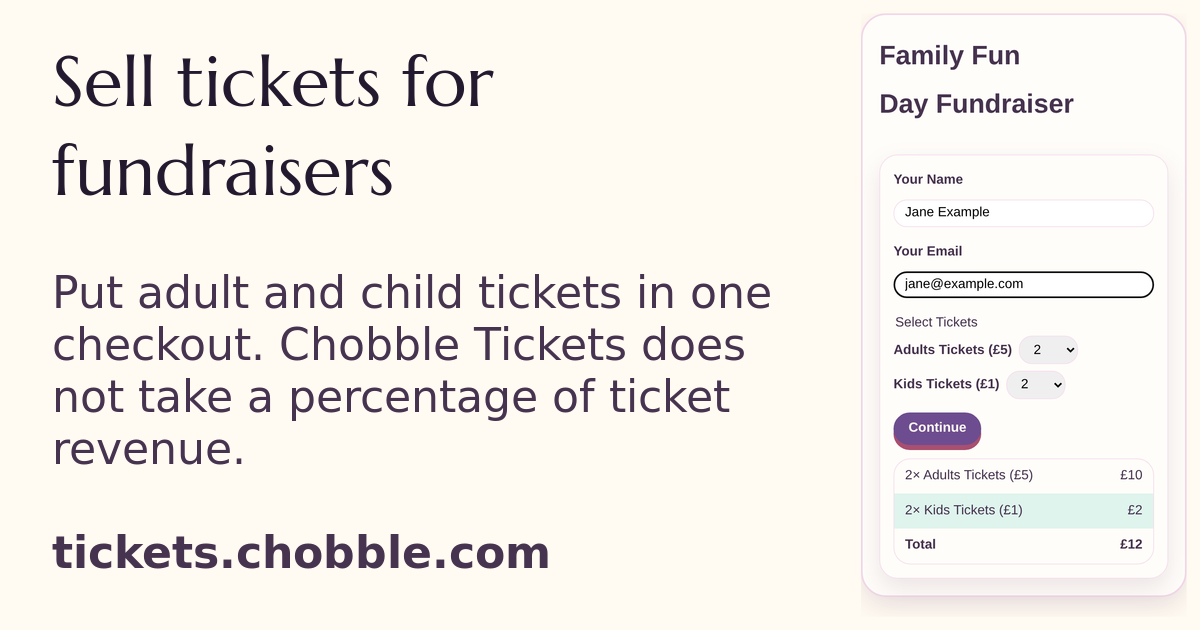
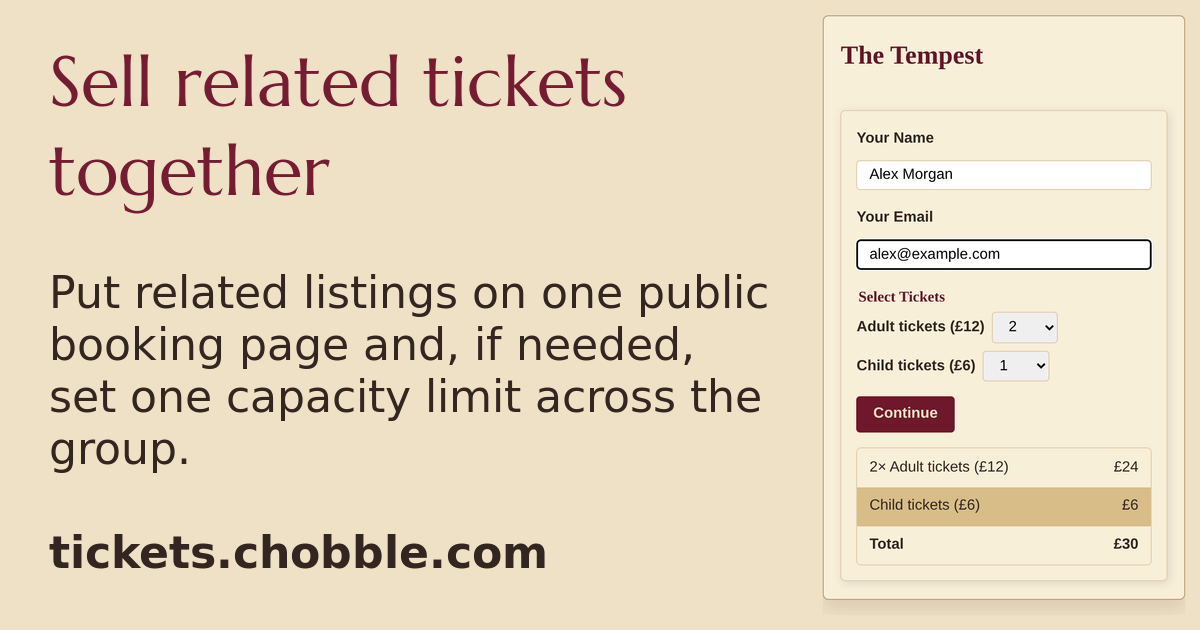
Group checkout for a family fun day — adult and child tickets in one basket.
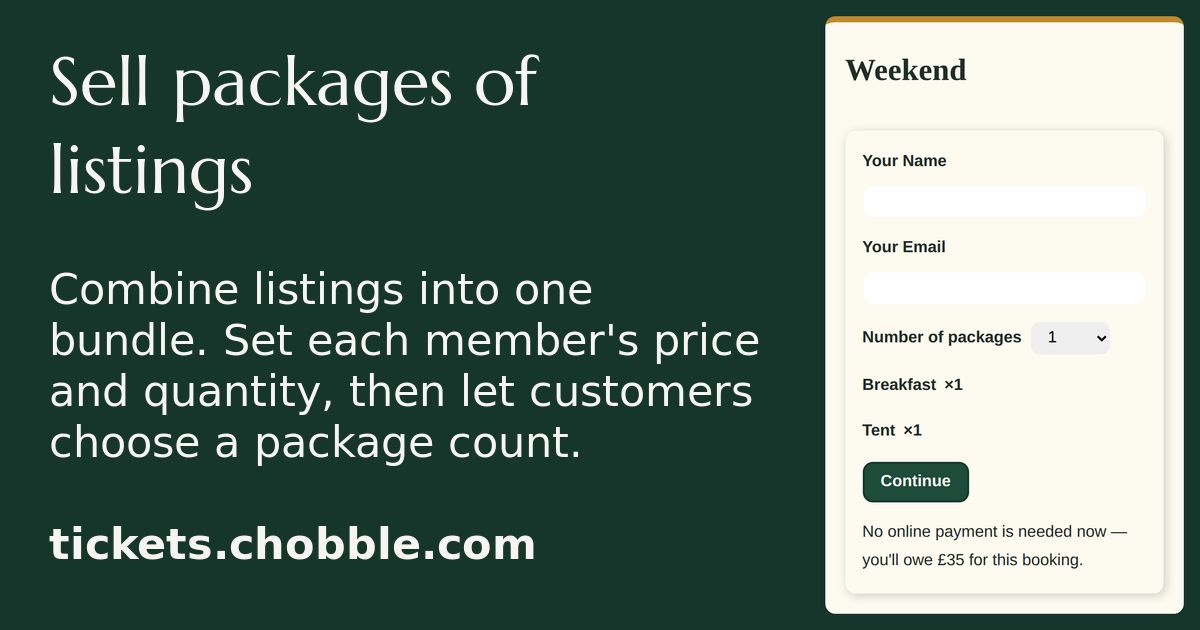
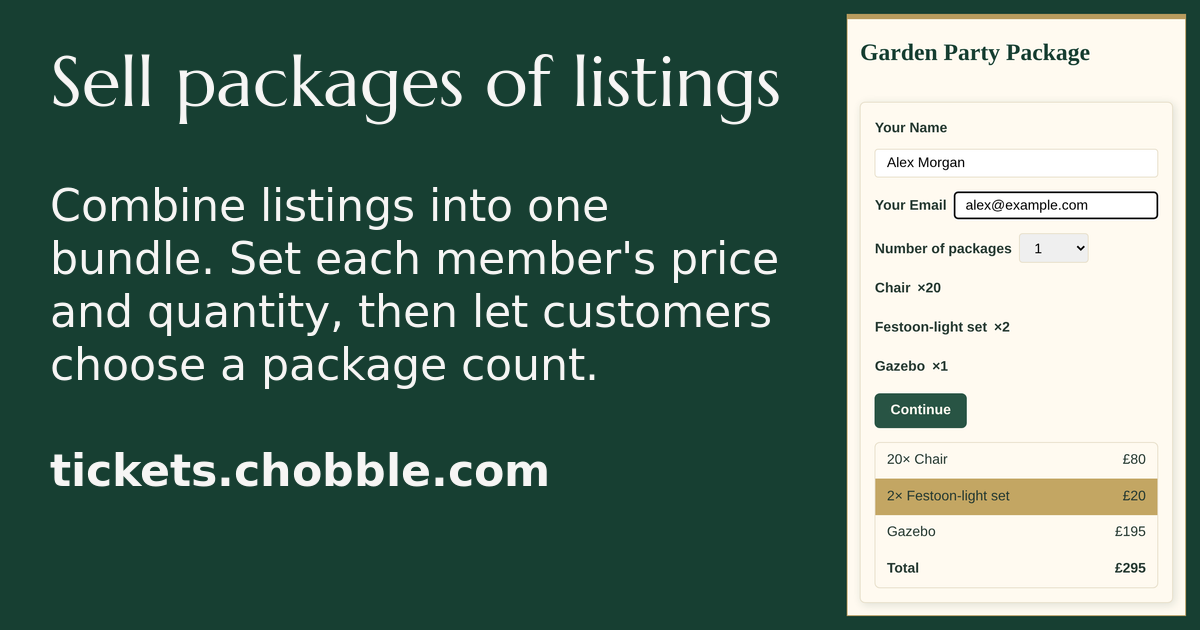
A package booking page naming every item the buyer gets.
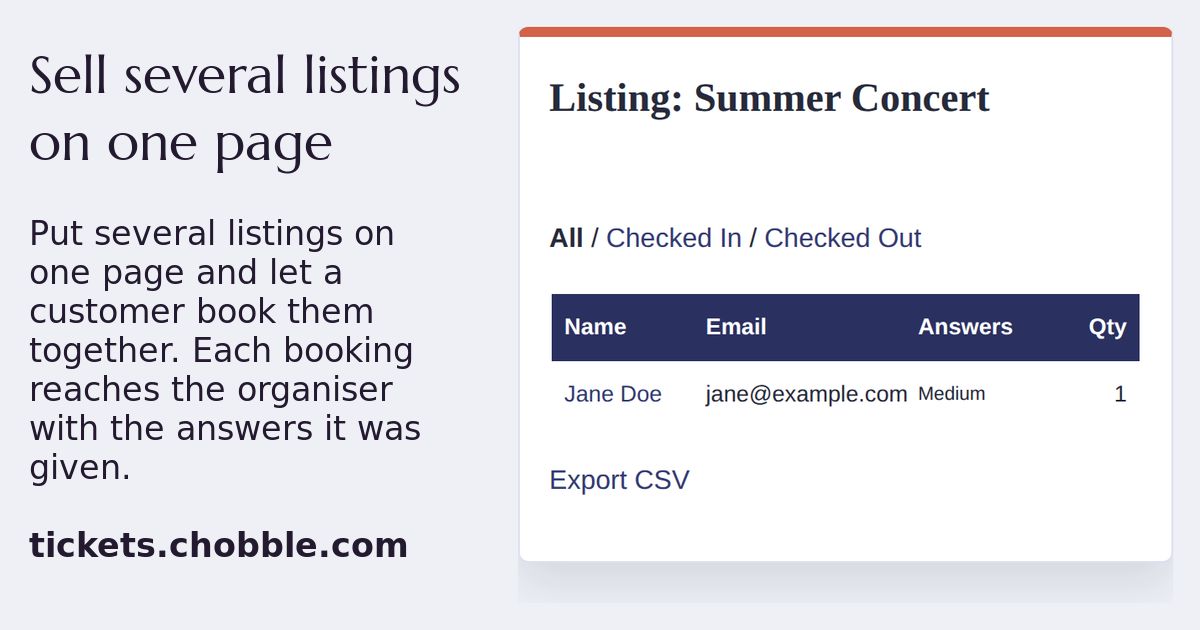
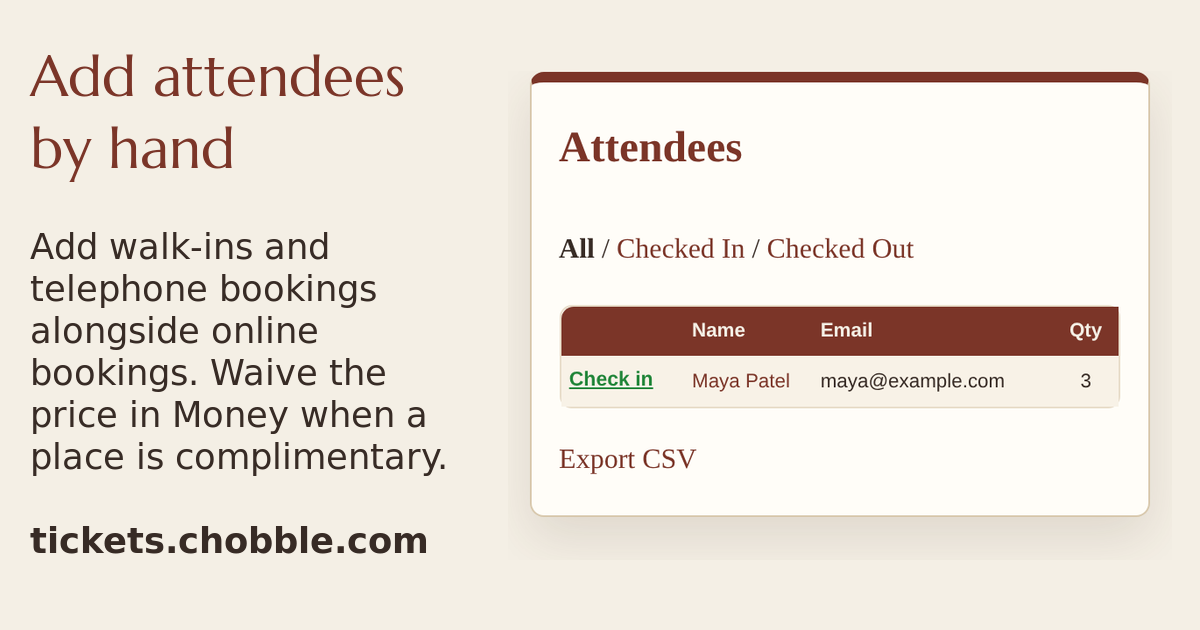
An attendee list holding a booking made from a group page, with the answer the customer picked.
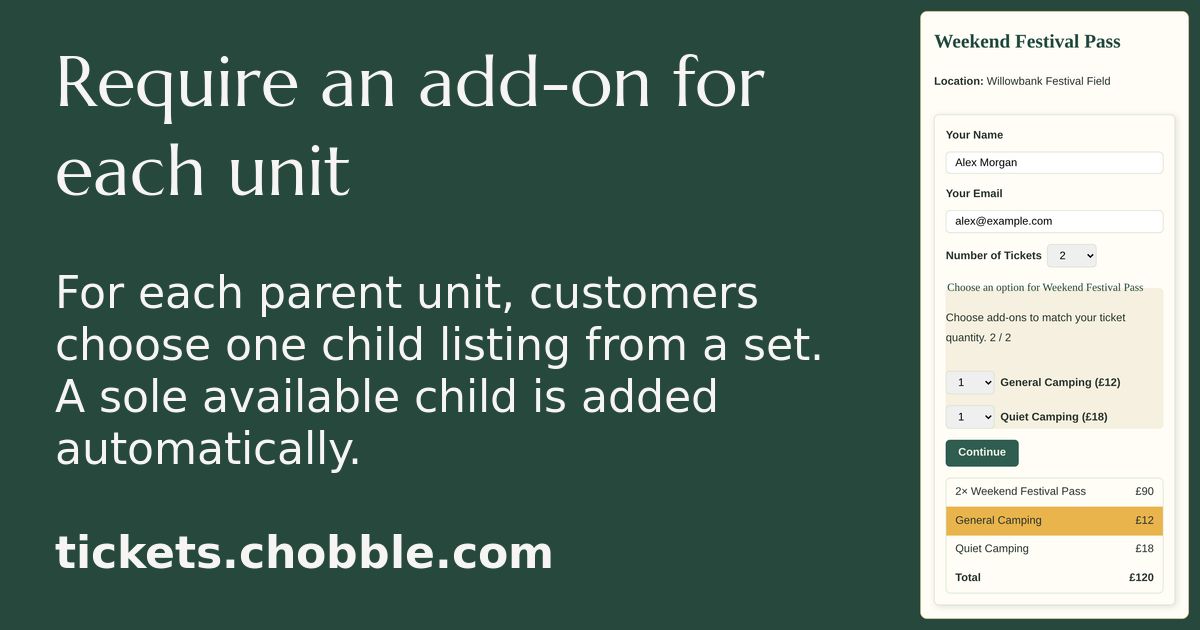
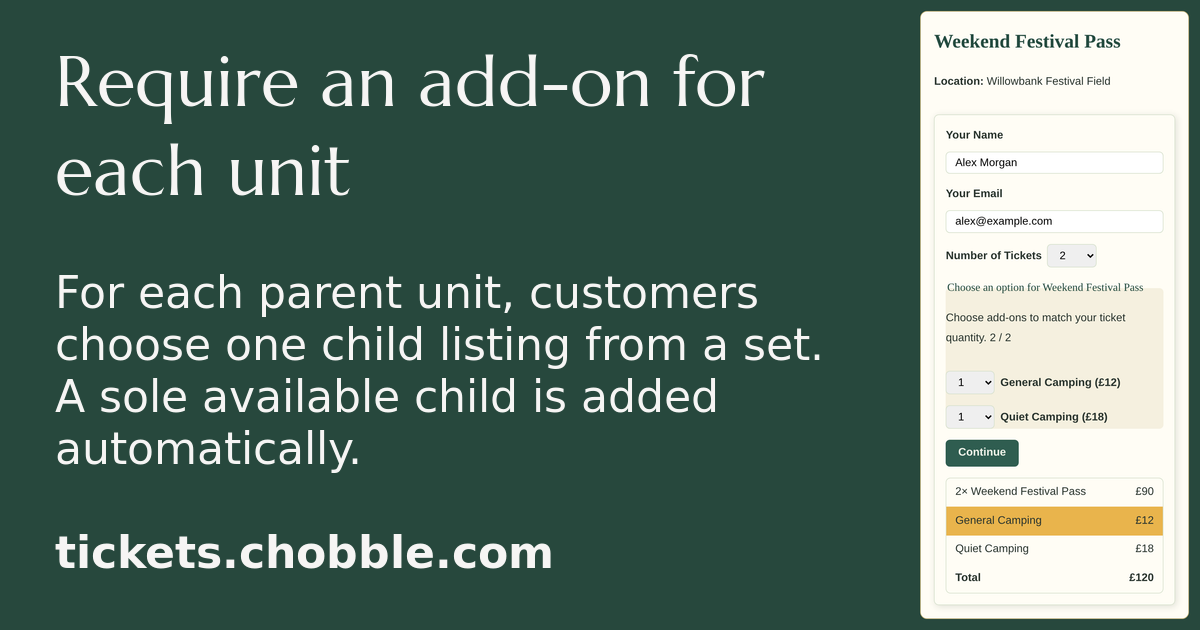
A festival pass that requires each camper to pick a camping option.
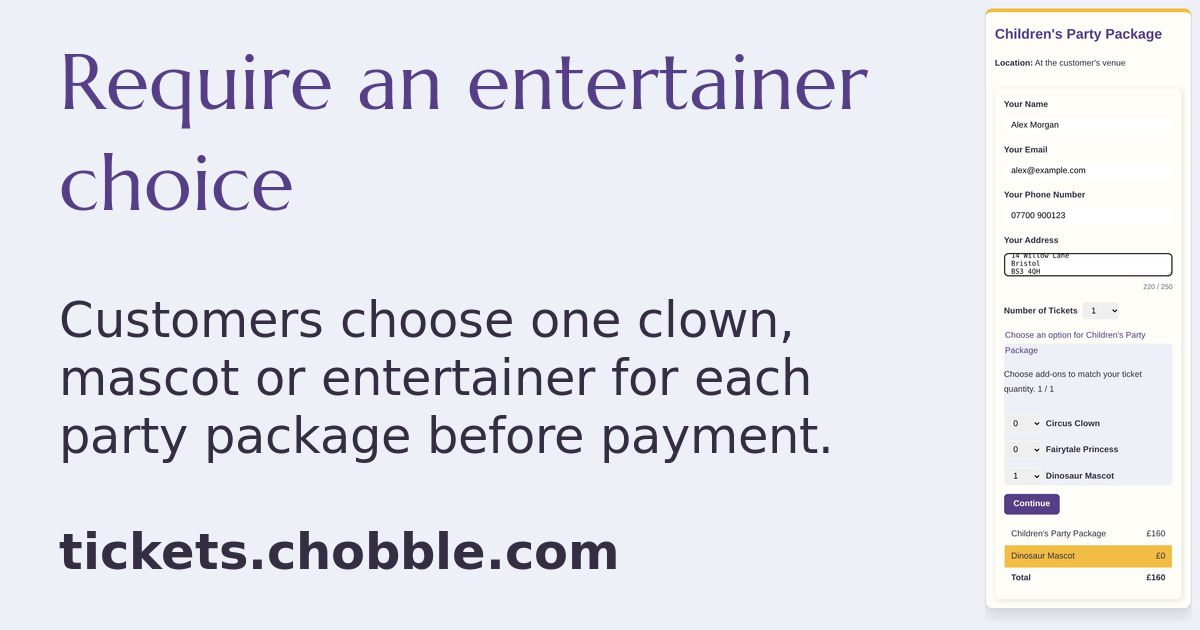
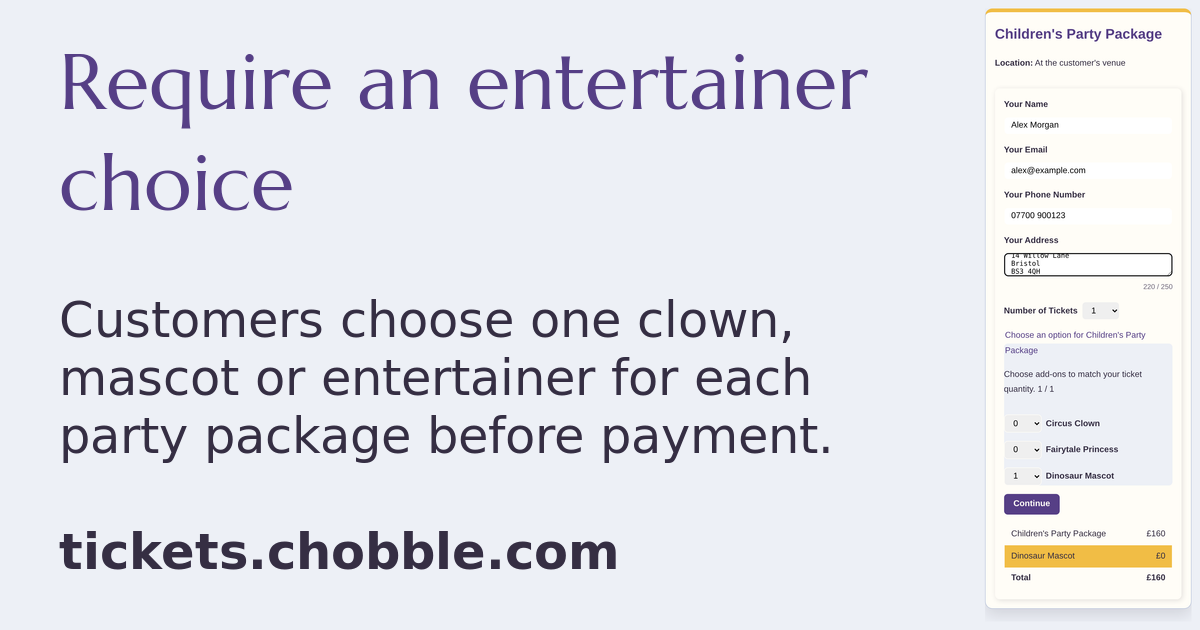
A children's party package that requires one entertainer choice.
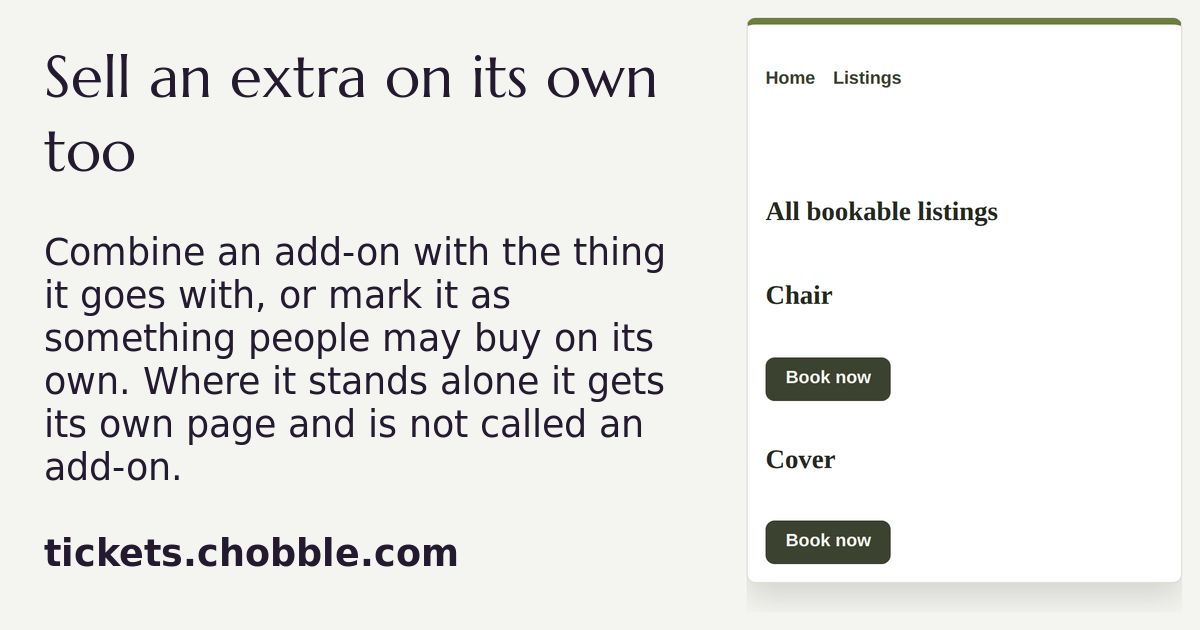
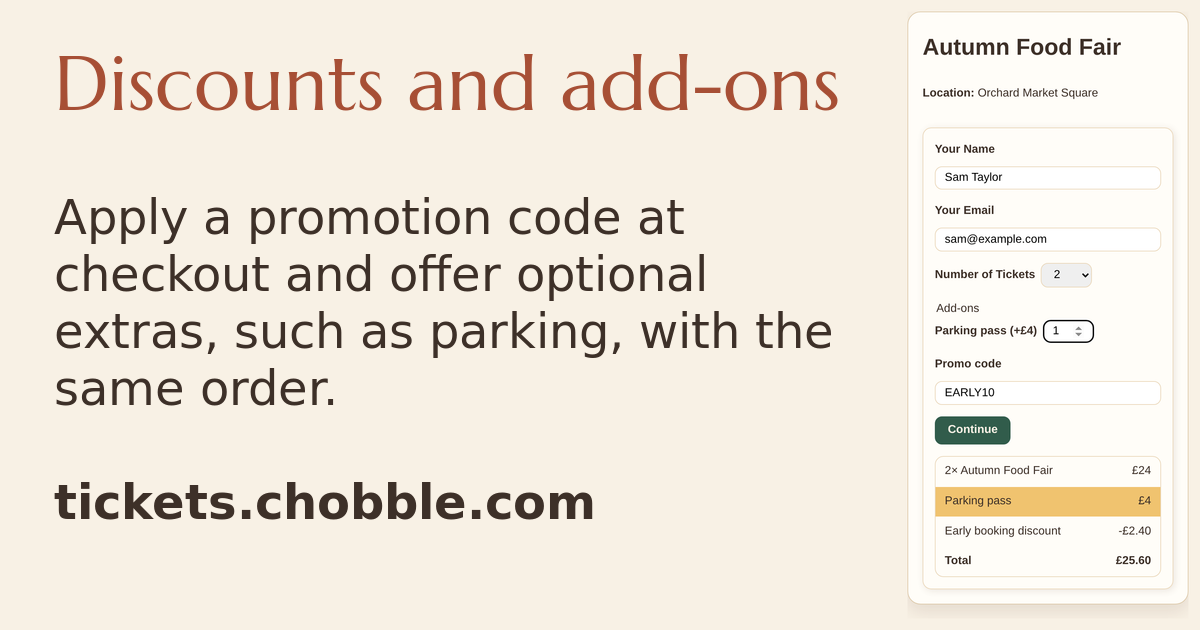
A public list where an add-on is offered on its own as well as with the thing it goes with.
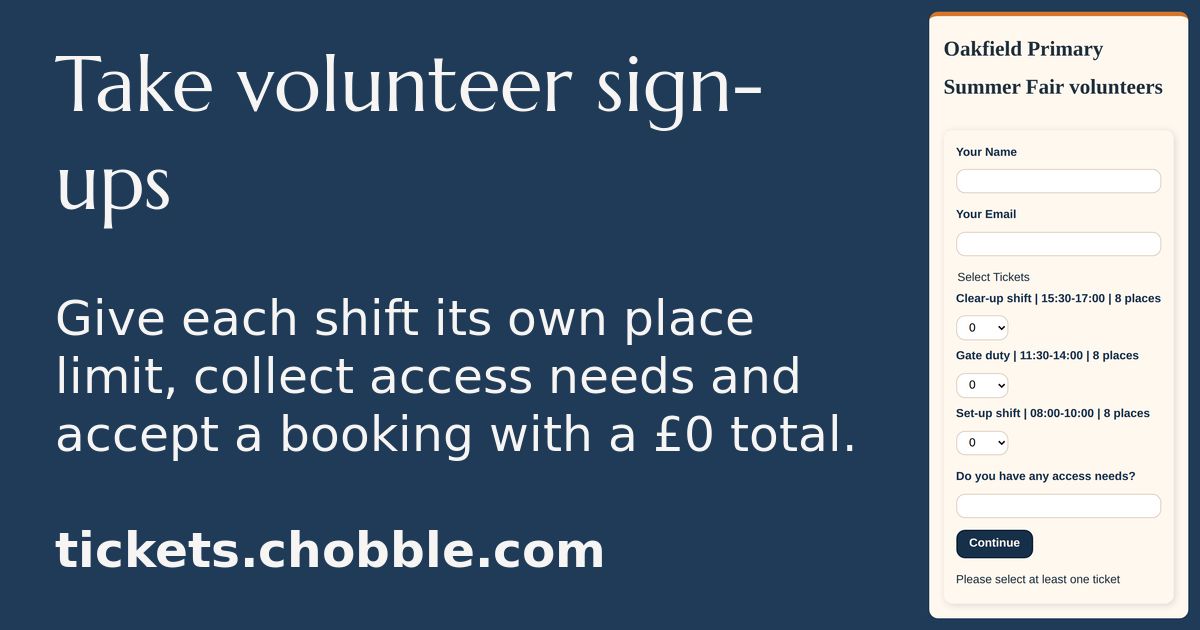
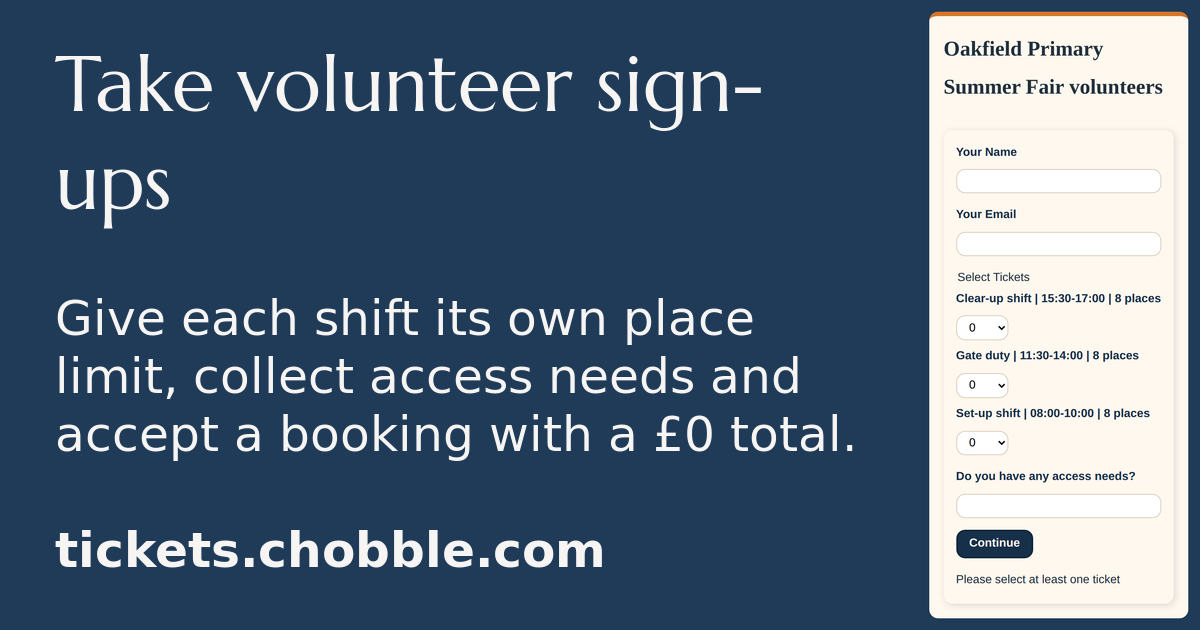
A volunteer sign-up page with three shifts of eight places and an access-needs question.
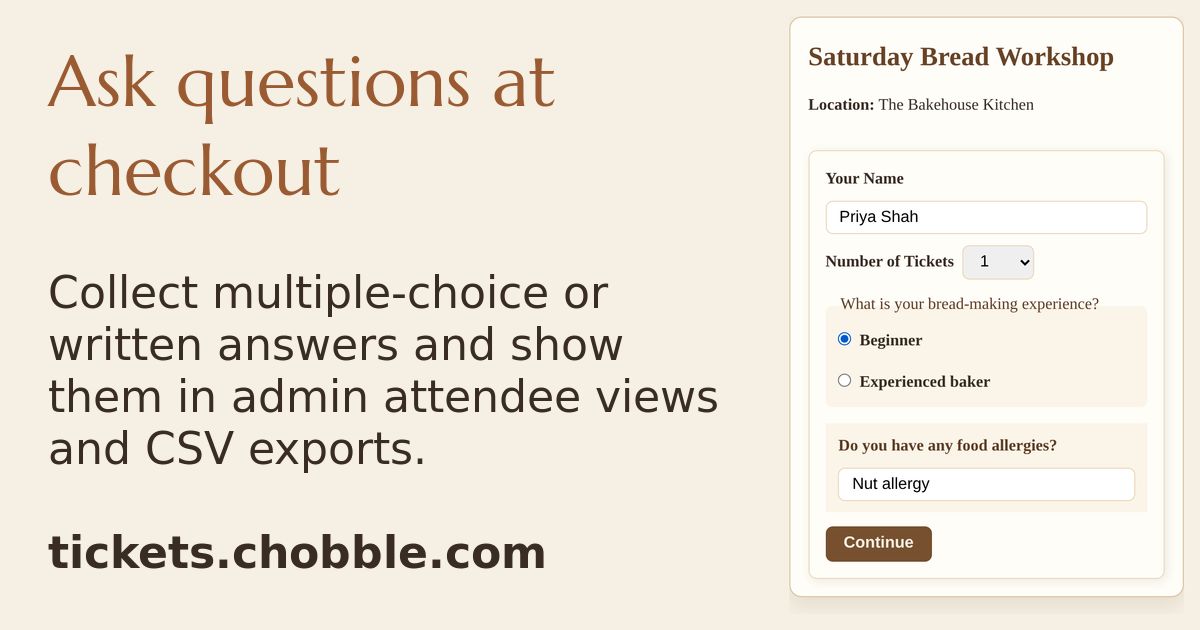
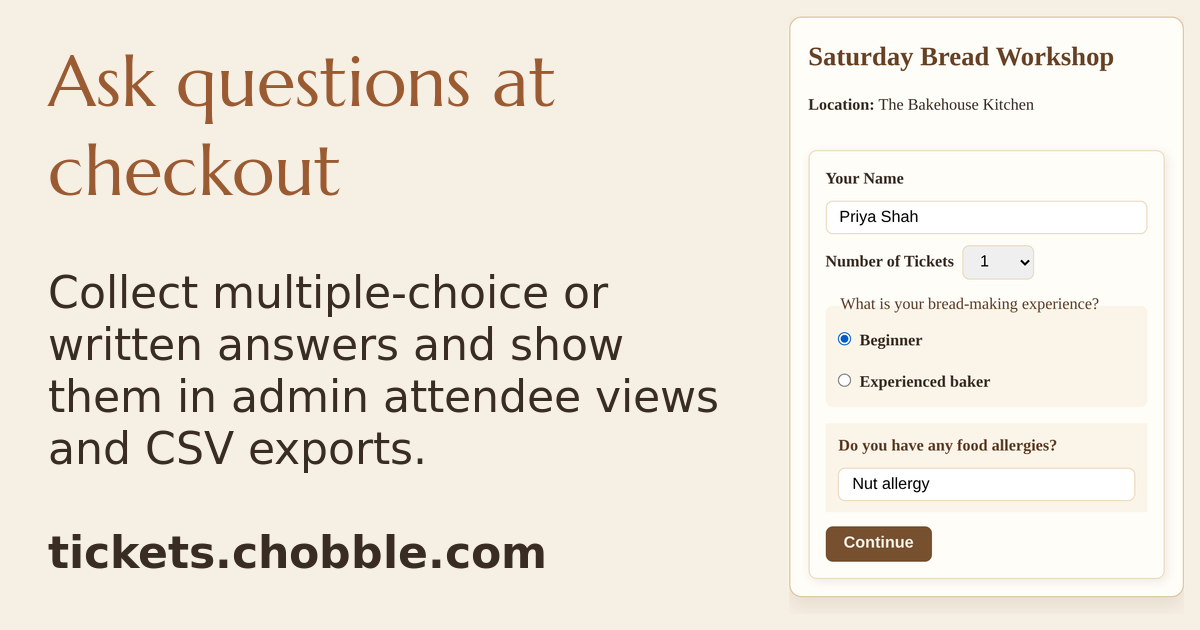
Custom questions at checkout — bread experience and food allergies.
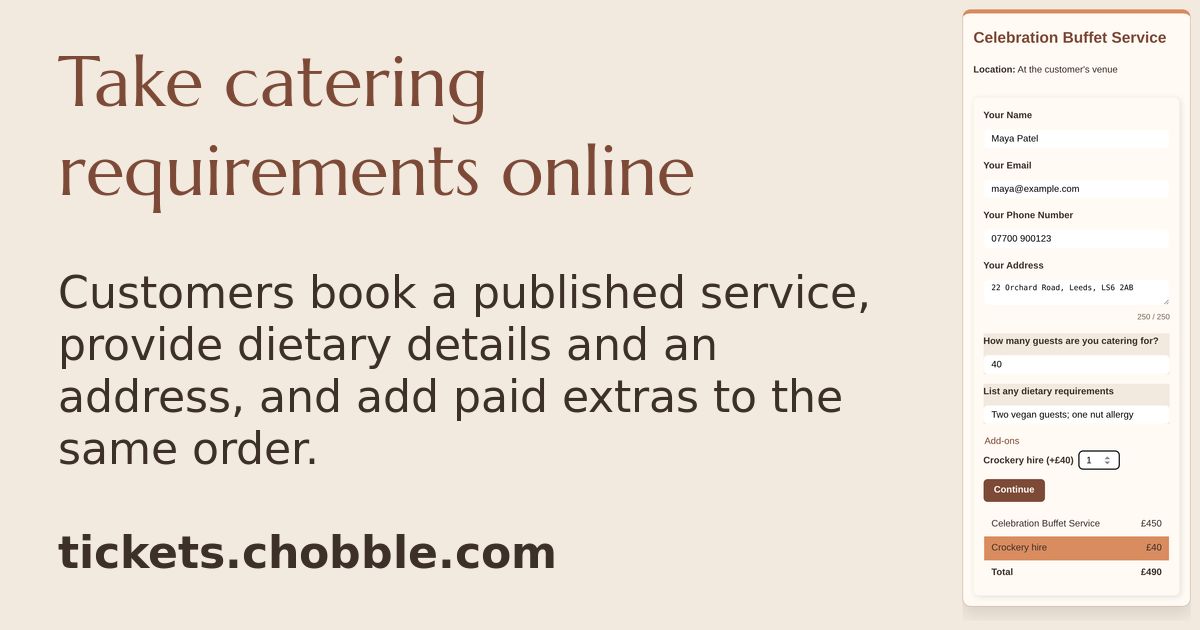
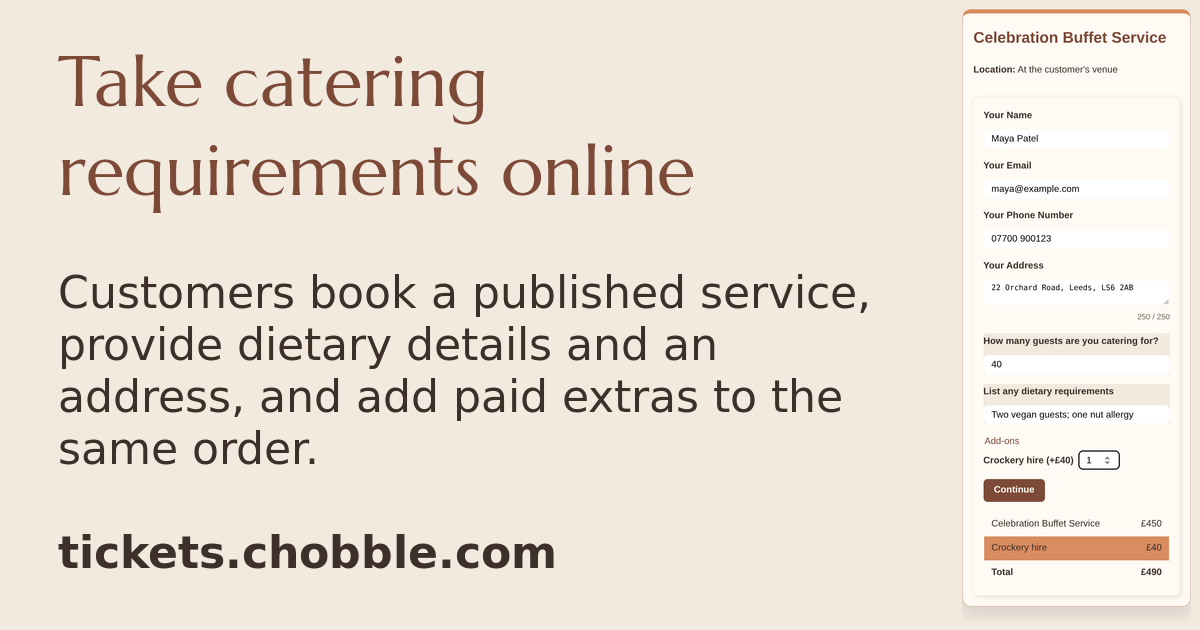
A catering checkout with guest requirements and a paid crockery extra.
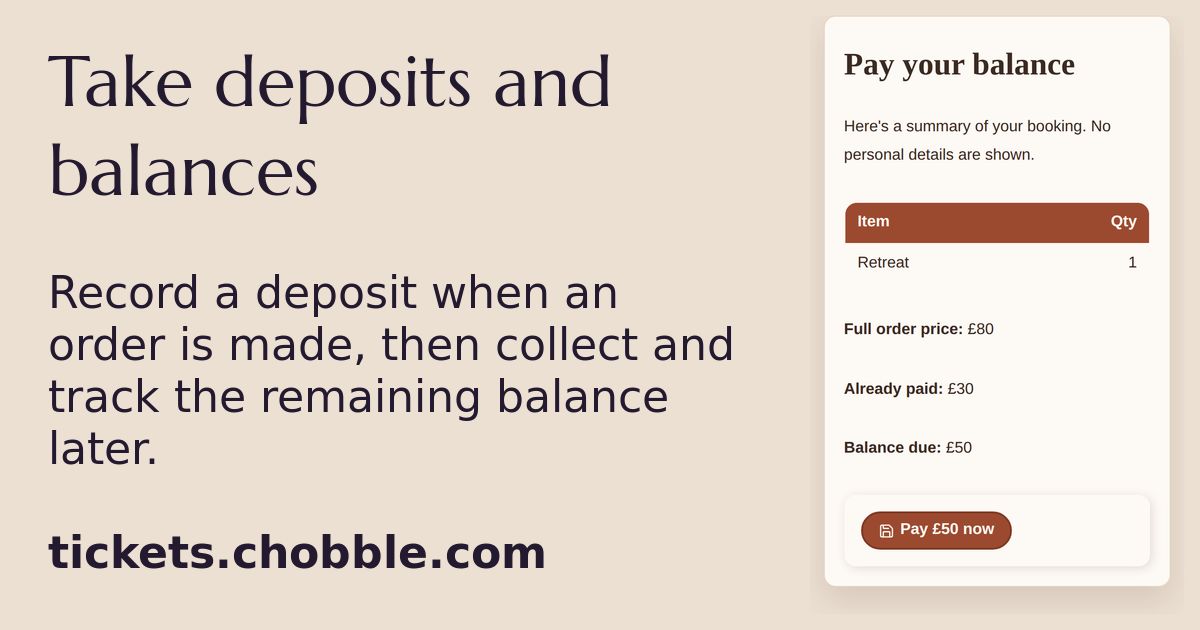
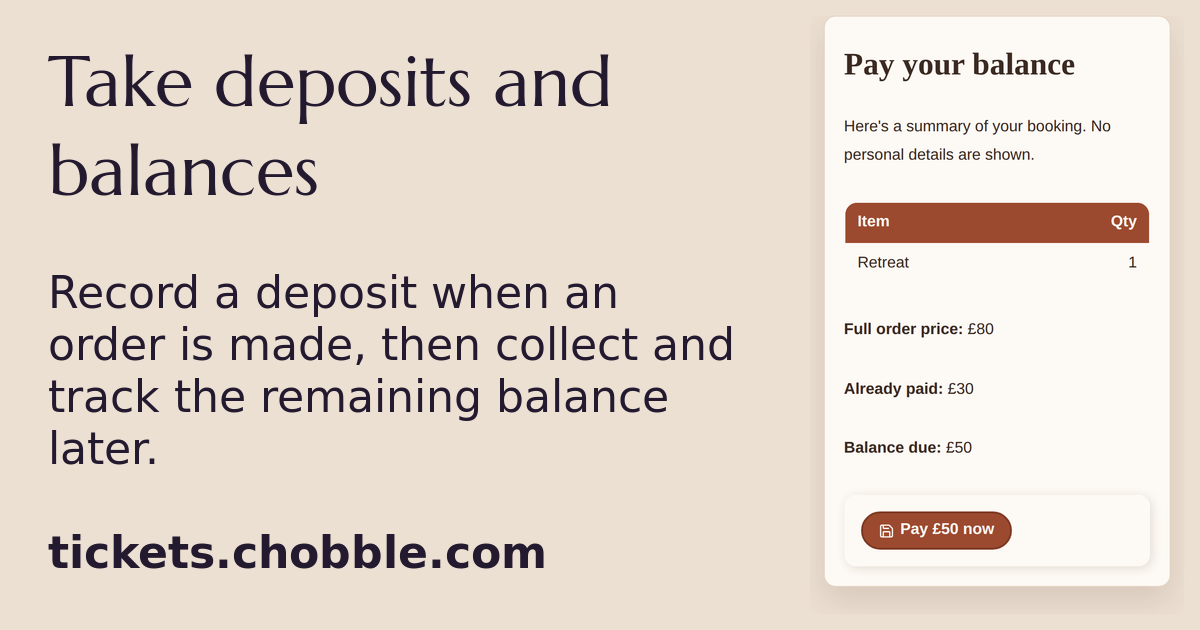
A balance page for a Retreat place with £80 ordered, £30 paid and £50 left.
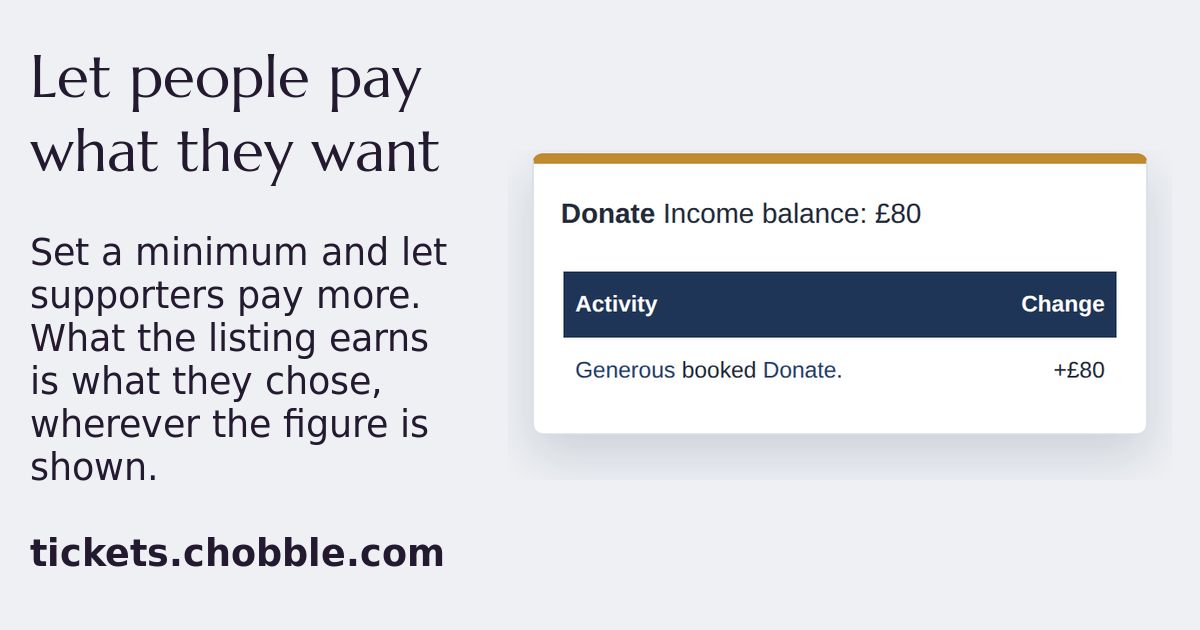
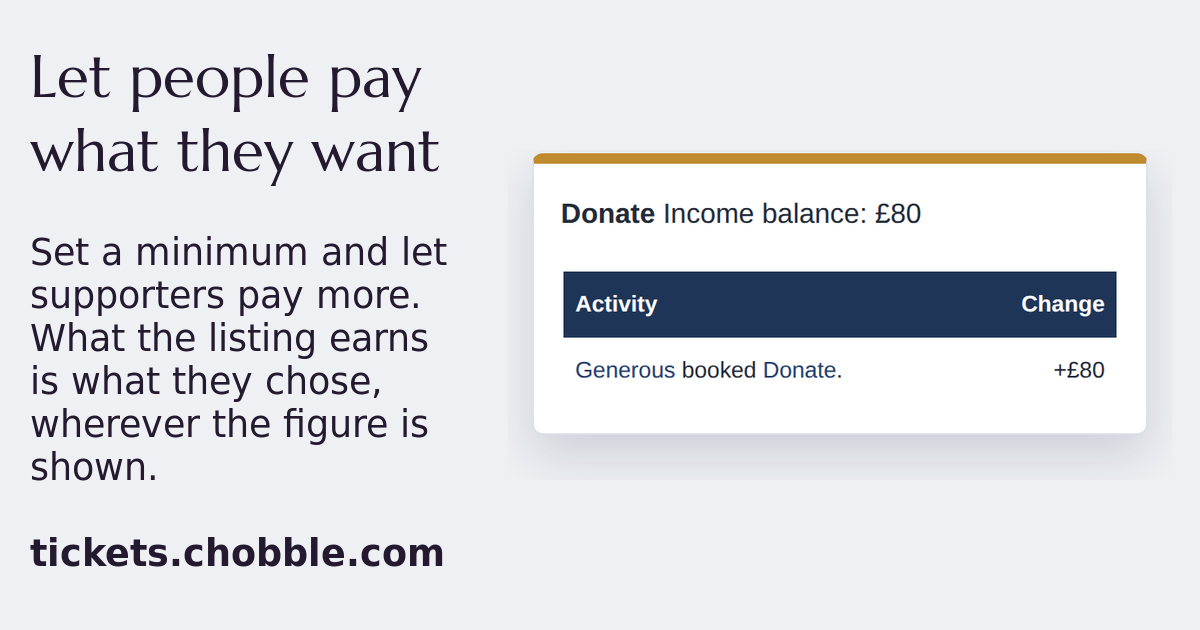
A donation listing earning the £80 a supporter chose to pay.
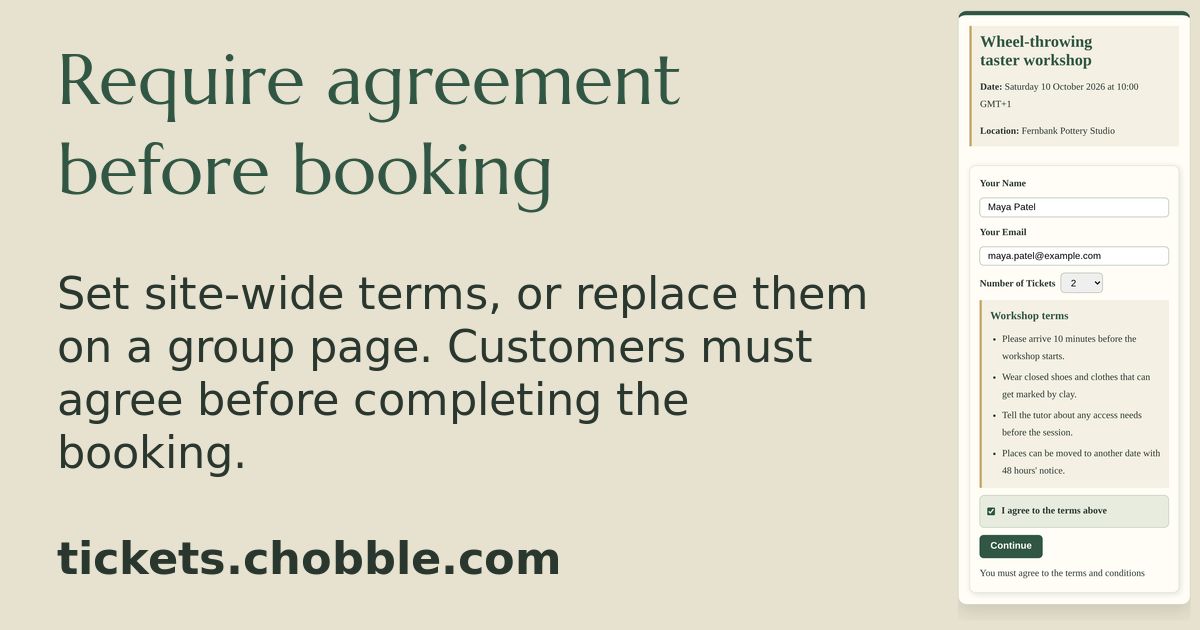
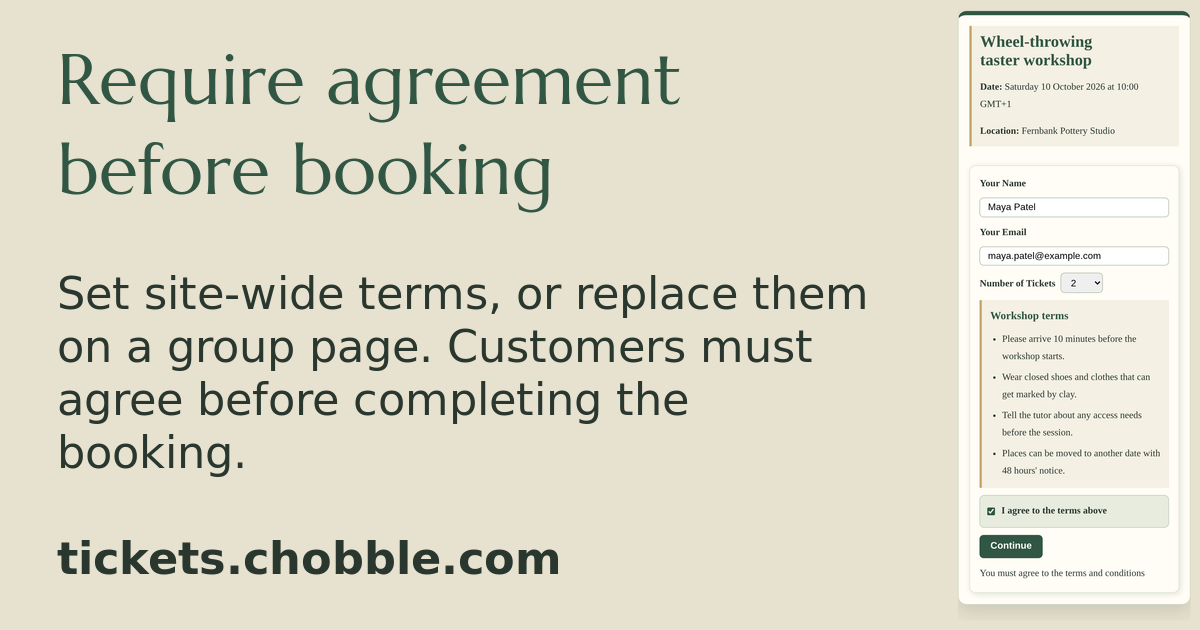
Workshop terms shown at checkout, so the buyer agrees before paying.
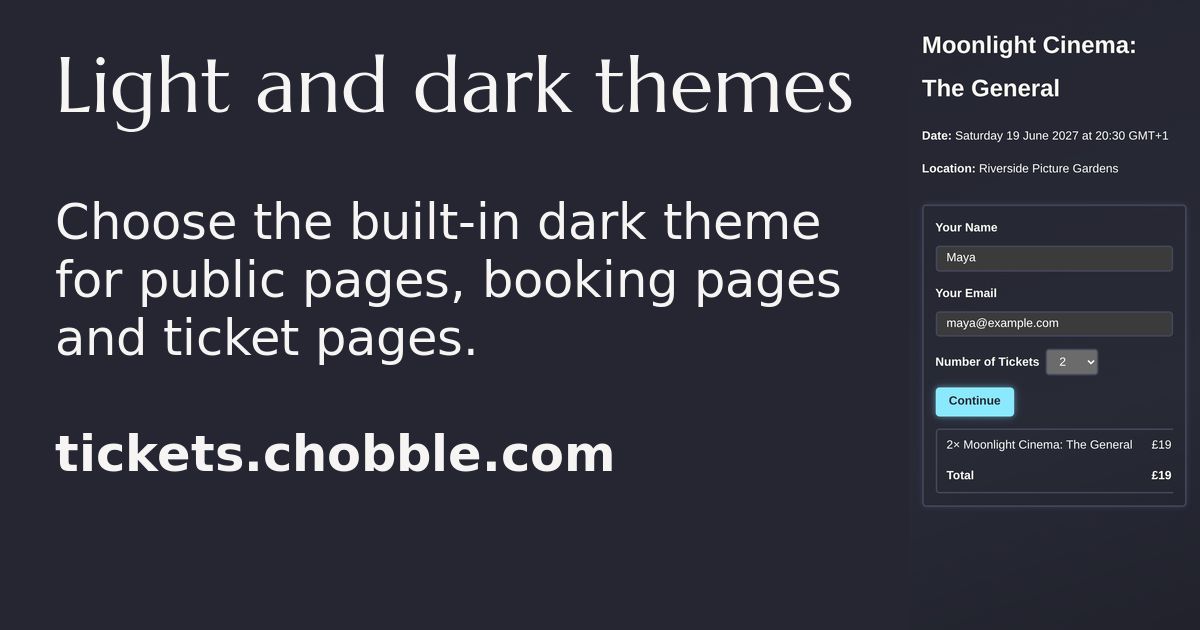
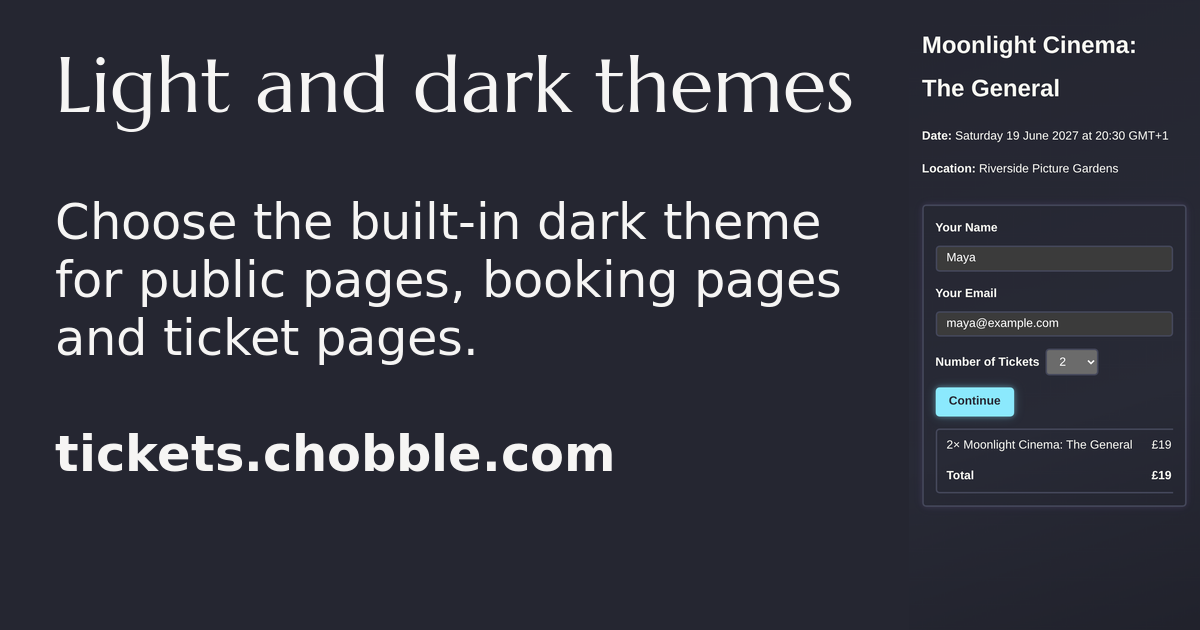
The built-in dark theme on a Moonlight Cinema checkout.
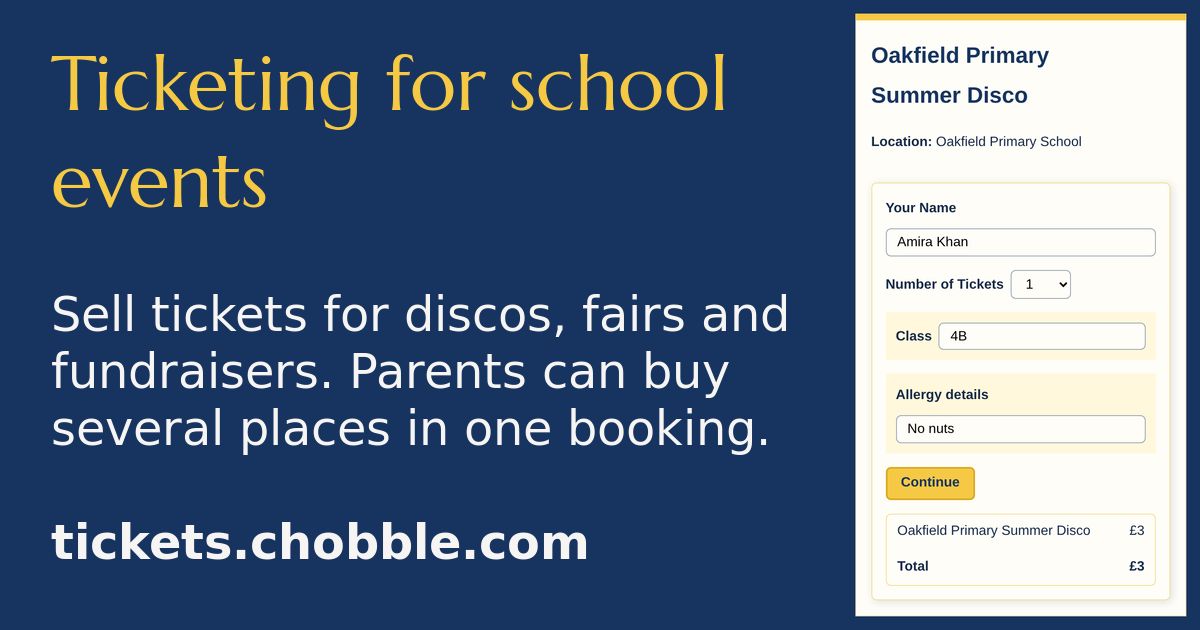
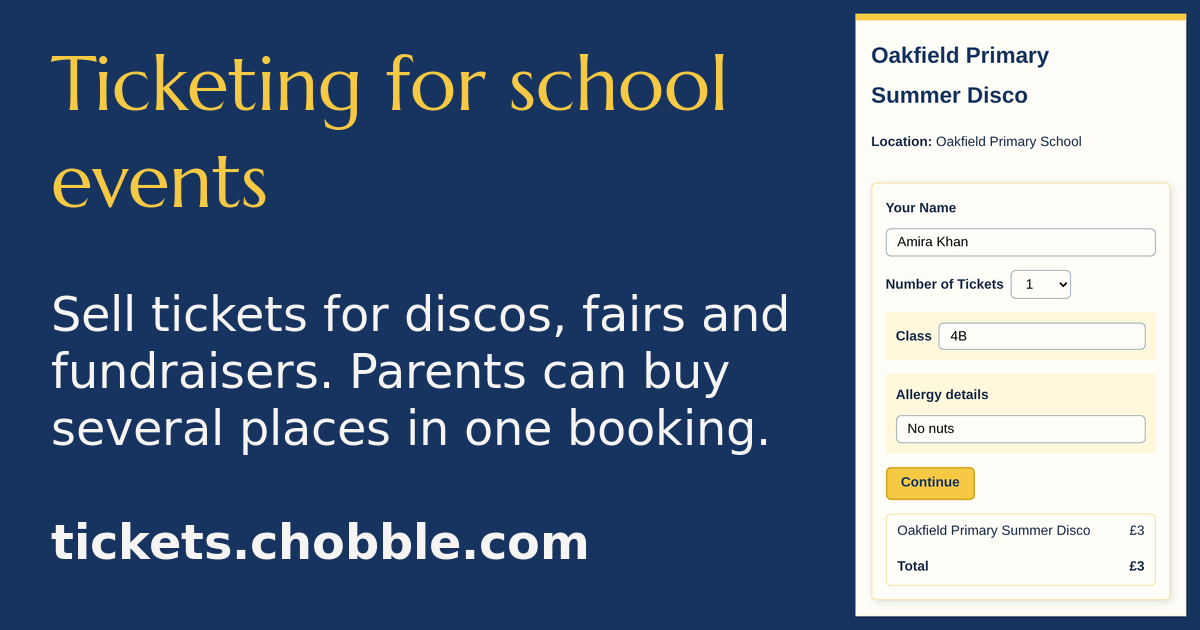
A primary school disco checkout — one parent, two children.
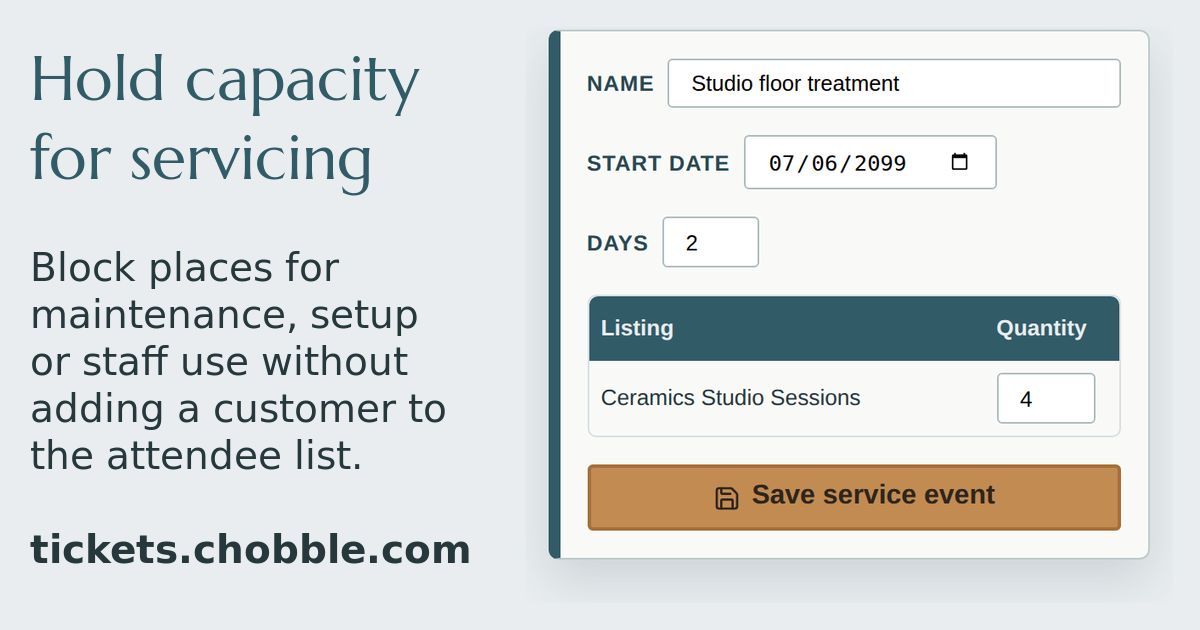
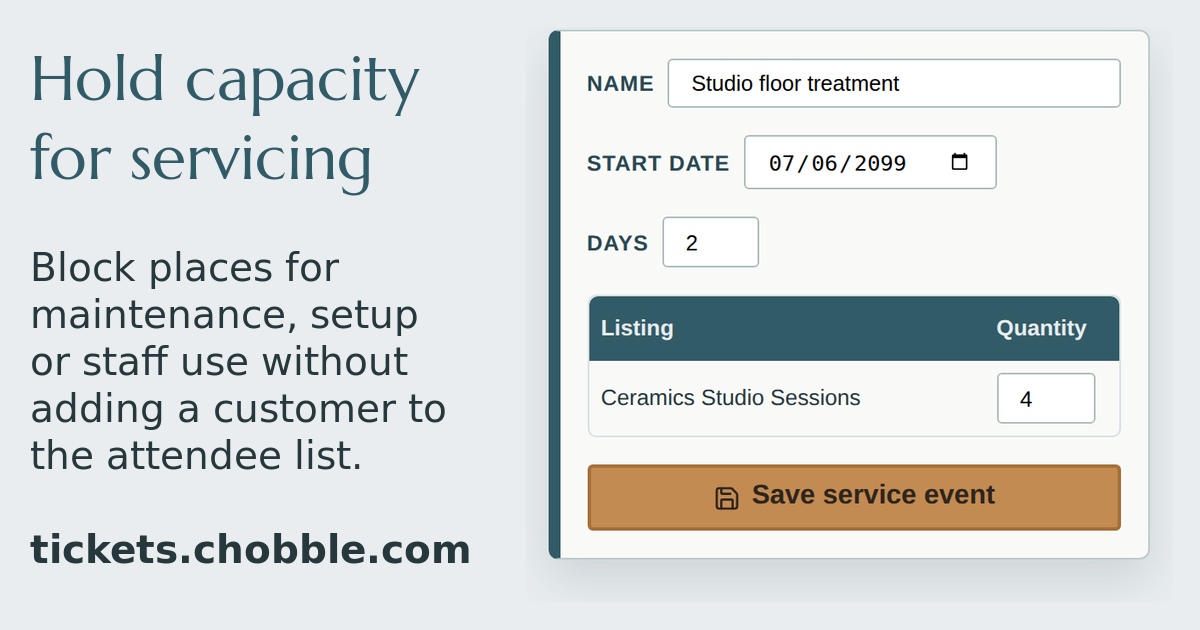
Service events hold places without adding a customer to the list.
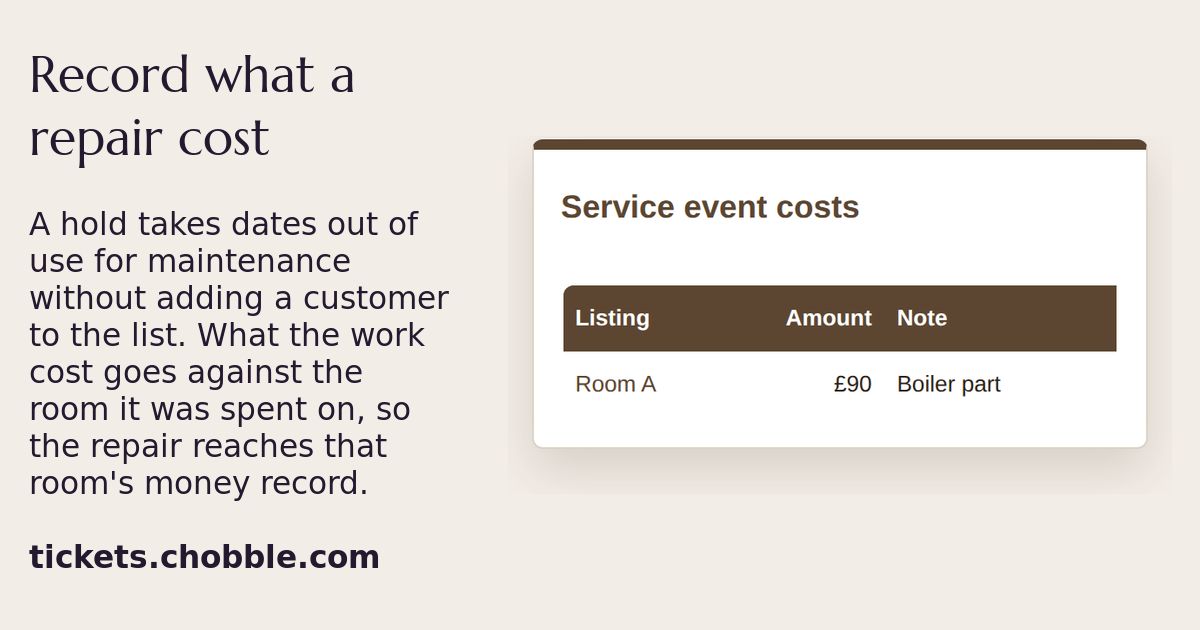
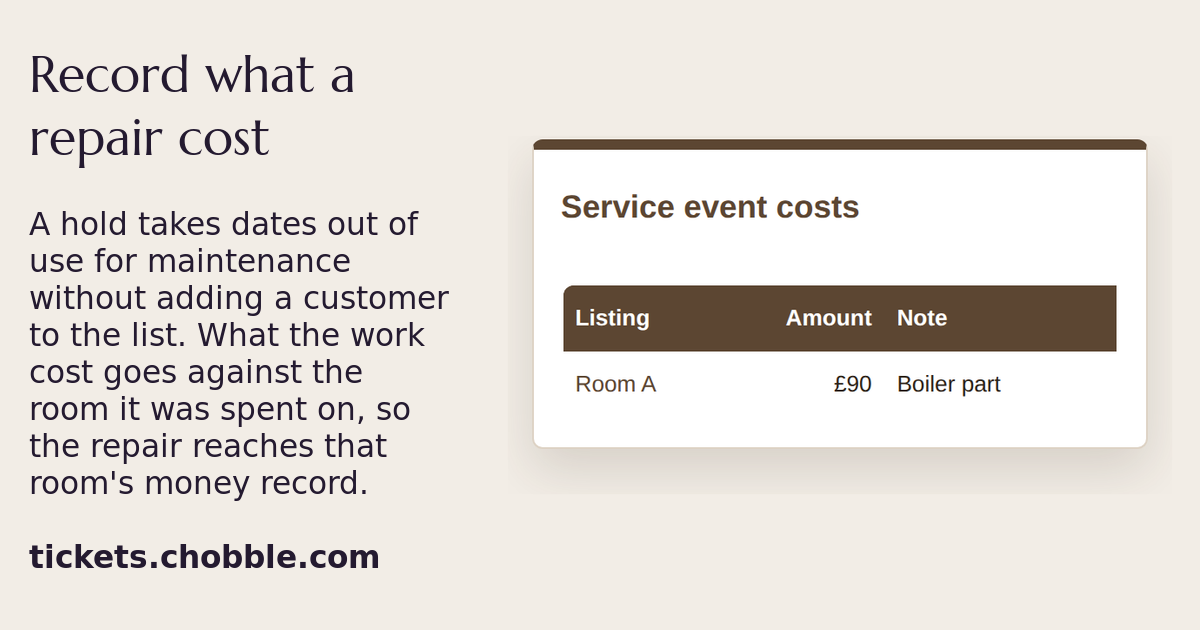
A maintenance cost recorded against the room it was spent on.
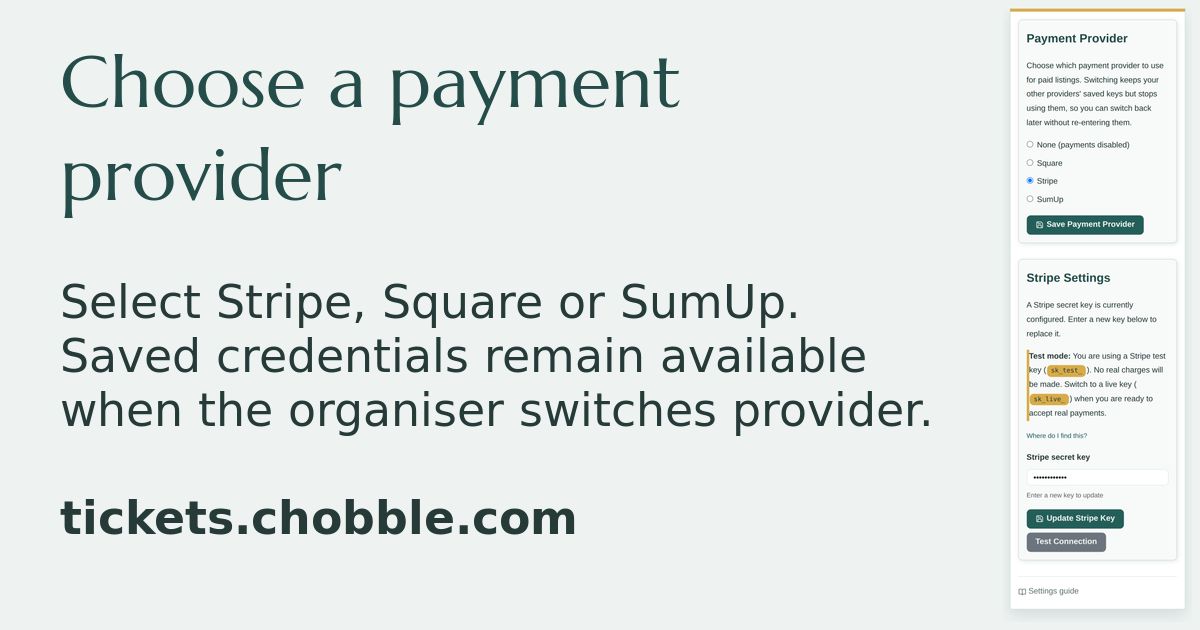
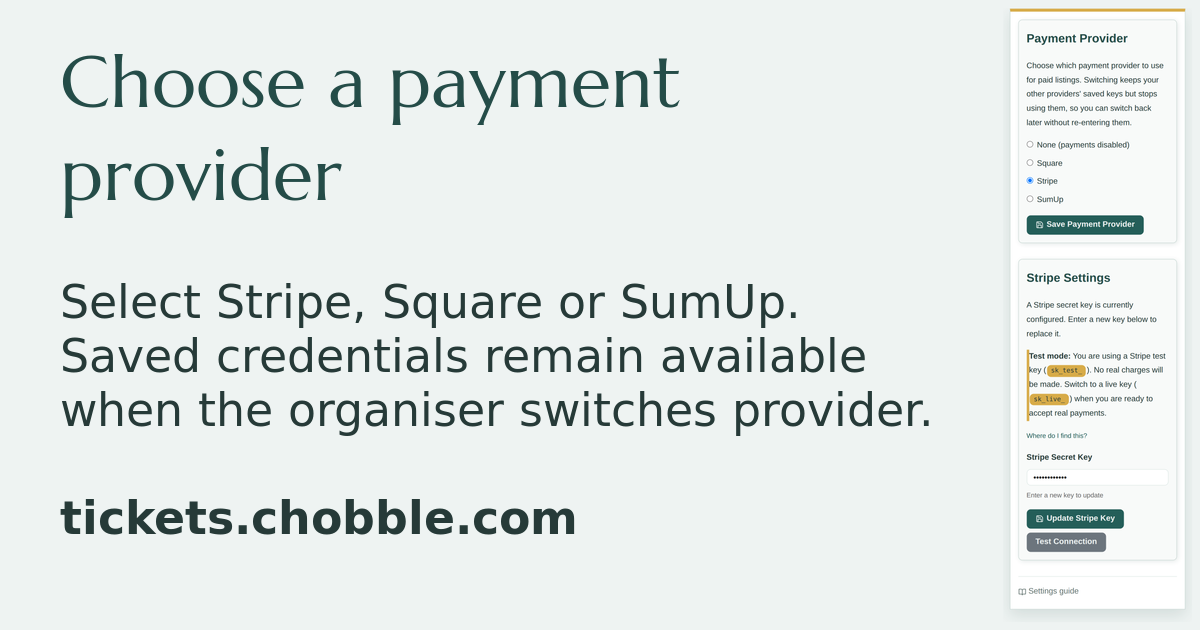
Payment provider settings with Stripe selected and its saved test key.
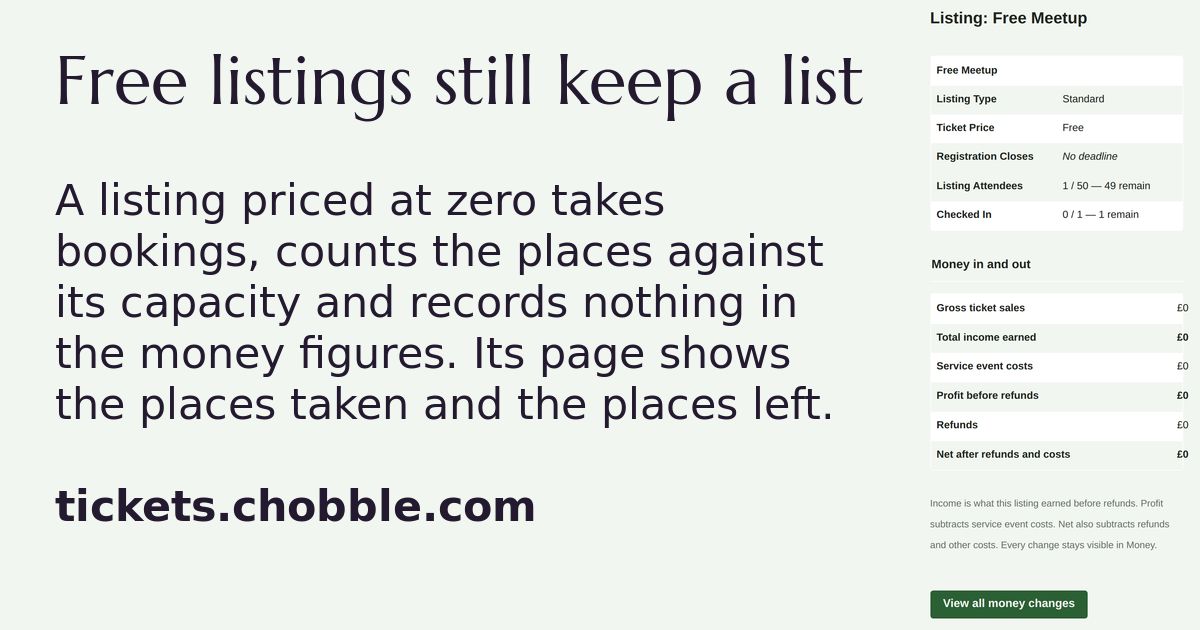
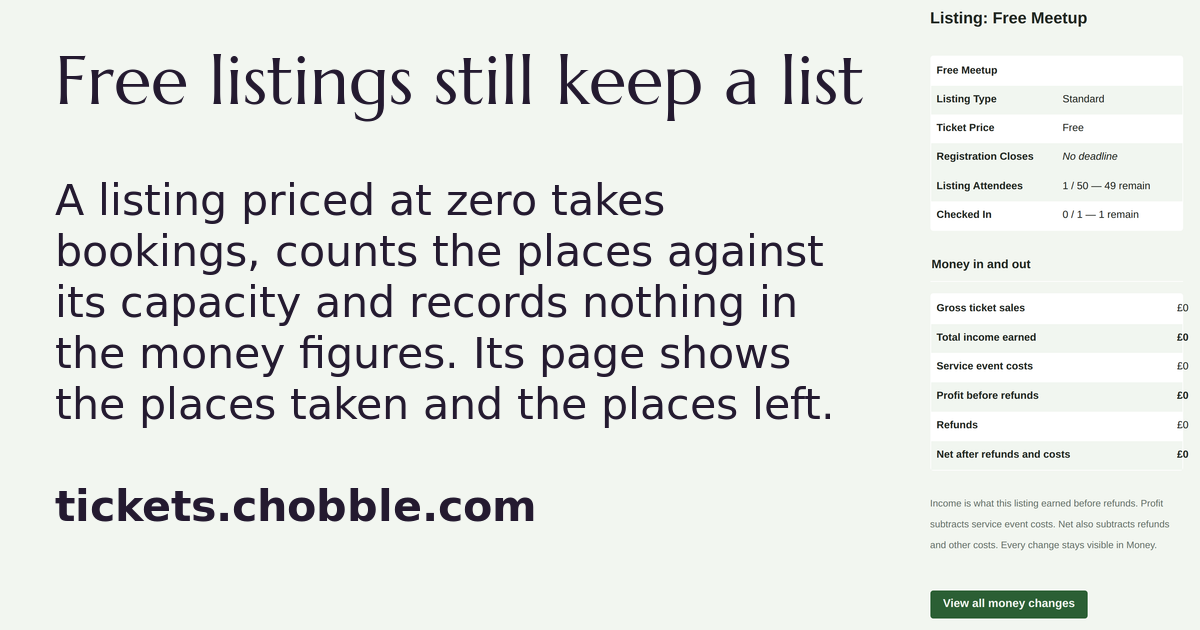
A free listing's own page, showing one place taken and no money recorded.
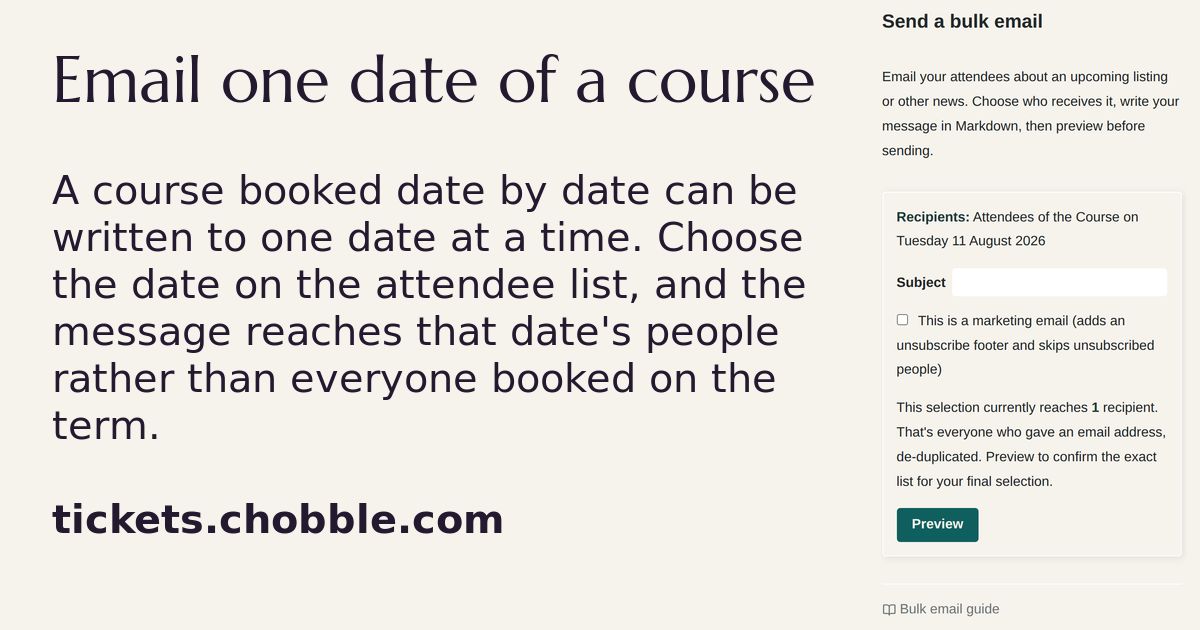
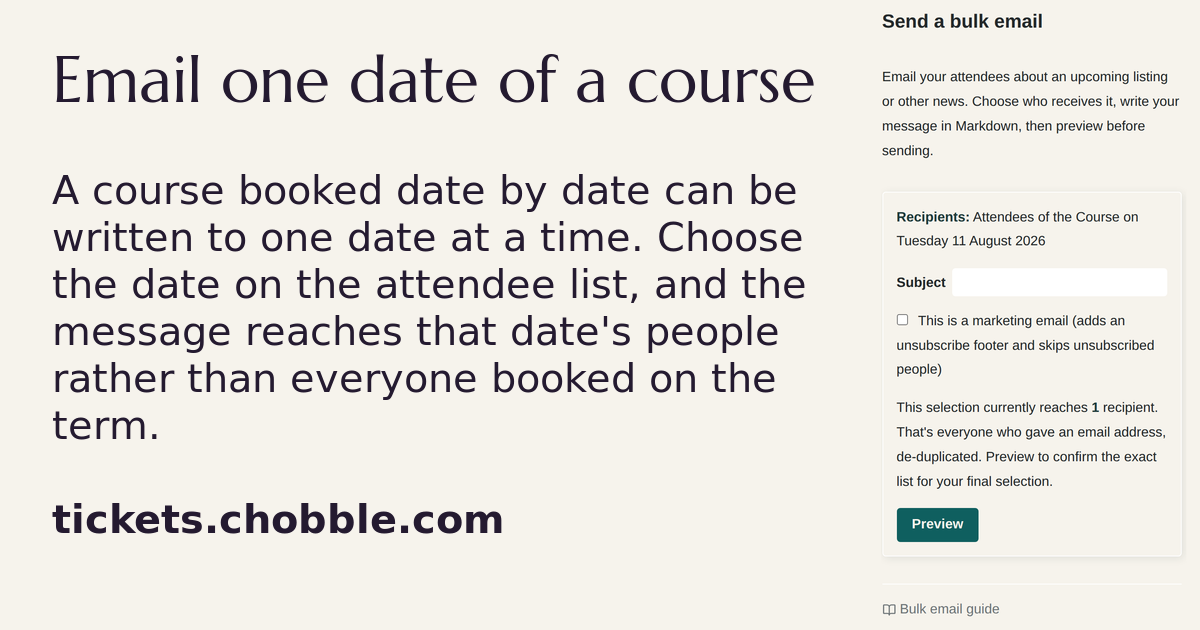
A bulk email addressed to one day of a course rather than to the whole term.
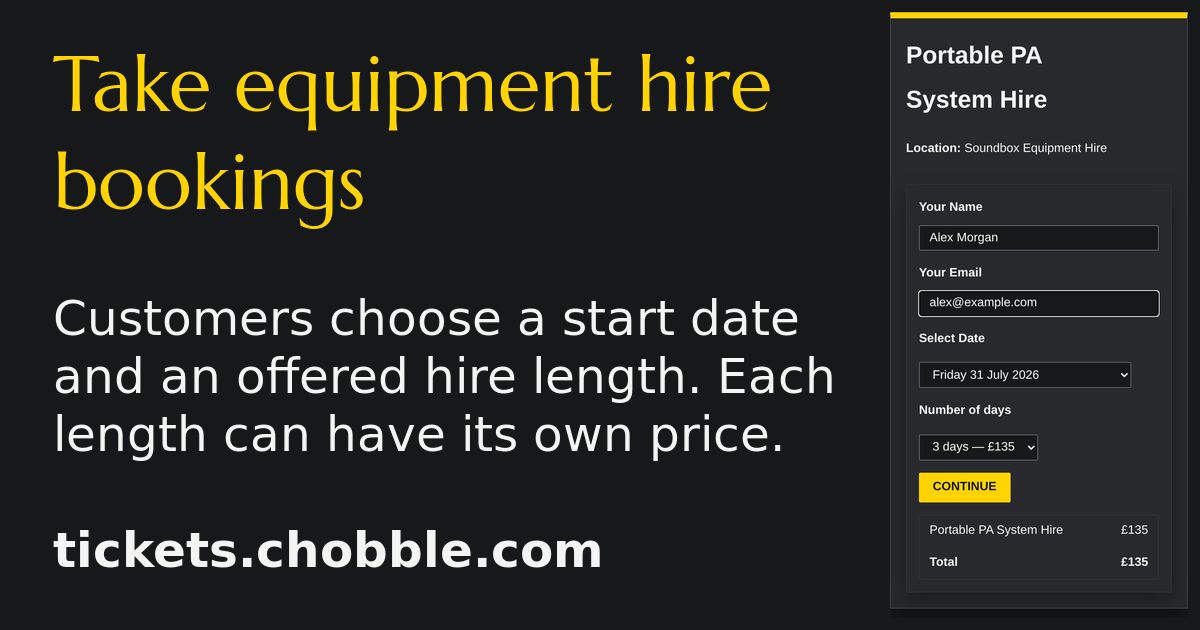
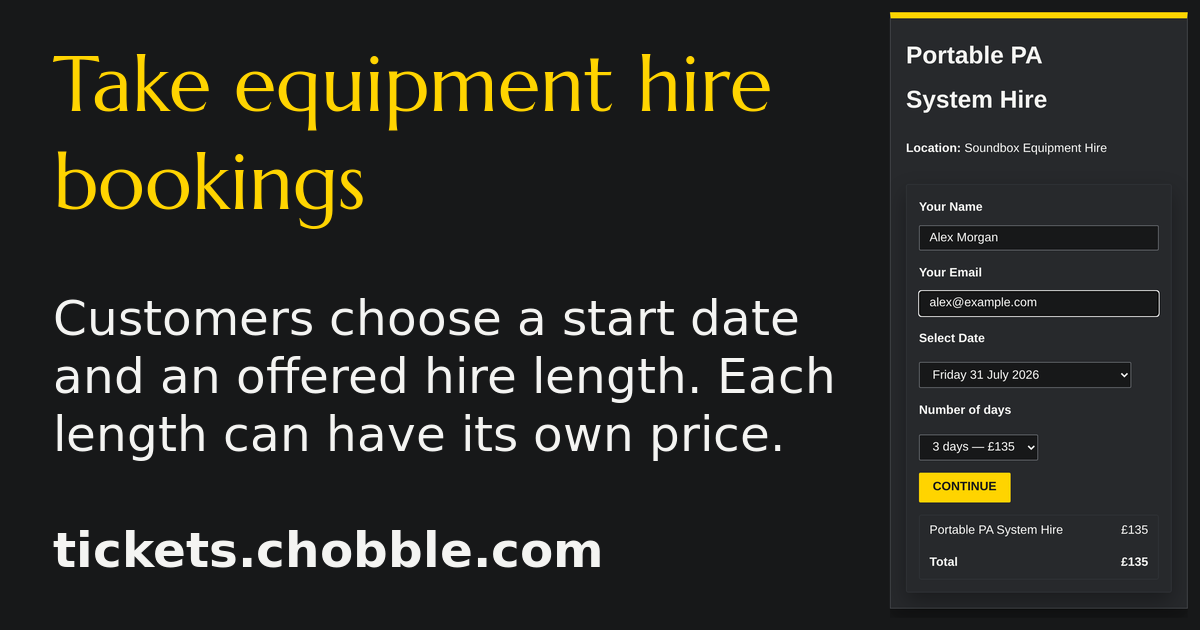
Equipment hire booking — pick dates and quantities for each item.
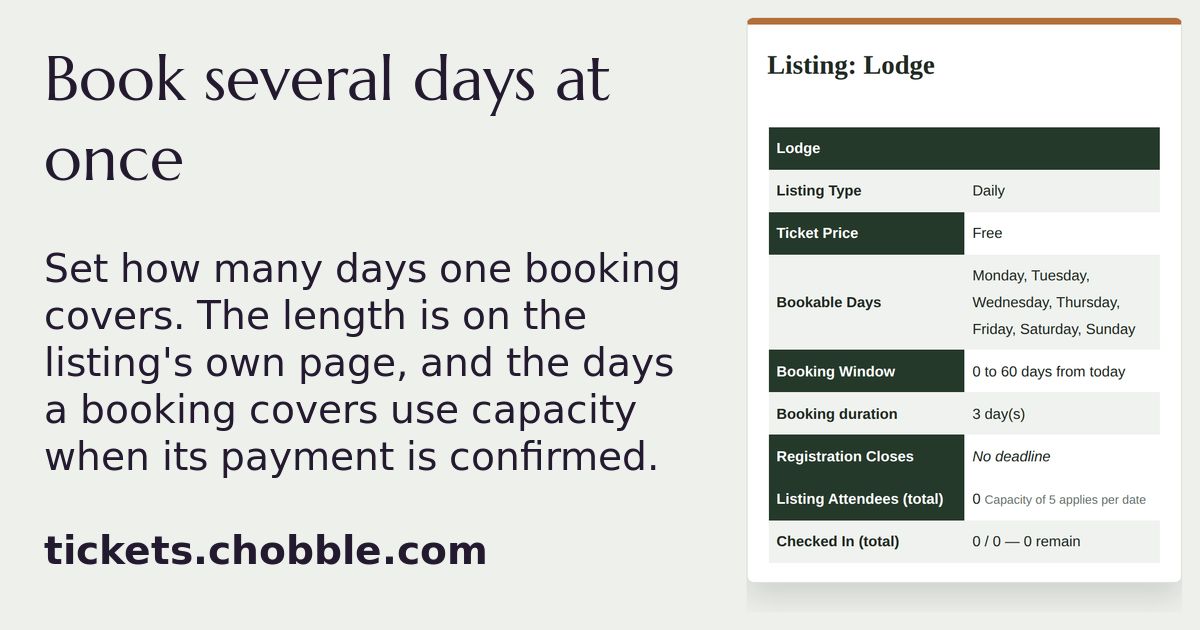
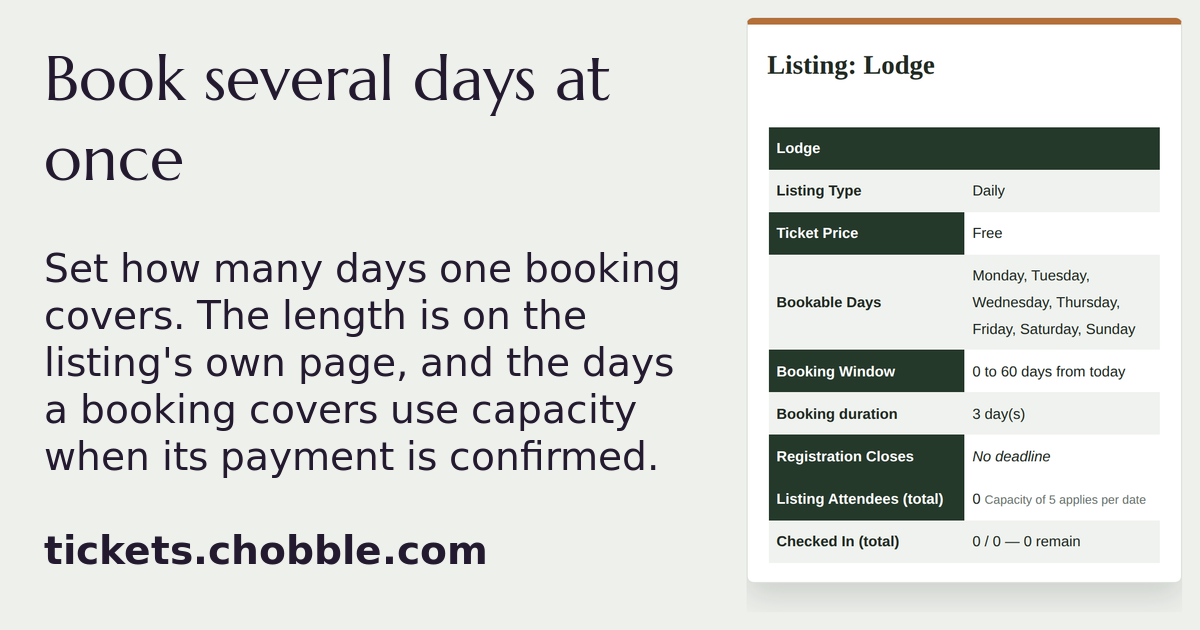
A listing booked by the day, saying each booking lasts three days.
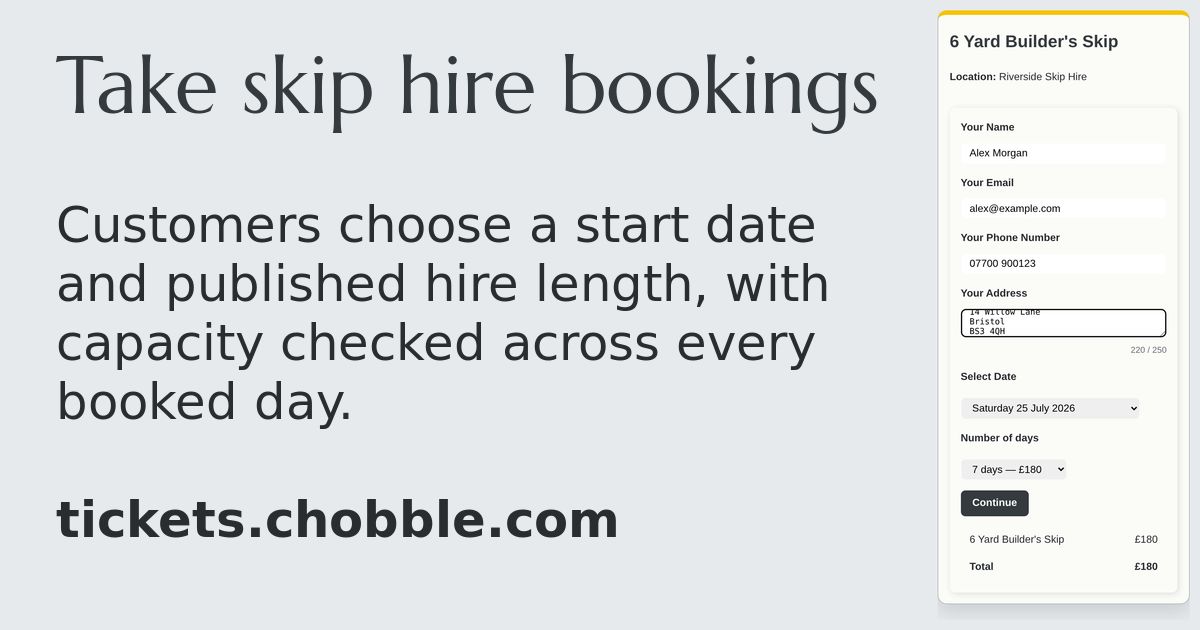
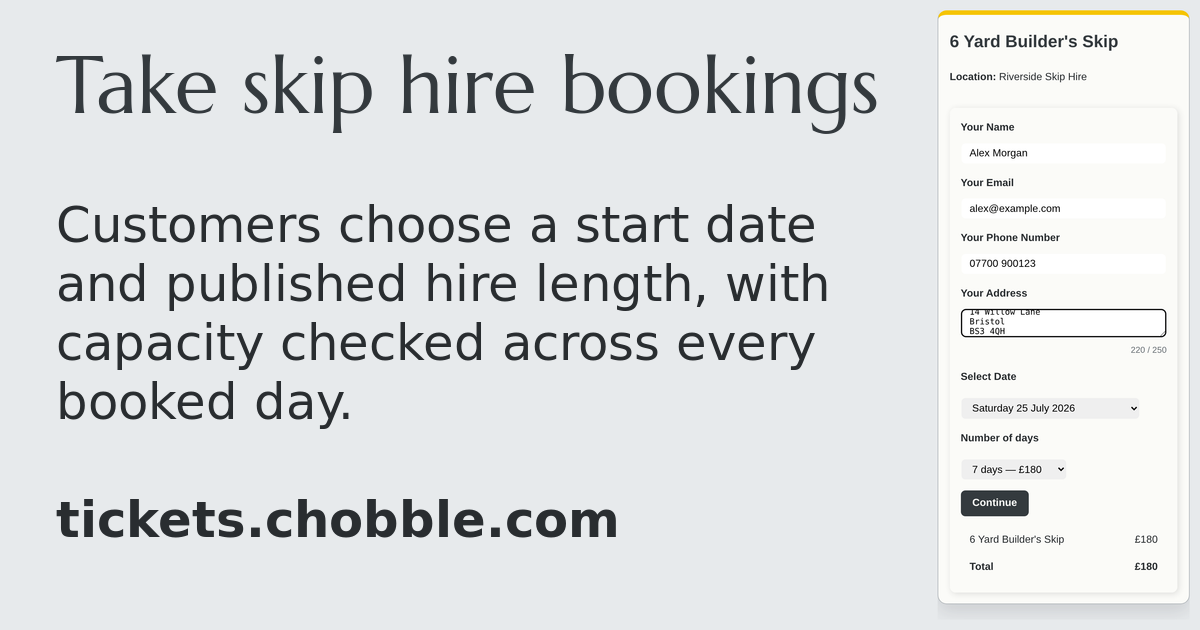
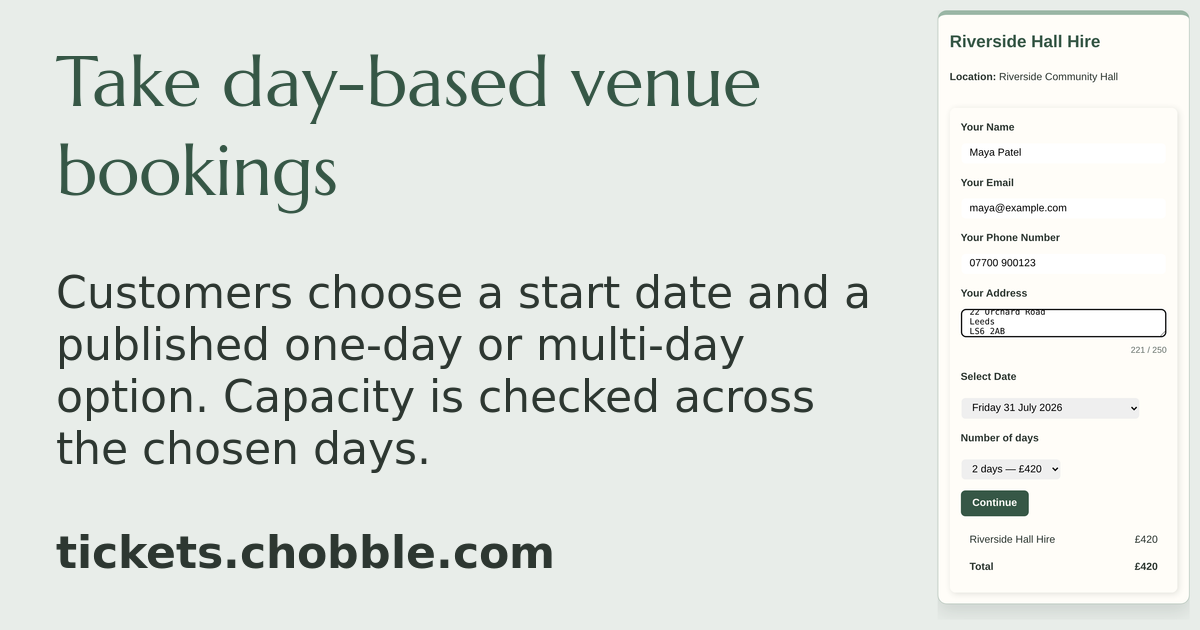
A skip hire checkout with a customer-selected start date and seven-day price.
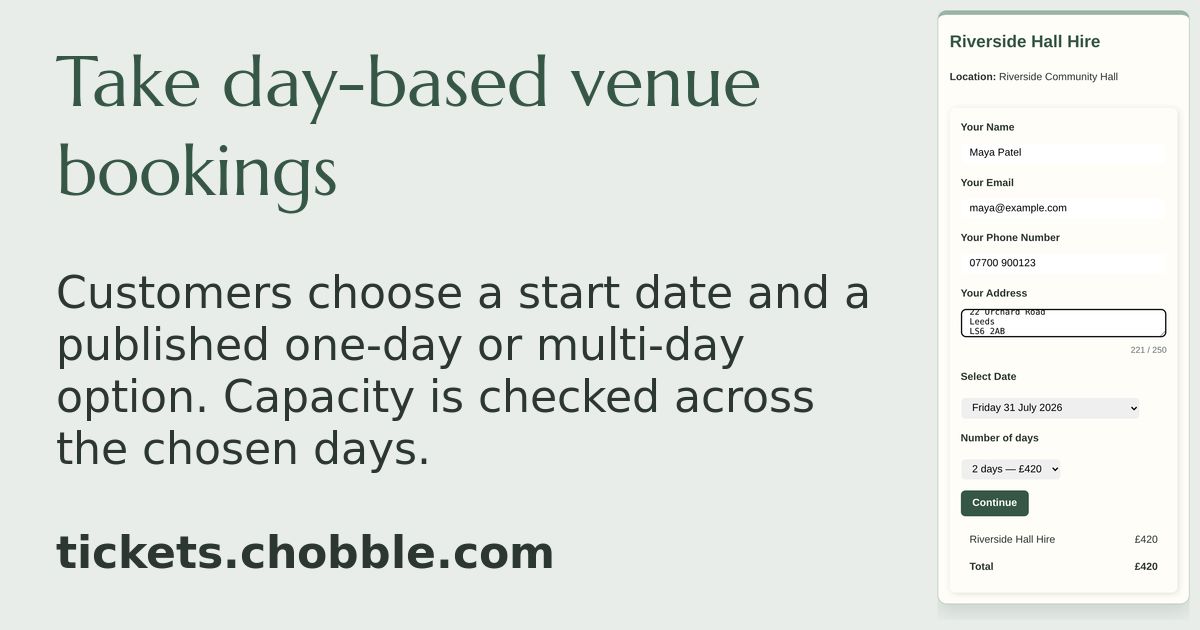
A venue hire checkout with an available date and two-day price.
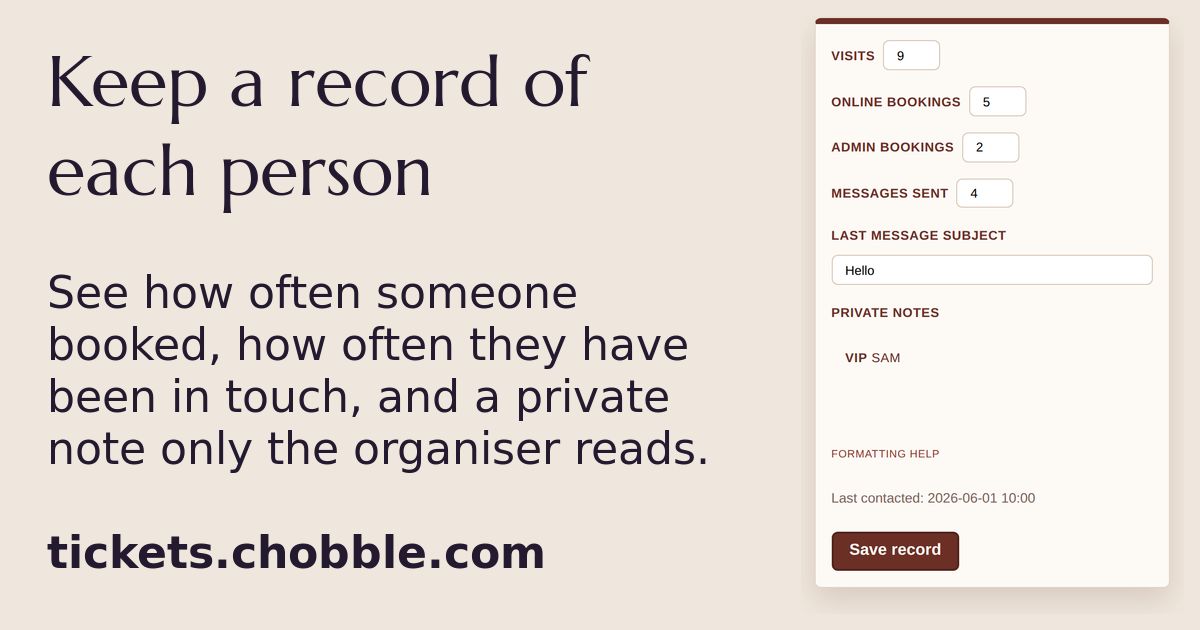
One person's record, showing how often they booked, how often they were in touch, and a private note.
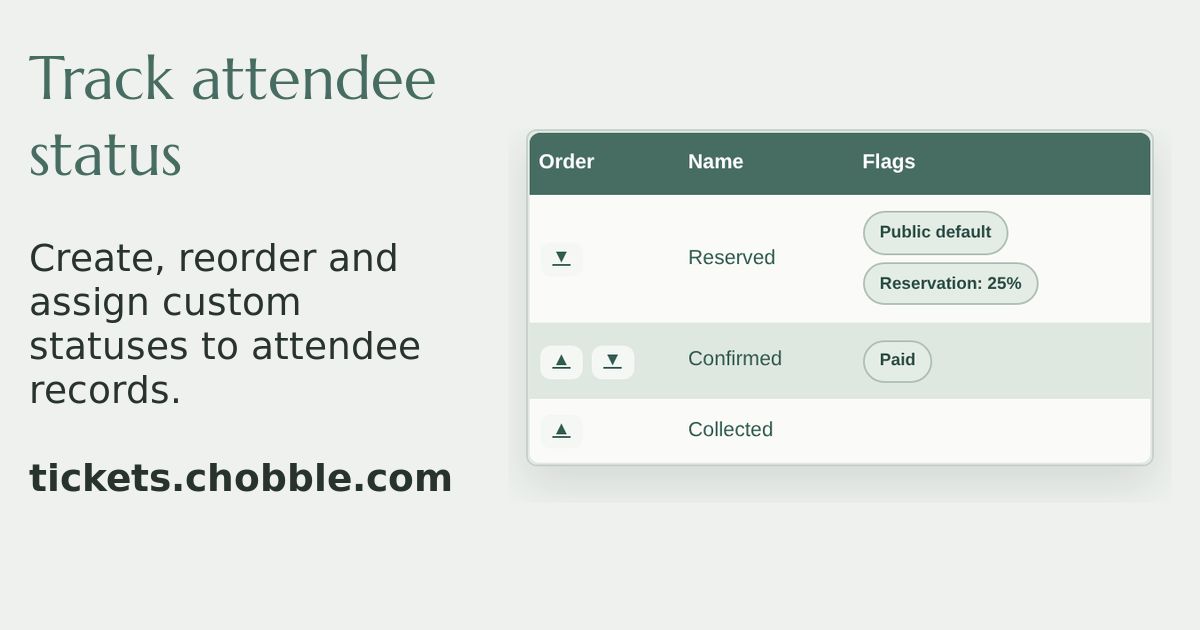
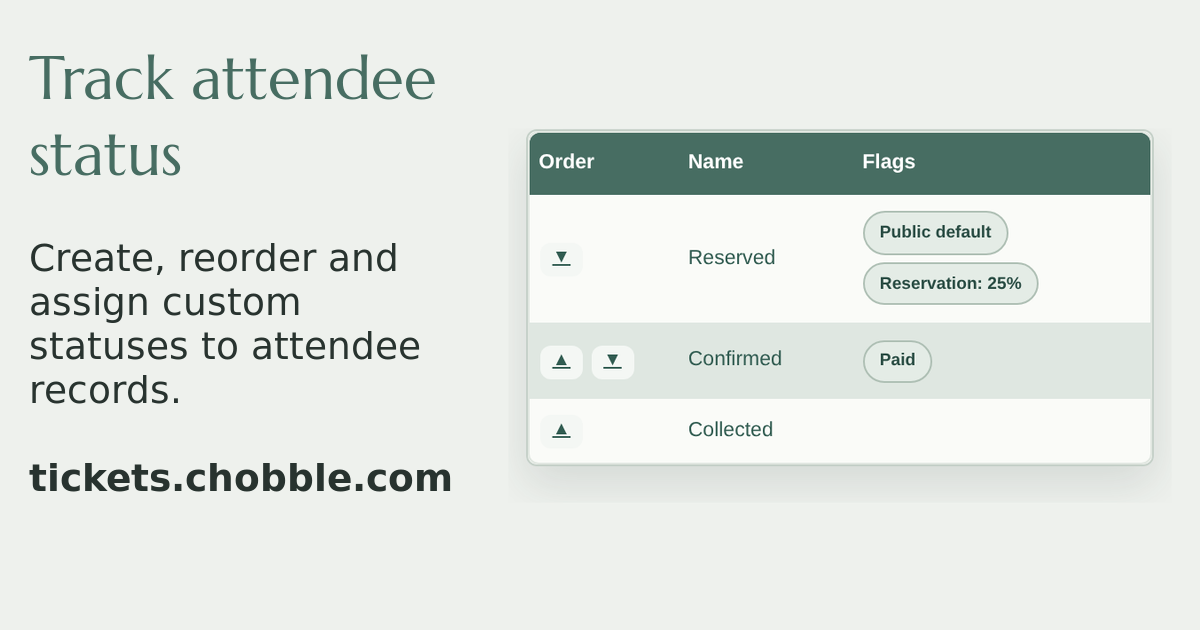
Attendee statuses — Reserved, Confirmed and Collected, in order.
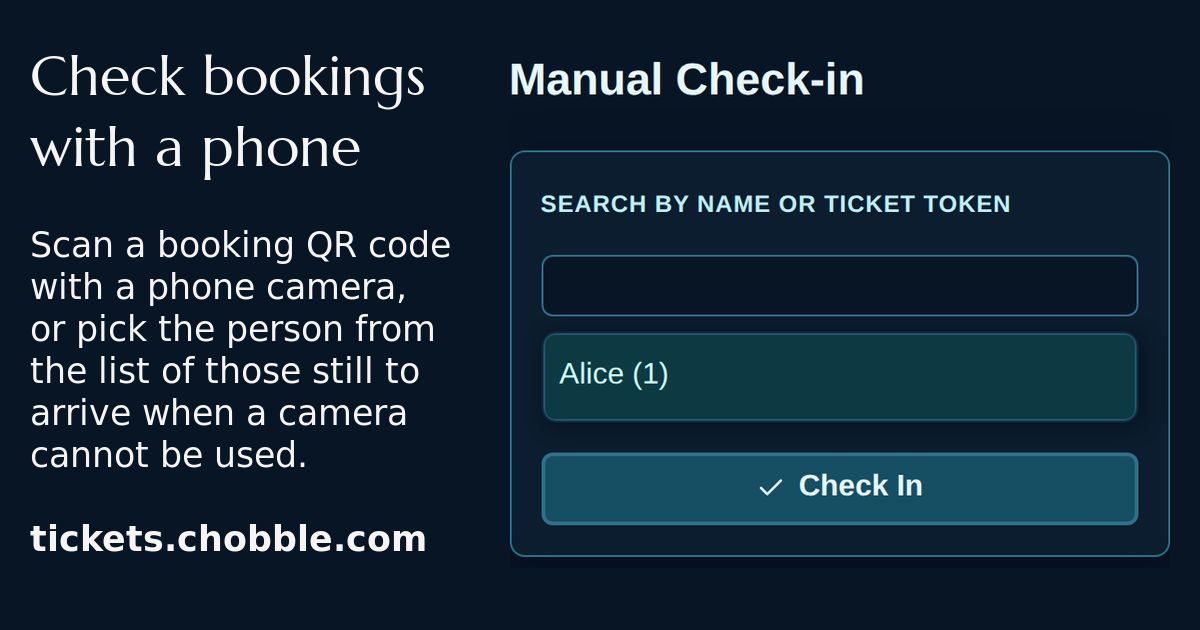
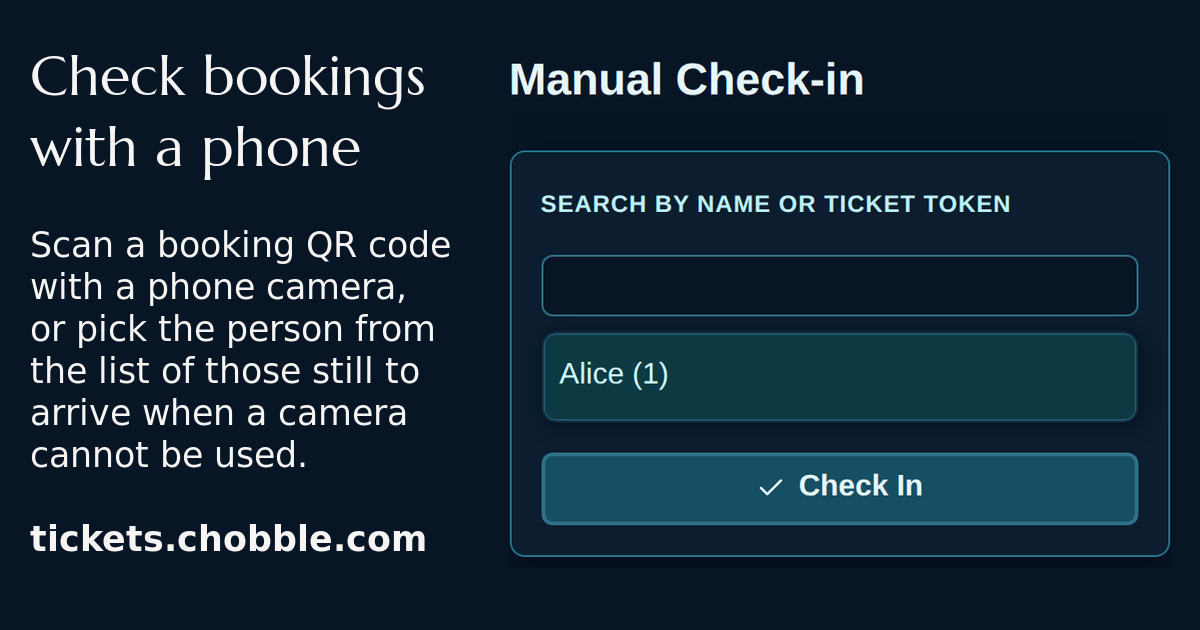
Manual check-in for someone whose ticket cannot be scanned.
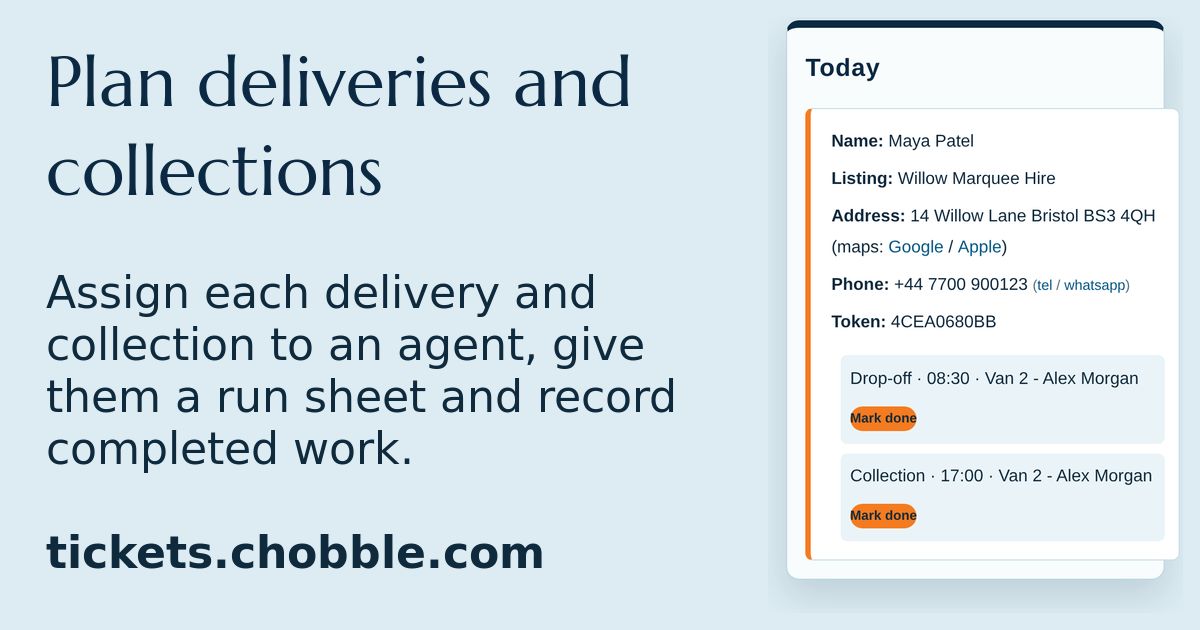
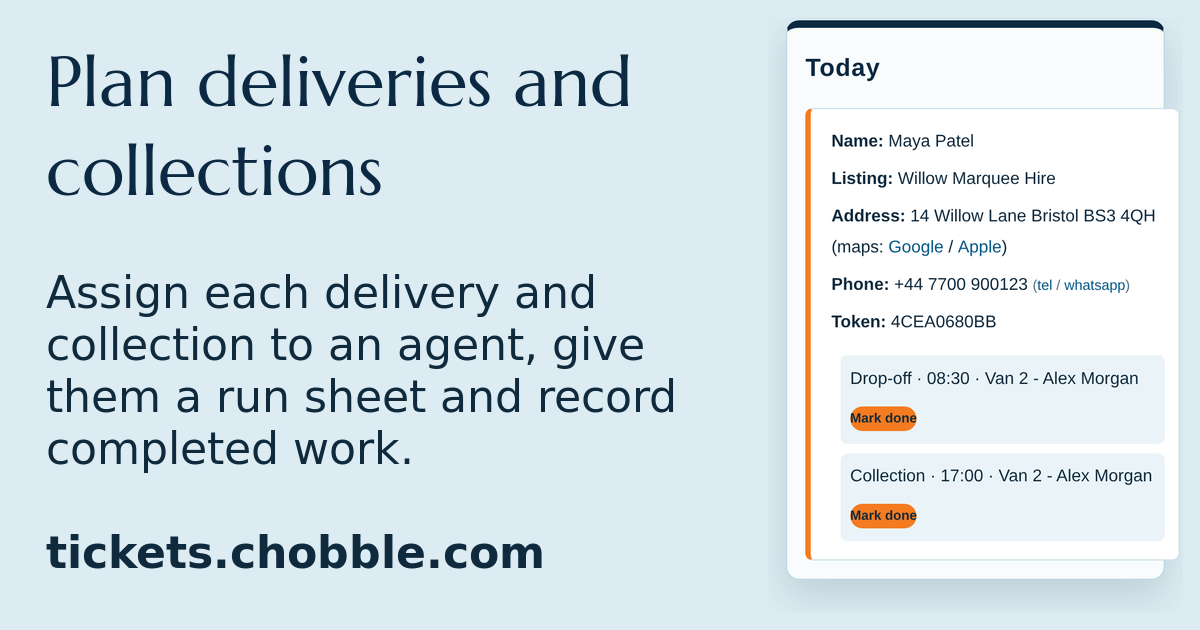
A delivery run sheet — drop-off and collection for each booking.
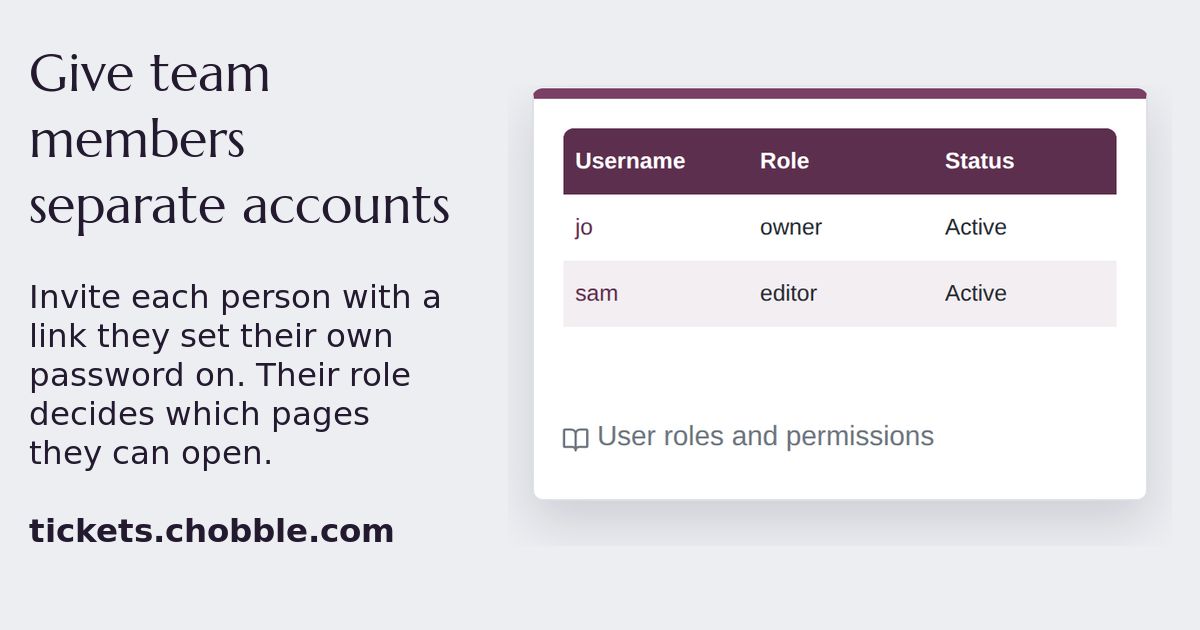
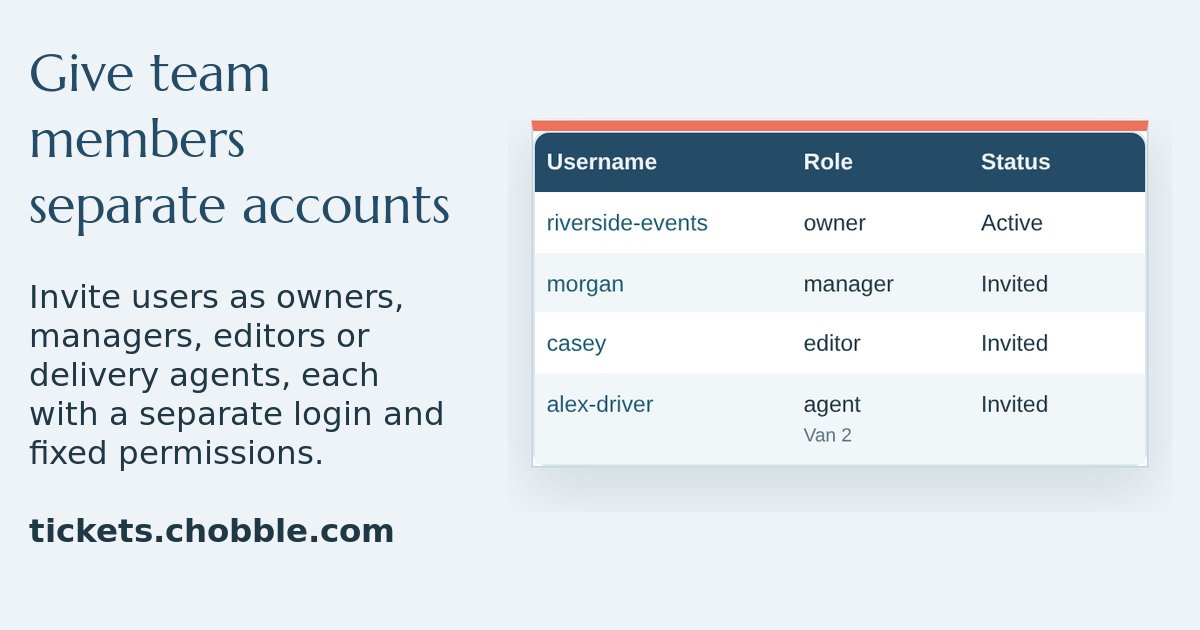
A users table with the owner and an editor who joined from an invite.
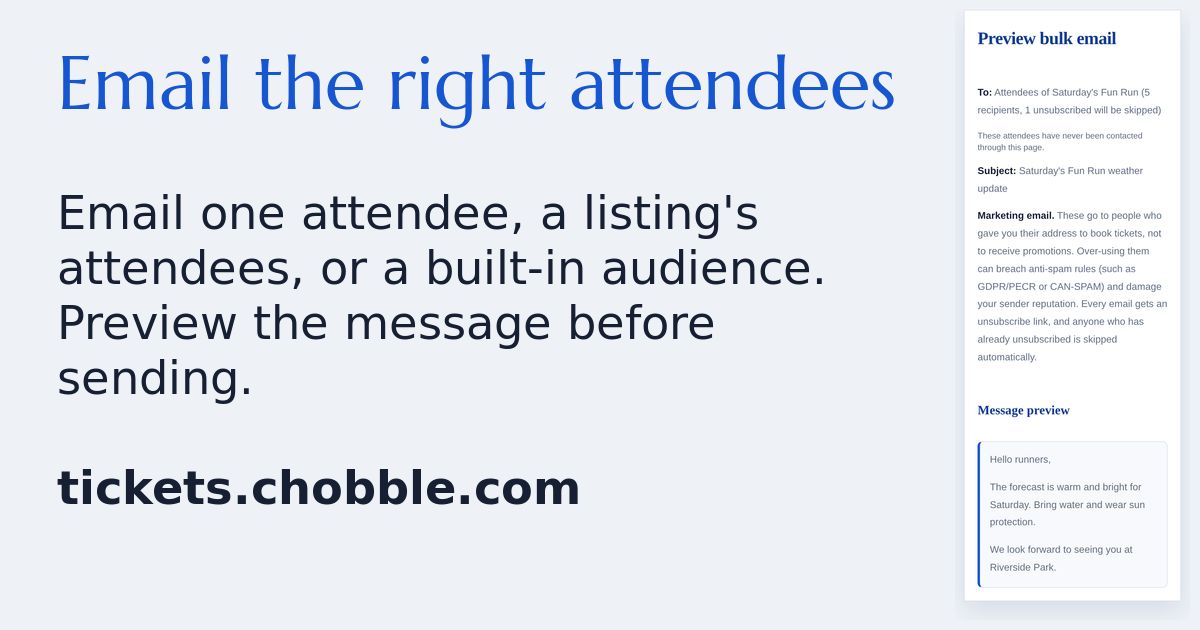
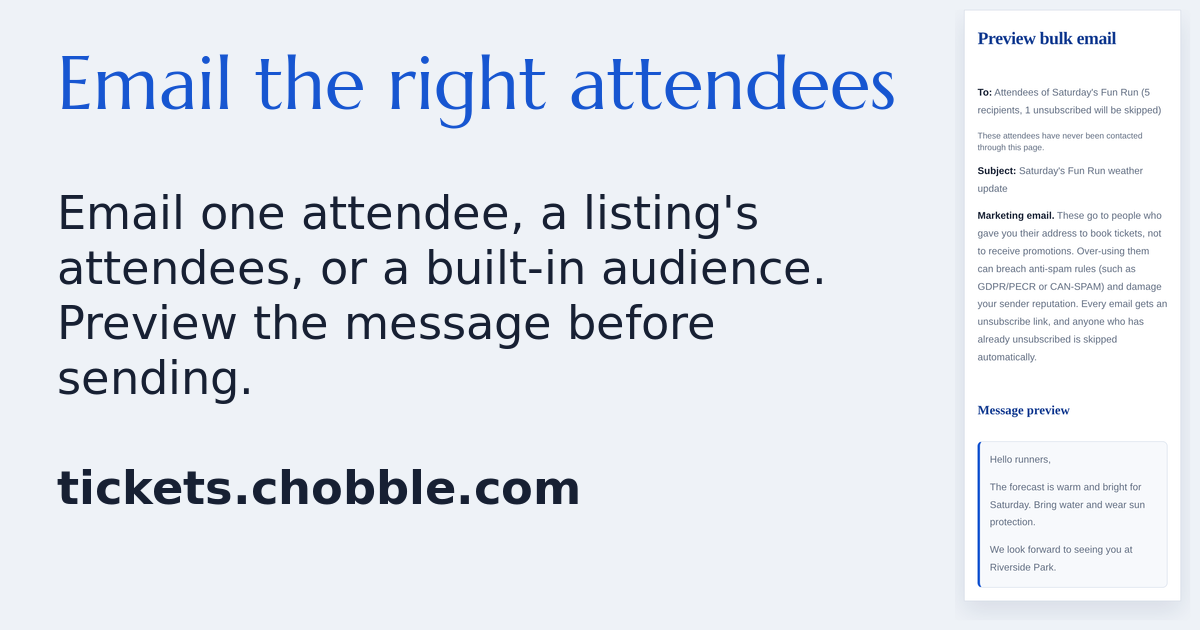
A bulk email preview before it is sent to a saved attendee group.
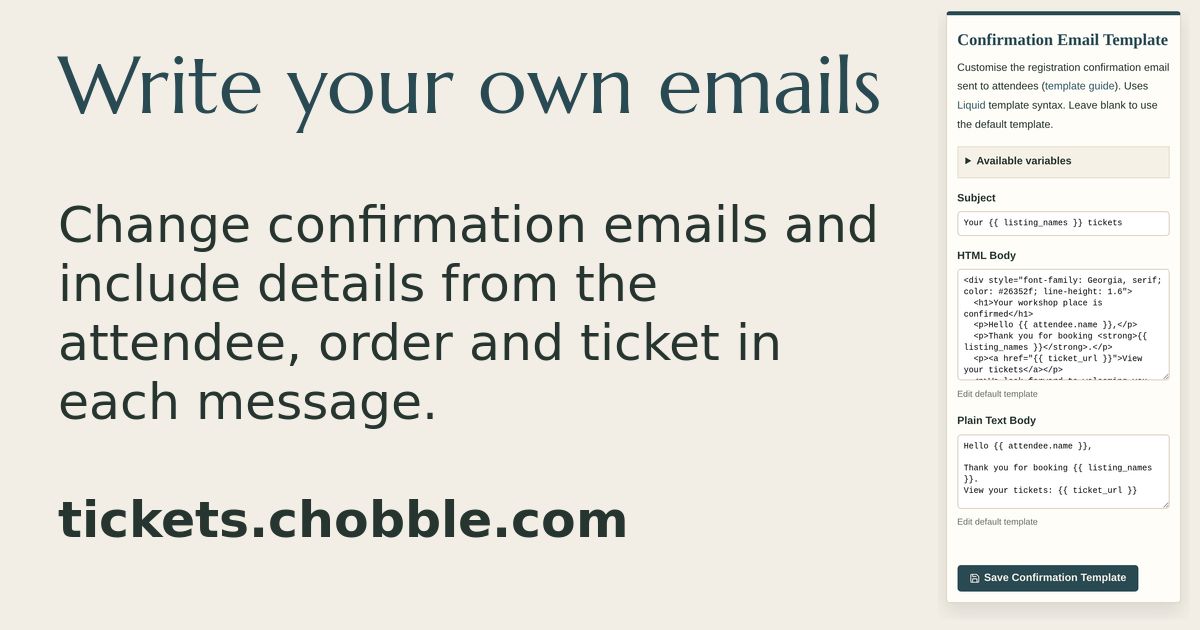
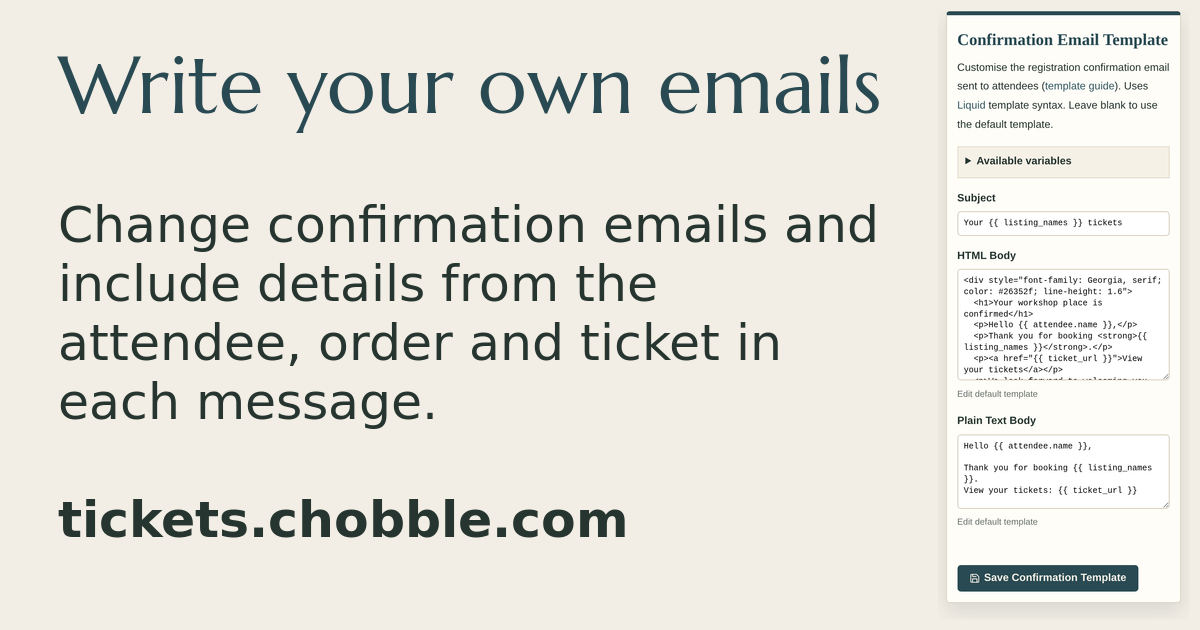
The confirmation email editor with attendee and ticket placeholders.
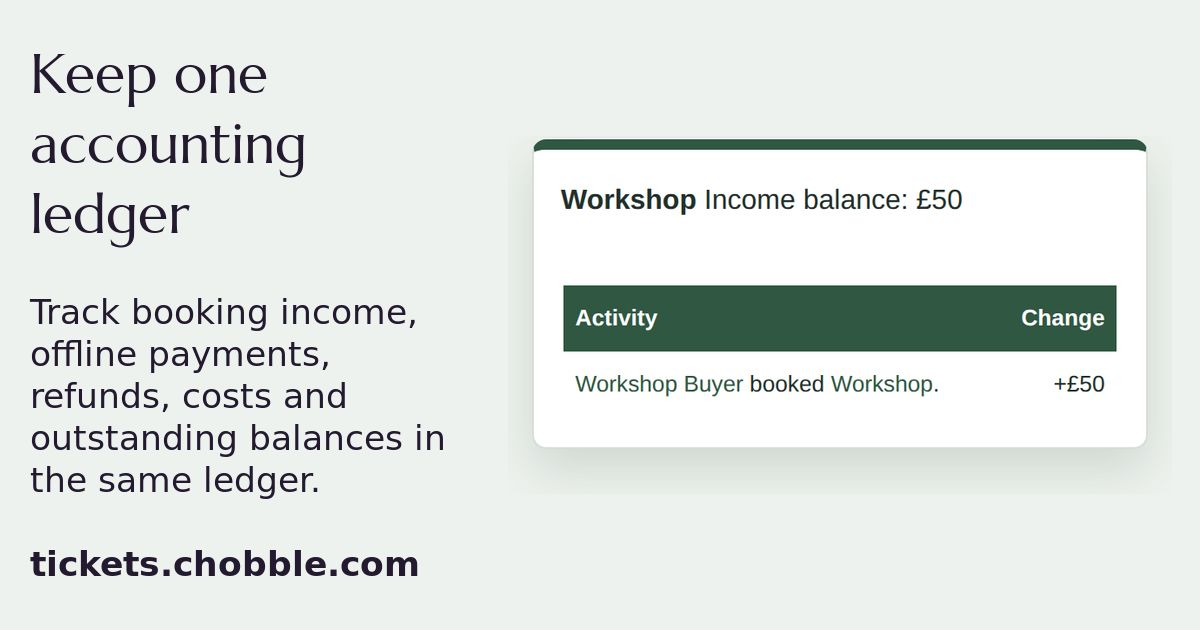
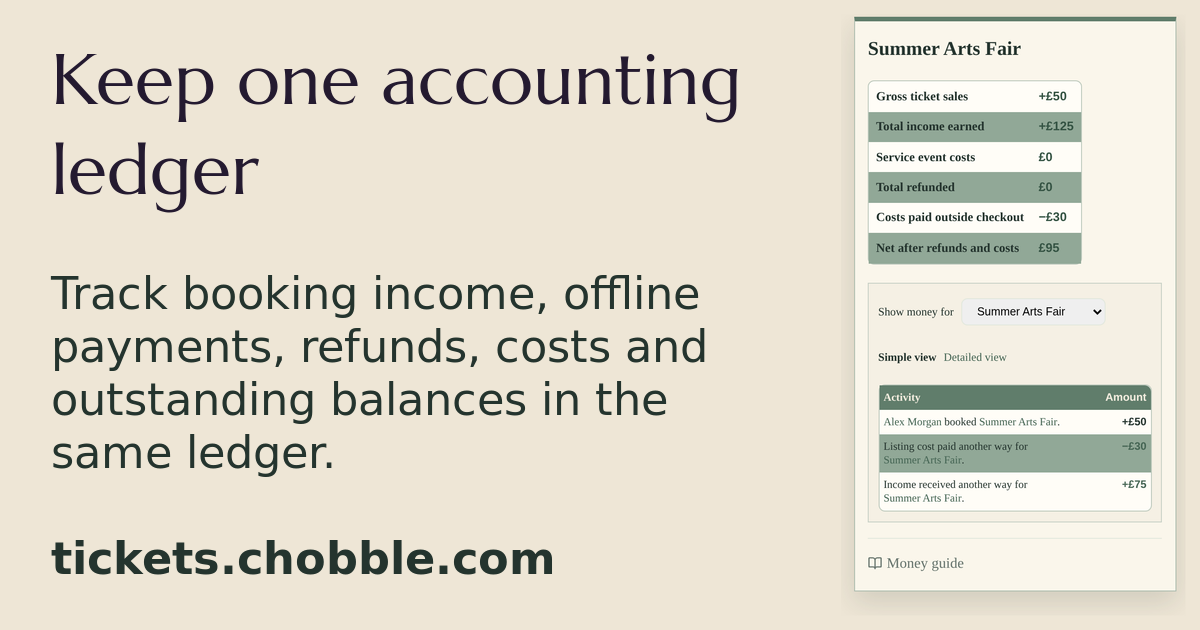
A listing's statement with one paid booking and the £50 balance it leaves.
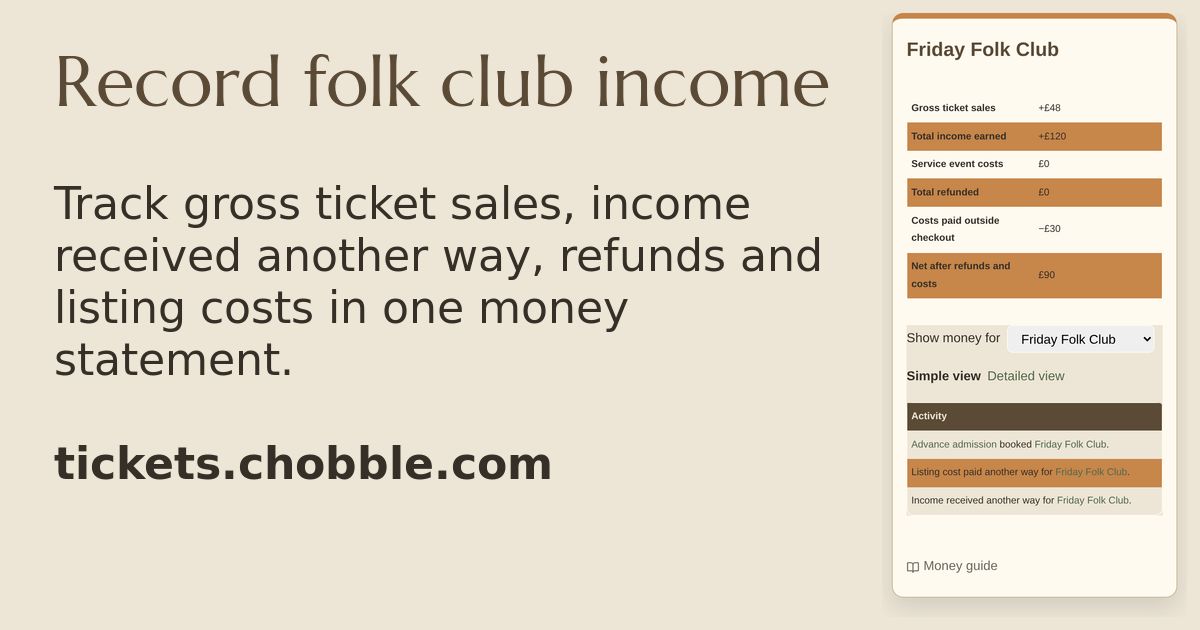
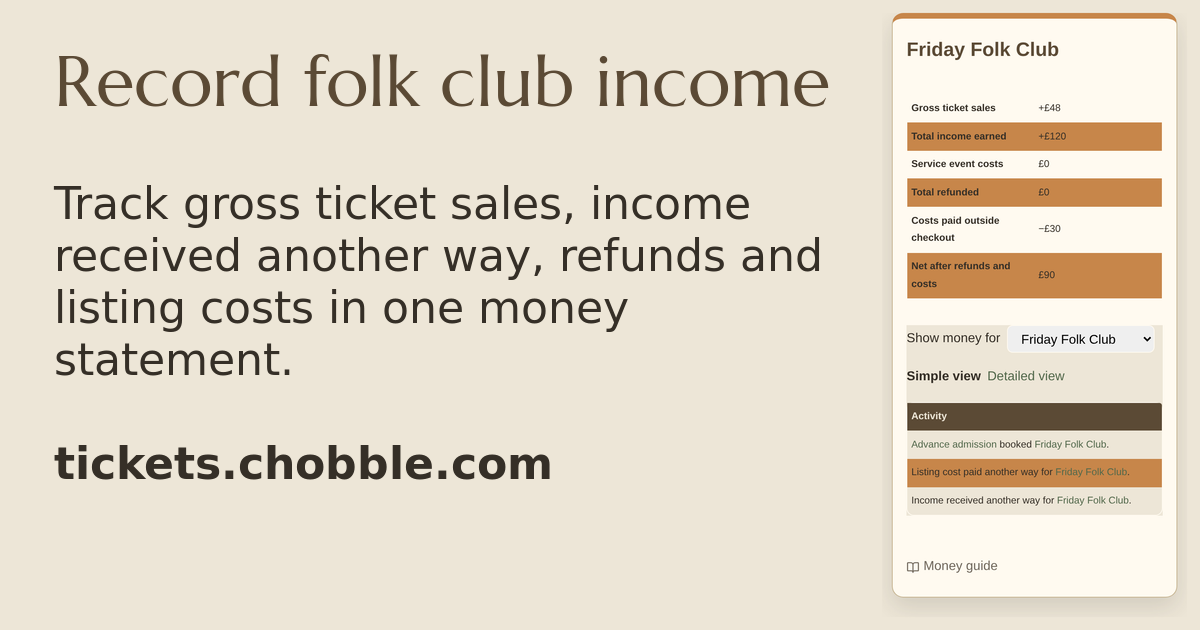
A folk club ledger combining advance sales, door income and event costs.
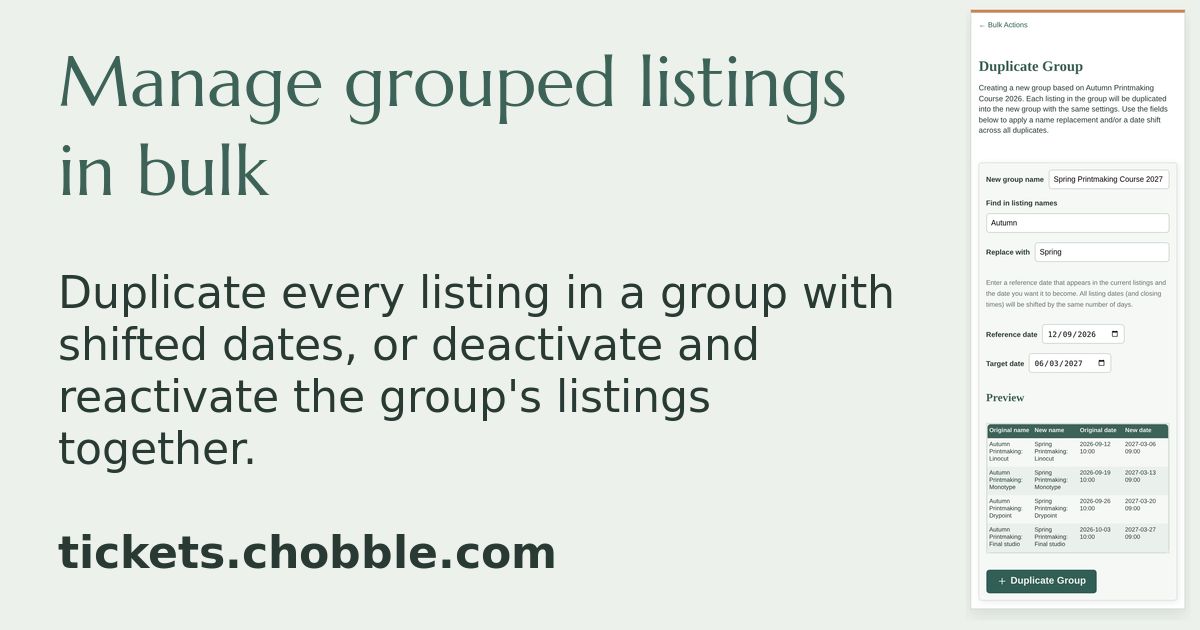
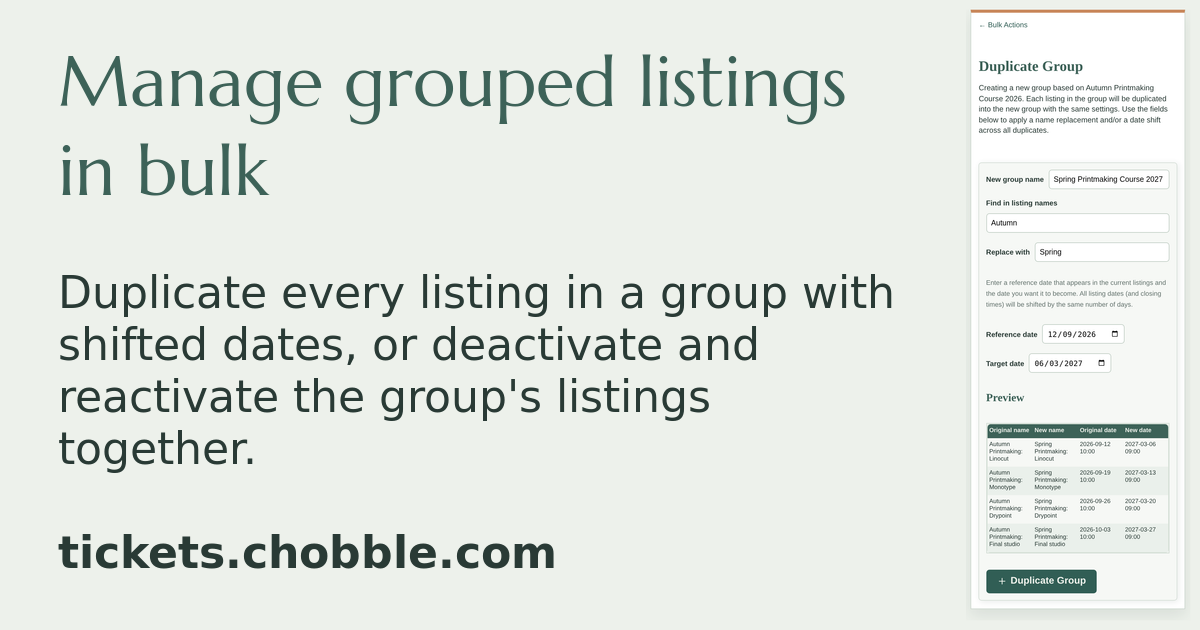
Duplicate a group of listings and shift their dates in one step.
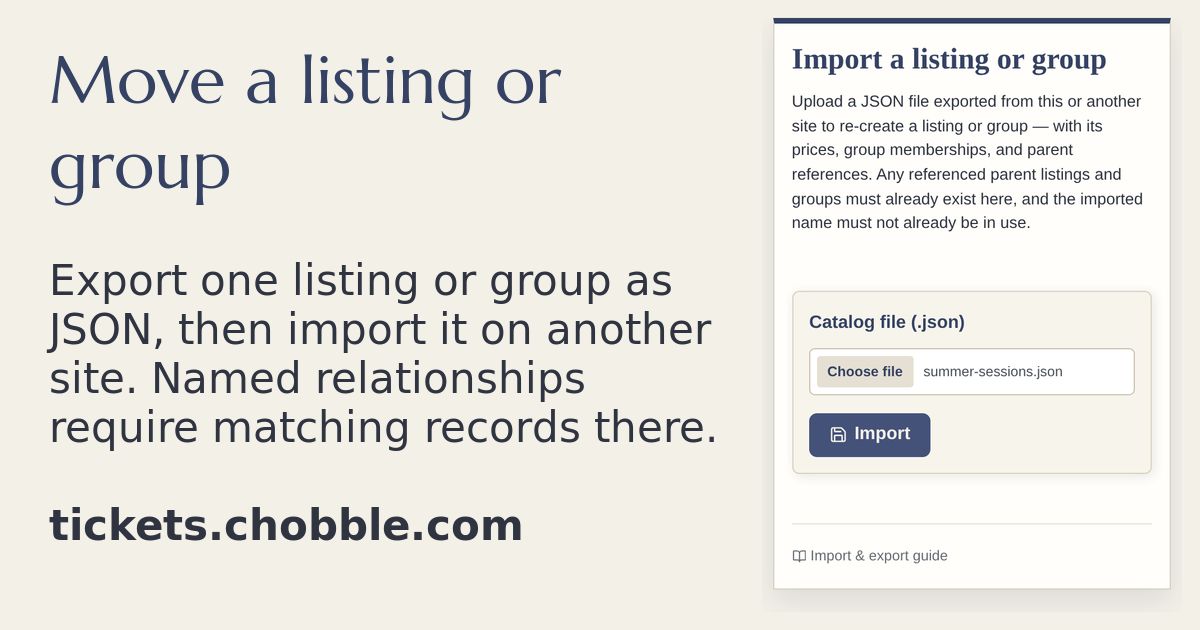
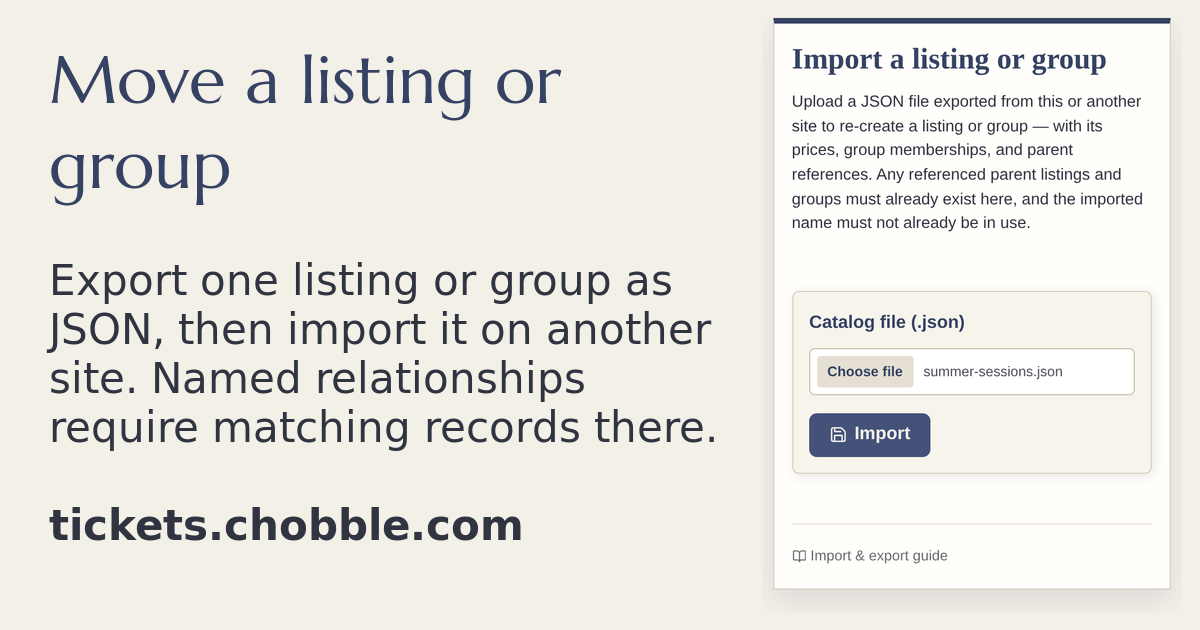
Catalogue import — bring listings in from a JSON export.
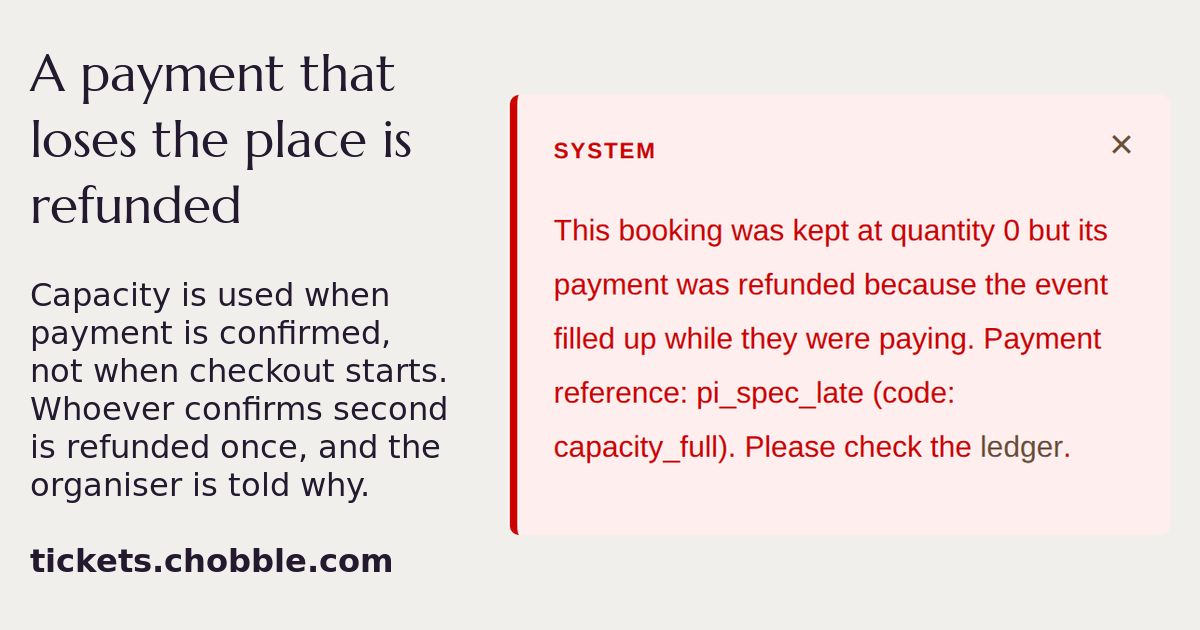
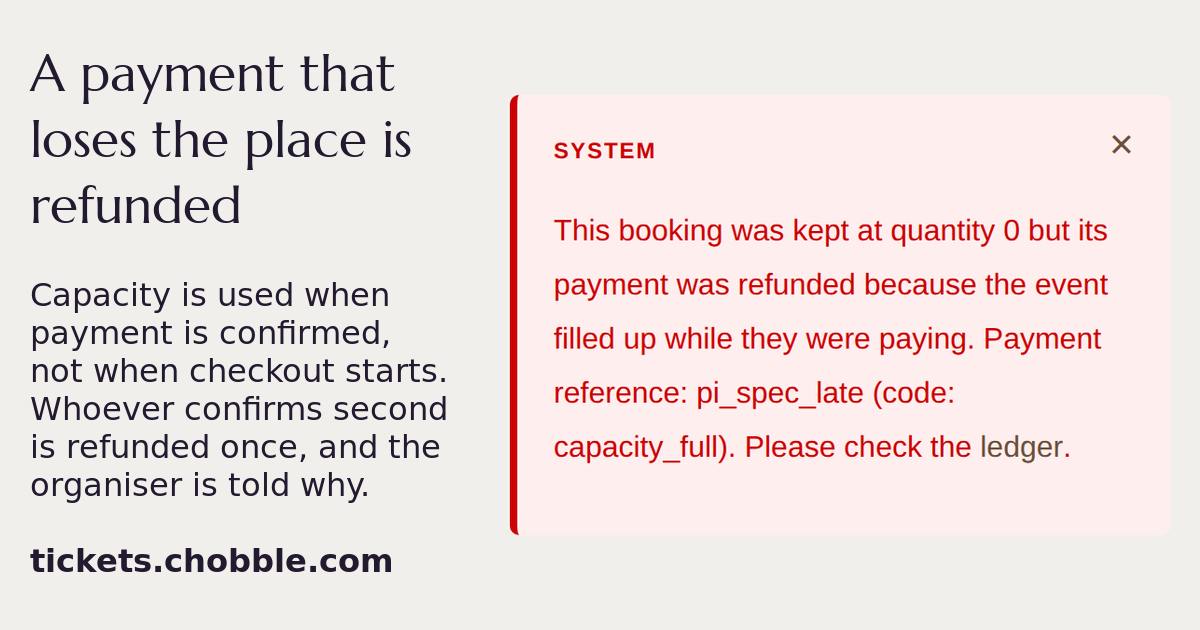
The note left when a payment arrives after the last place has gone.
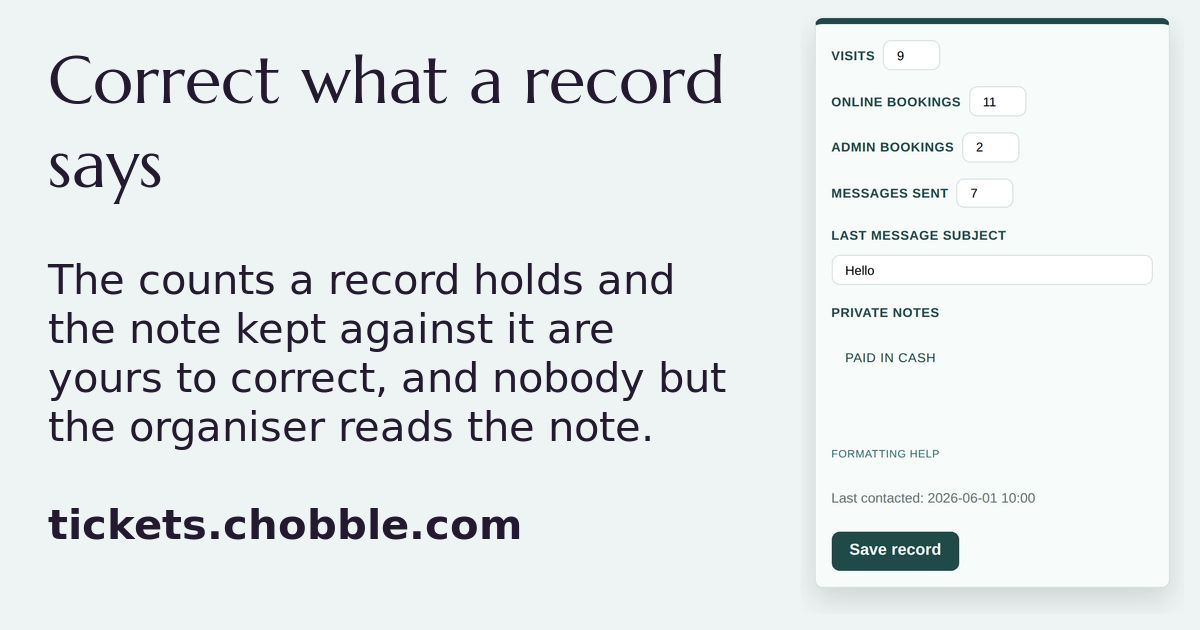
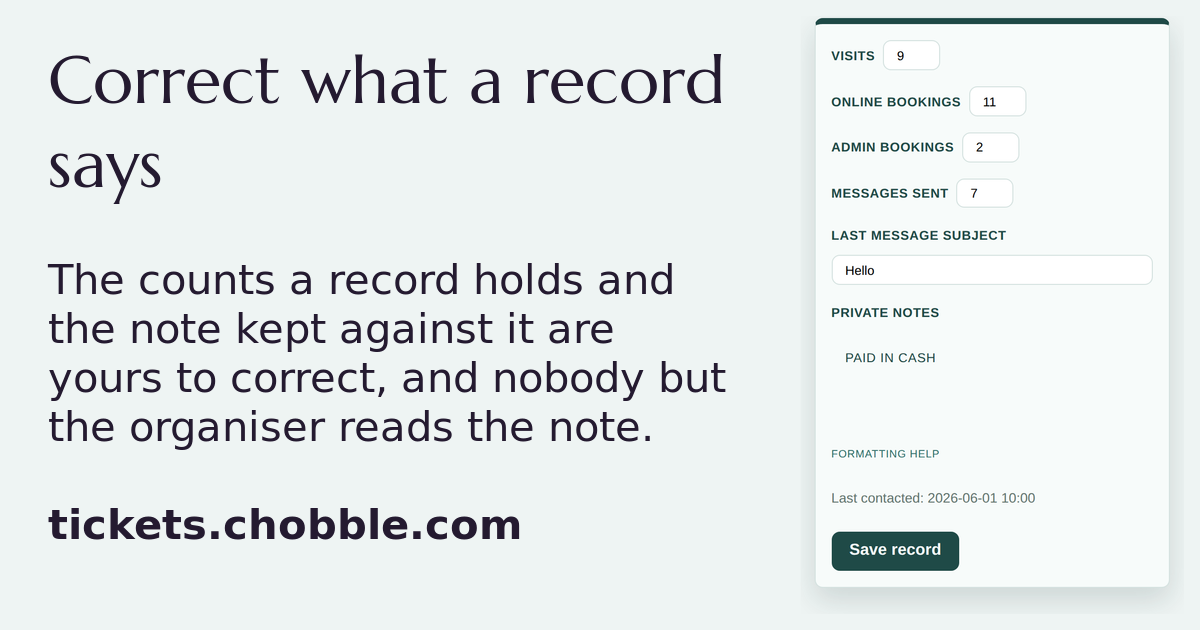
A contact record whose counts and private note the organiser has corrected.
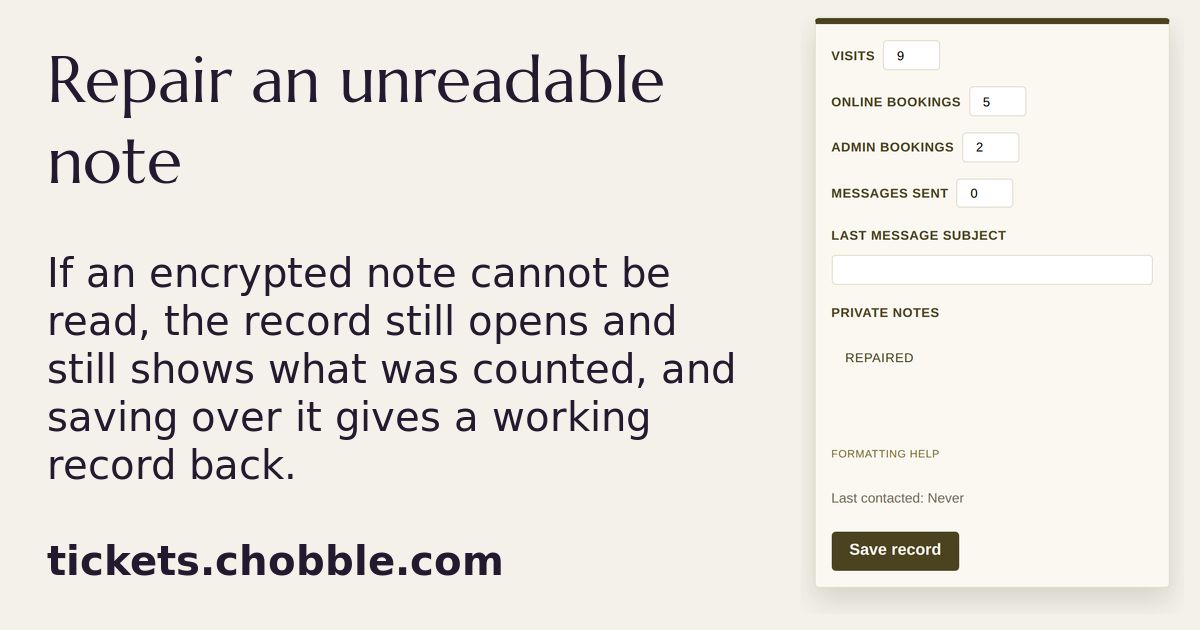
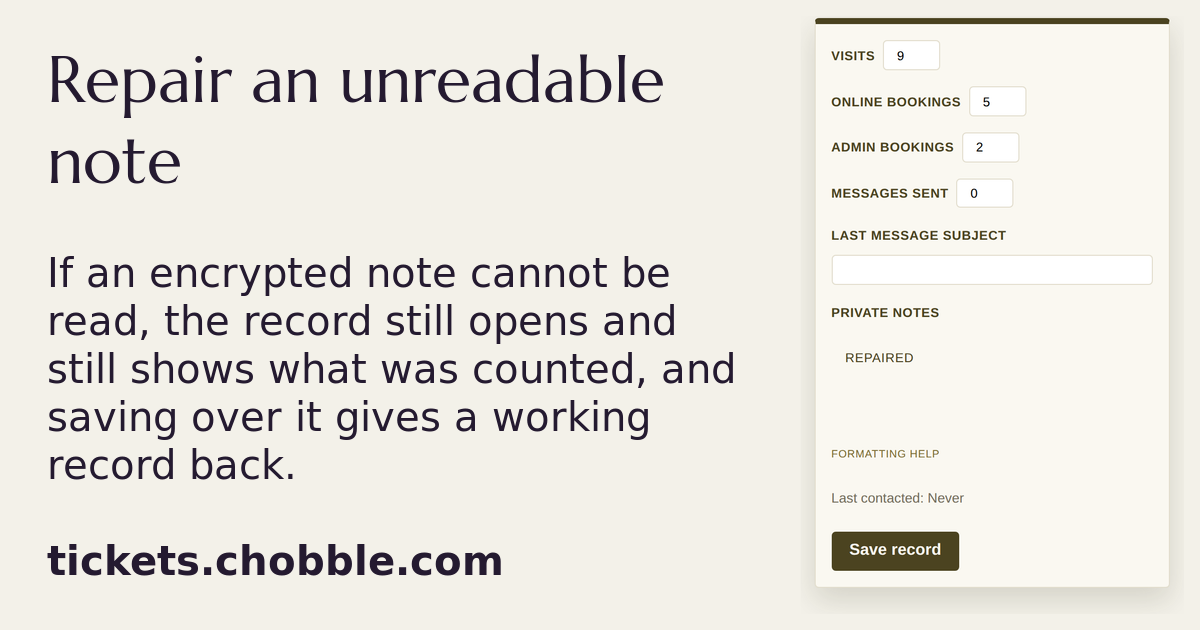
A record that opened and kept its counts after its encrypted note could not be read.
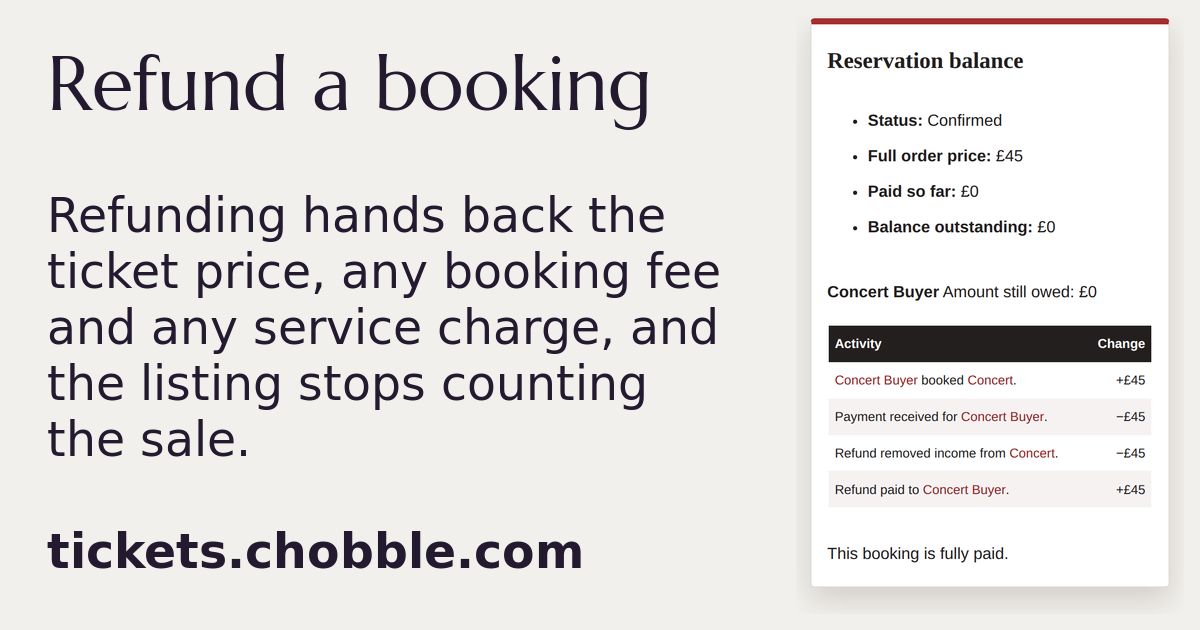
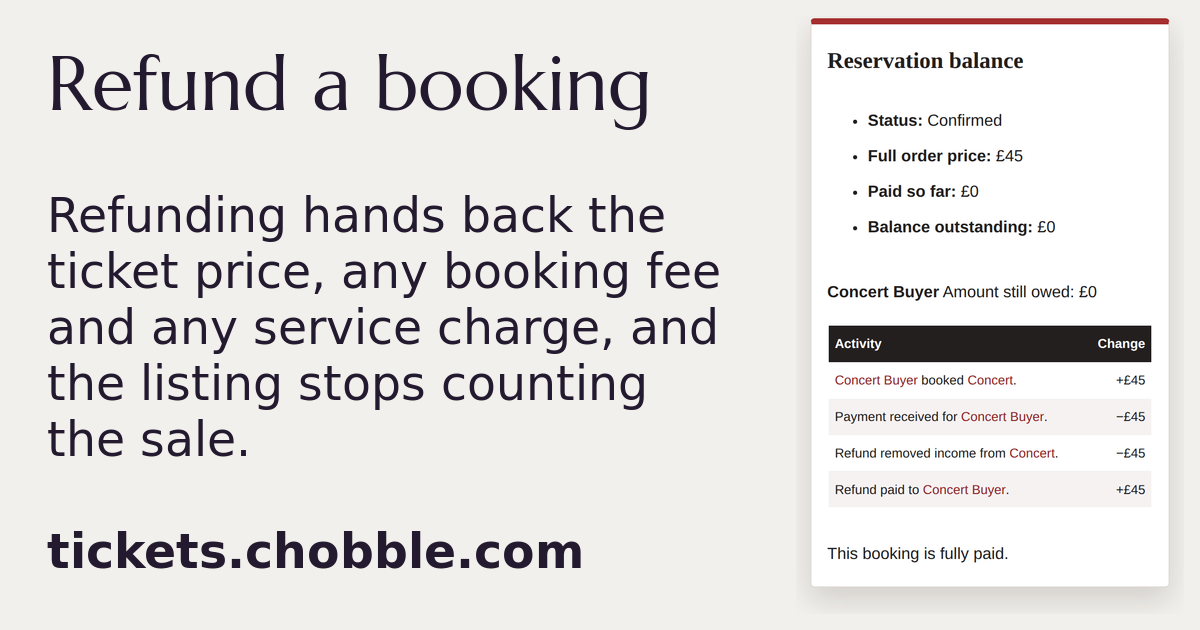
One booking's money after a refund, adding up to nothing owed.
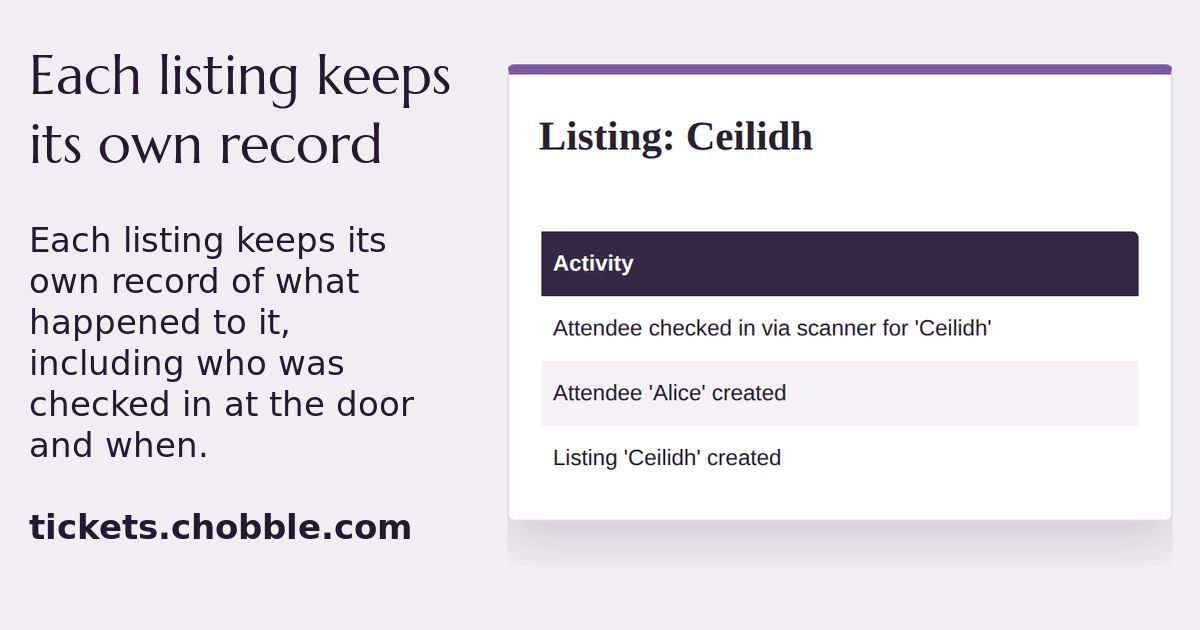
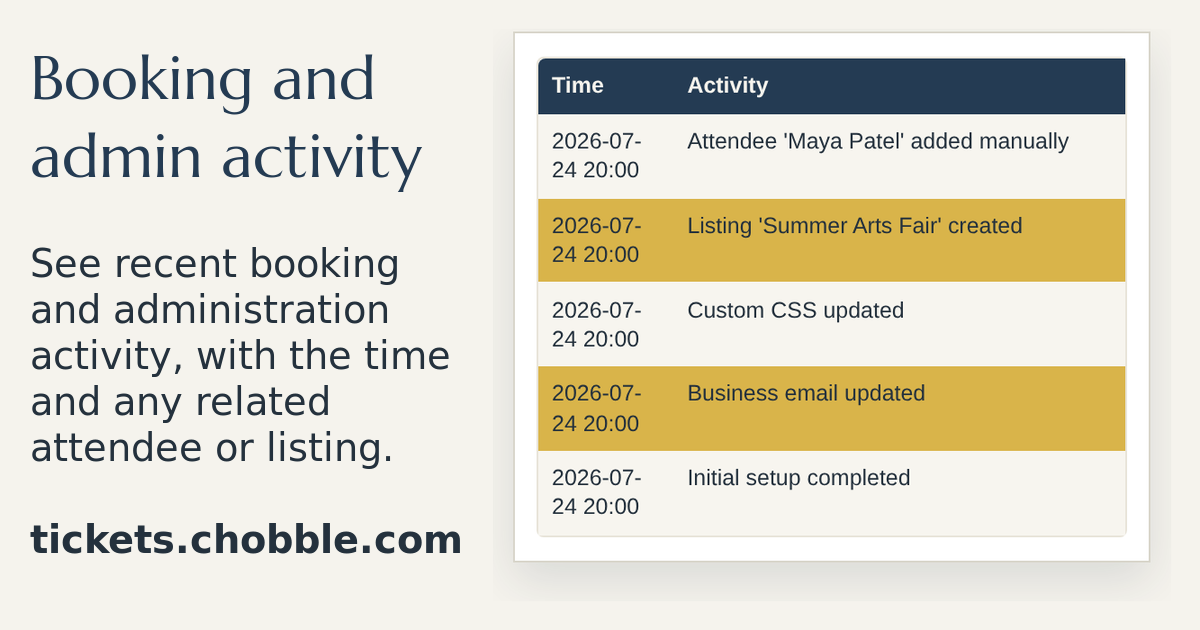
A listing's own record, with a door check-in written into it.
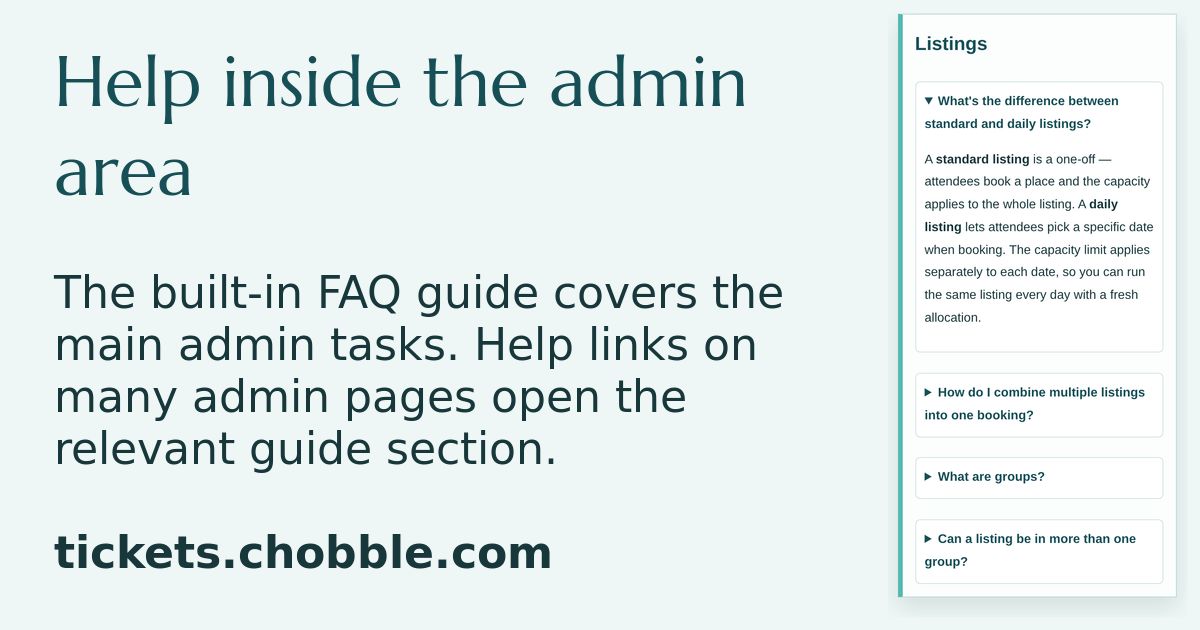
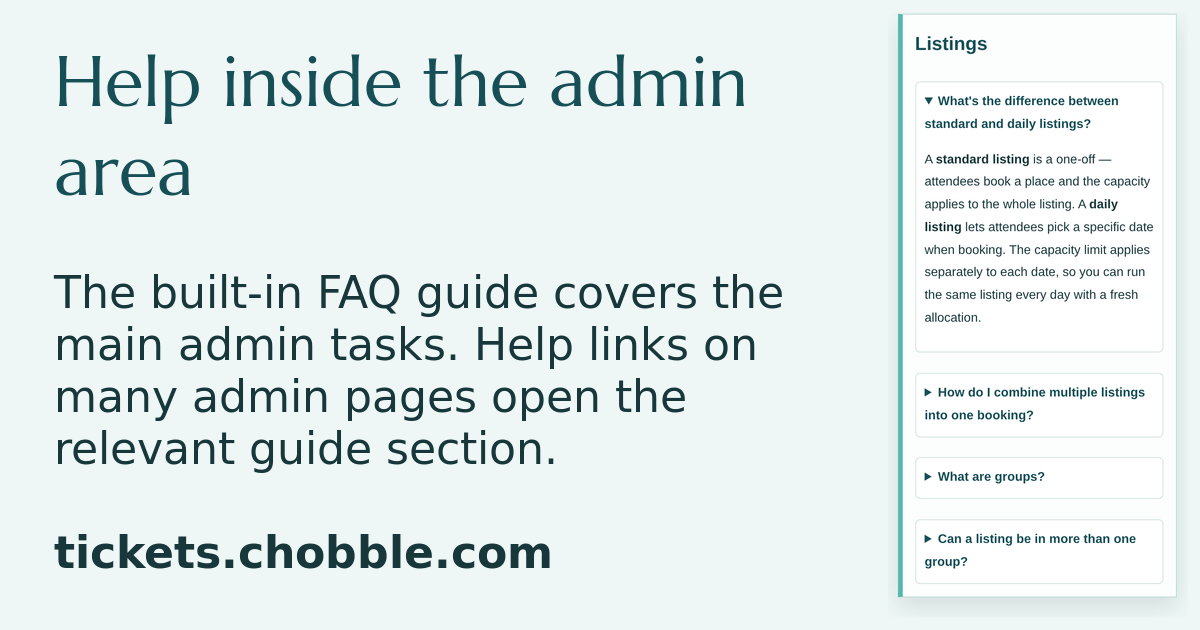
The admin guide — answers one click away from any admin screen.
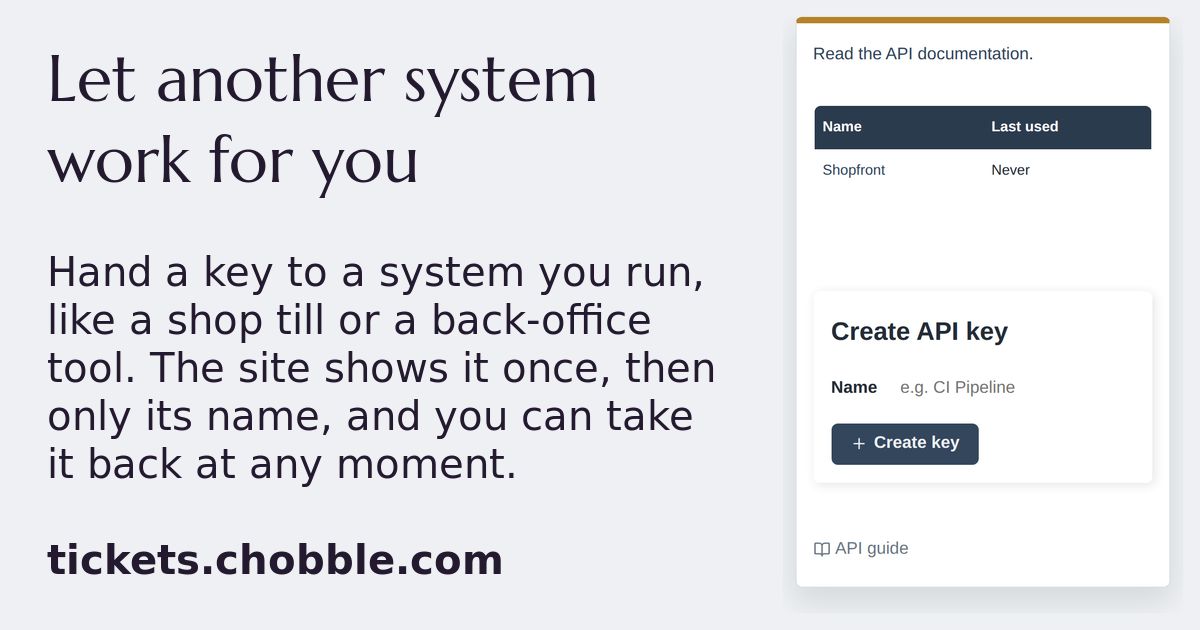
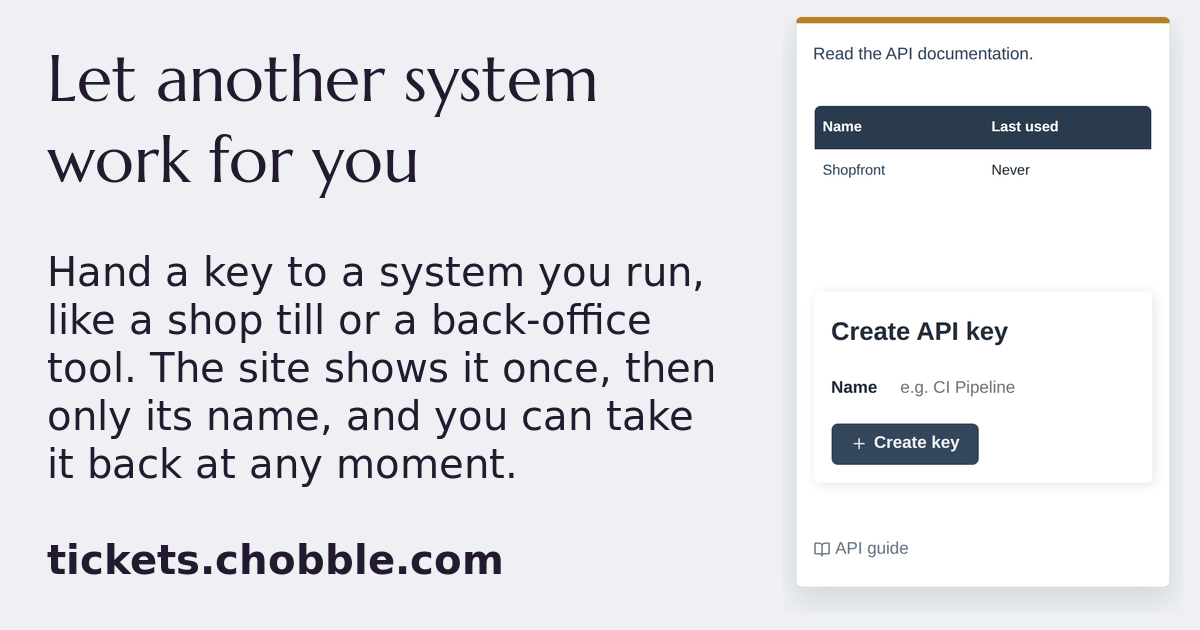
An API key list naming a key without showing the key itself.
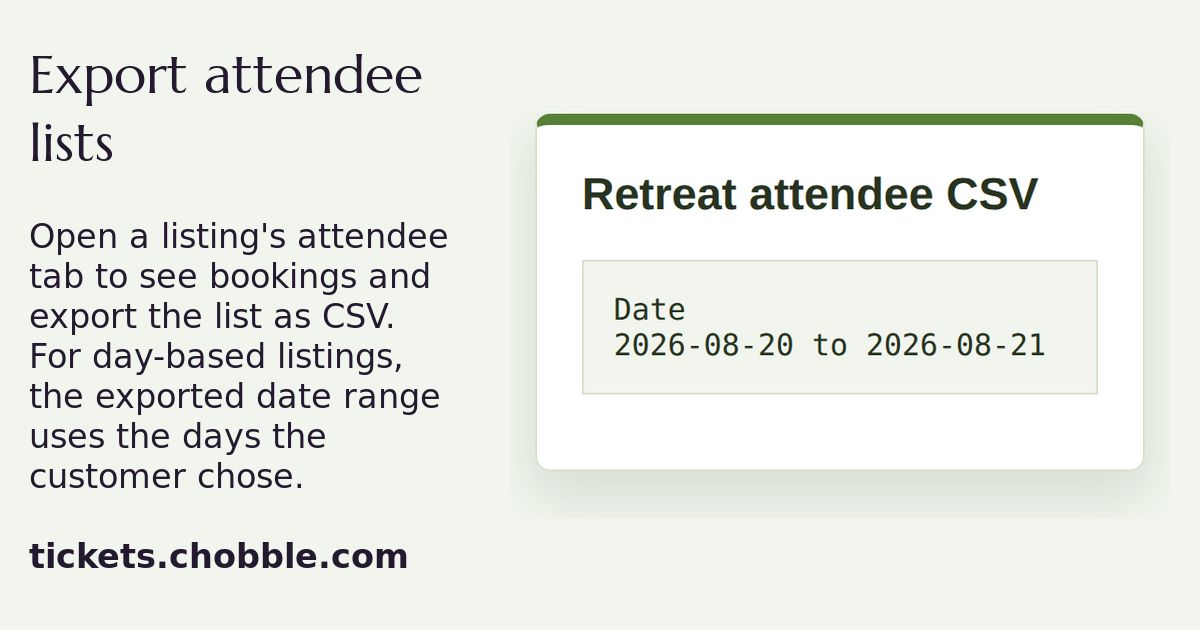
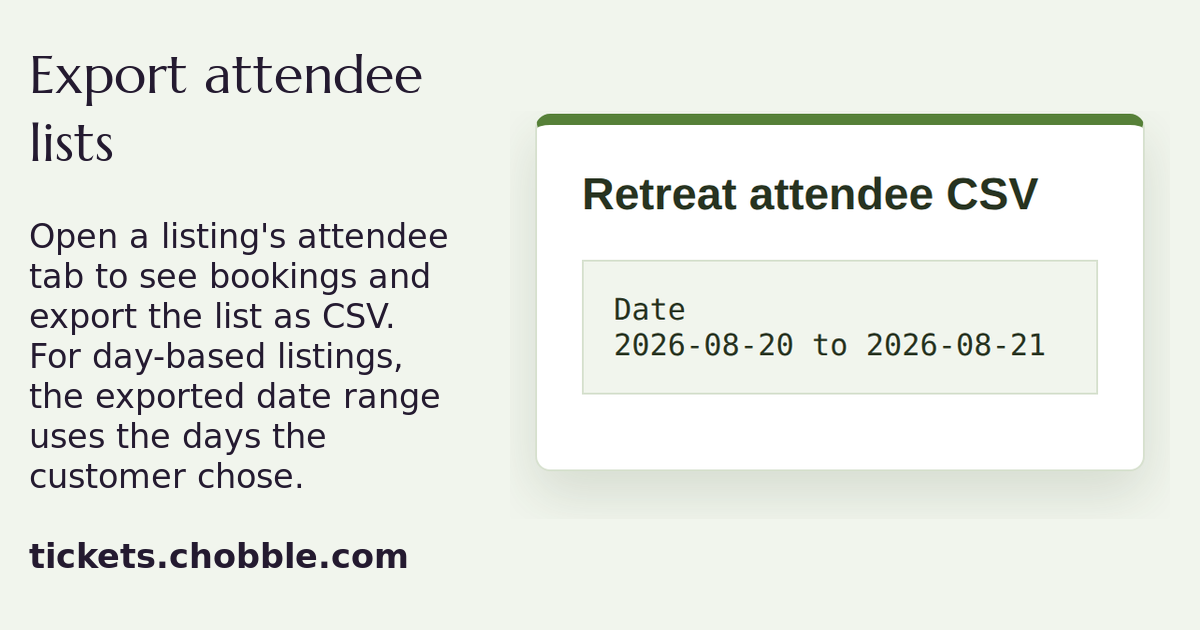
A Retreat attendee tab with a booking date and an Export CSV link.
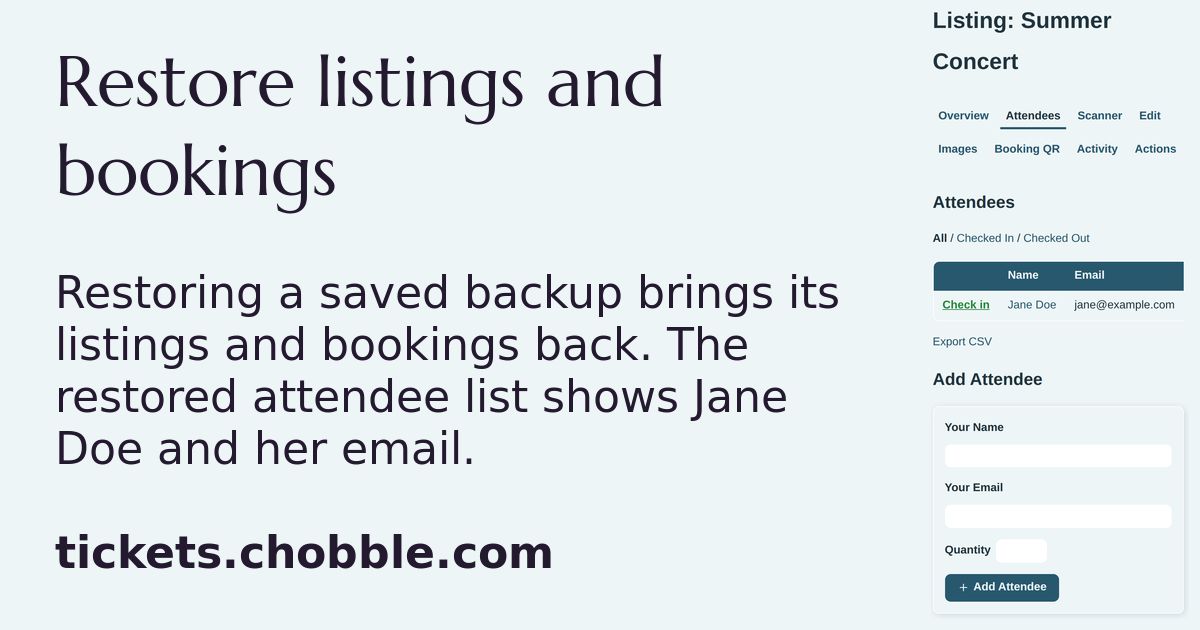
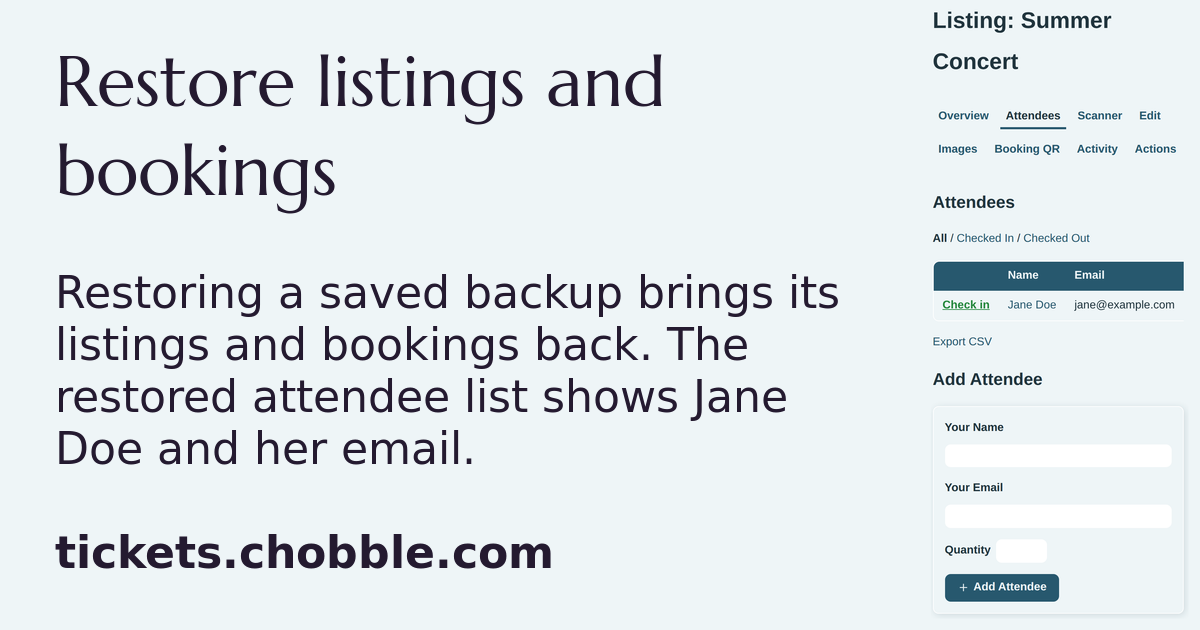
A restored attendee list showing Jane Doe and her email.
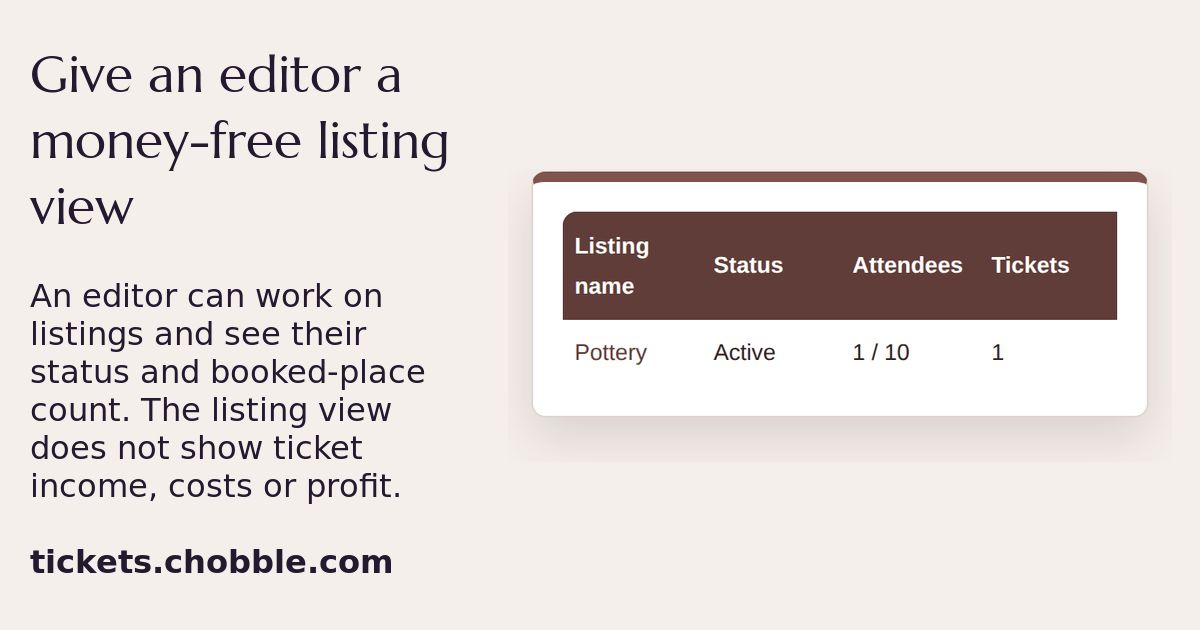
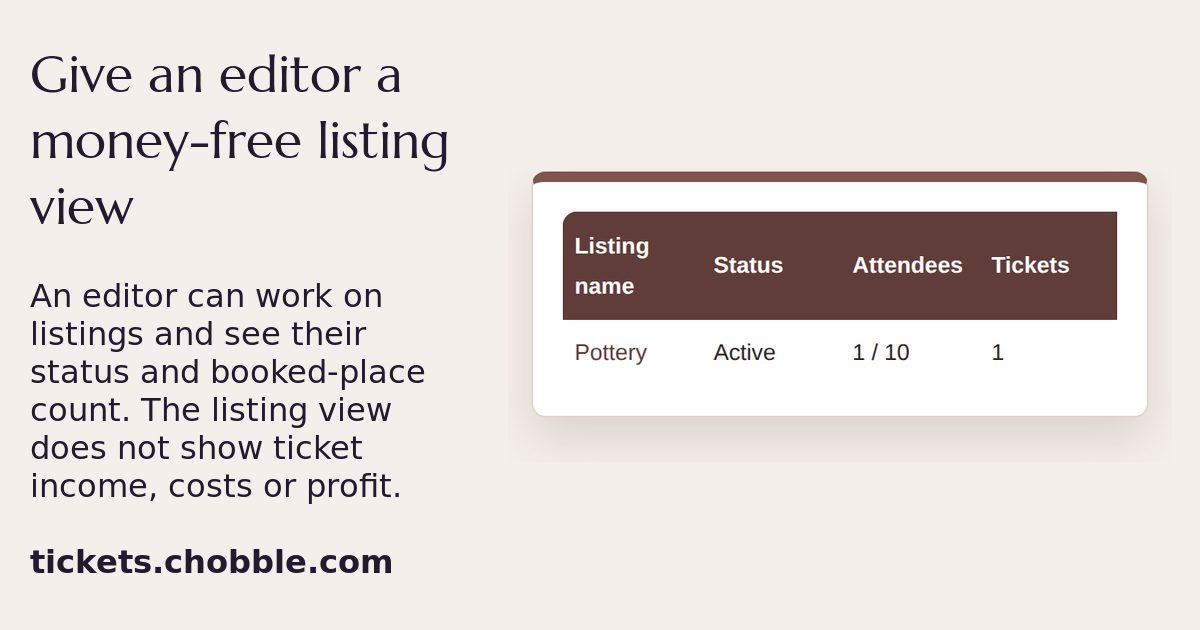
An editor's listing view, with no money columns.
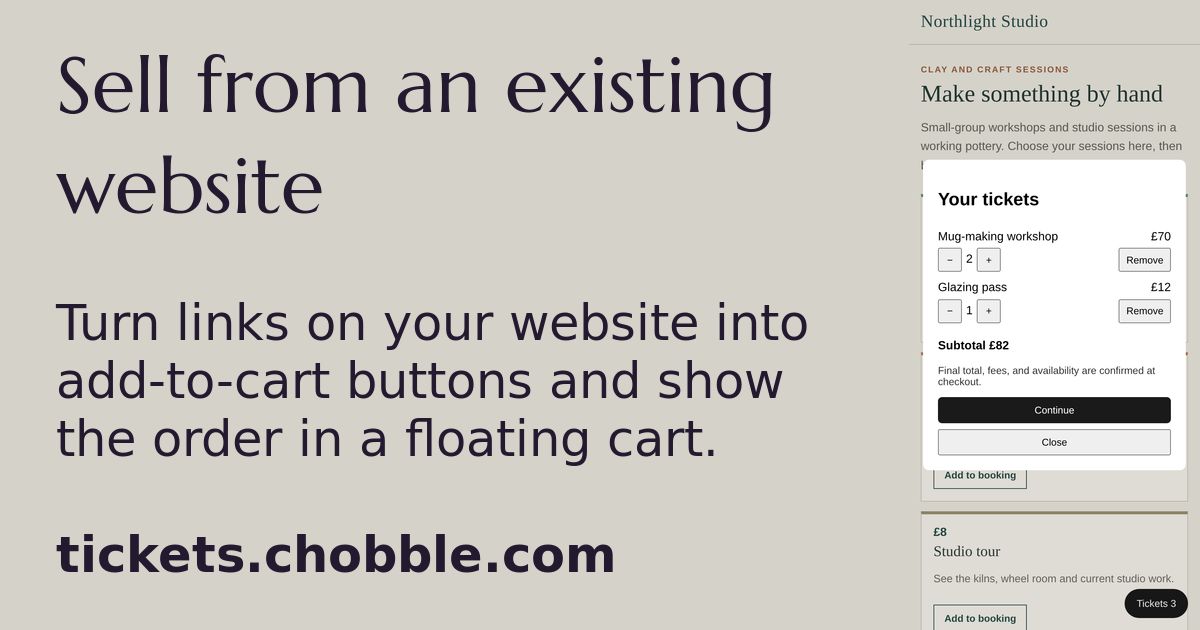
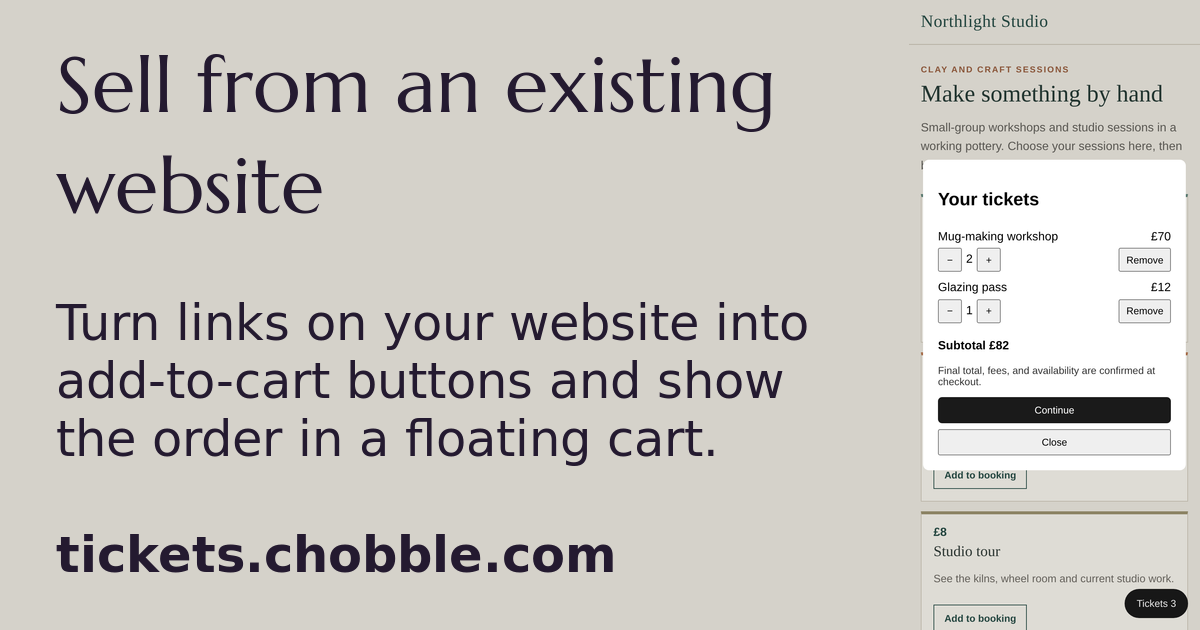
The order widget — a cart placed over an existing website.